





Best Video Editing PCs UK: Reliable 4K and 8K Workstations Compared
Table of Contents
Best Video Editing PCs UK: Reliable 4K and 8K Workstations Compared
Professional video production demands more than a powerful-looking desktop. Editors need a reliable workstation that can handle long exports, high-resolution footage, multi-layer timelines, colour grading, motion graphics and demanding creative applications without becoming unstable or unnecessarily noisy. The Cortex Studio range from House of Computers offers purpose-built video editing PCs in the UK, designed for professional editors, filmmakers, colourists, photographers, agencies and content creators.
Each Cortex Studio workstation is assembled in the UK, stress tested before dispatch and configured around sustained creative workloads rather than gaming performance alone. The range covers everything from daily 4K editing and YouTube production to 8K RAW footage, complex visual effects and high-end studio projects.
Why a Dedicated Video Editing PC Matters
A gaming computer and a video editing workstation may use similar components, but they are not always designed for the same workload. Gaming performance is usually measured through frame rates and short bursts of graphical activity. Professional editing applications can place heavy pressure on the processor, graphics card, memory and storage simultaneously for extended periods.
Video editors may need to play several high-resolution camera streams, generate previews, apply colour corrections, process effects and export finished footage at the same time. A properly balanced workstation helps prevent one component from becoming a serious bottleneck.
The Cortex Studio systems combine modern Intel Core Ultra or AMD Ryzen processors, NVIDIA GeForce RTX graphics, DDR5 memory and high-speed NVMe storage. The components are supported by carefully selected cooling, power supplies and airflow-focused cases to provide reliable performance during sustained workloads.
What to Look for in a Professional Video Editing PC
A Powerful Multi-Core Processor
The processor handles many of the calculations involved in decoding footage, generating previews, applying effects and exporting a finished project. Higher core counts are particularly helpful when working with demanding codecs, long-form productions, animation, rendering and applications running simultaneously.
Intel Core Ultra and AMD Ryzen 9 processors provide the multi-core capability required by modern creative workflows. Choosing the right processor depends on the type of footage, software and effects used rather than simply selecting the highest clock speed.
An NVIDIA RTX Graphics Card
Modern editing applications increasingly use the graphics card for accelerated effects, colour processing, AI-assisted tools, encoding and playback. An NVIDIA RTX GPU with sufficient video memory can significantly improve the experience when working with high-resolution footage, detailed effects or complex DaVinci Resolve grades.
The Cortex Studio range starts with the RTX 5060 Ti and extends to the flagship RTX 5090 with 32GB of graphics memory. This creates clear choices for mainstream 4K editing, high-end 8K production and intensive creative workloads.
Enough DDR5 Memory
Memory capacity affects timeline responsiveness, multitasking, preview generation and the number of applications that can remain open. A 32GB system is a sensible starting point for mainstream 4K editing, while 48GB or 64GB provides more headroom for large projects, After Effects compositions and high-resolution source files.
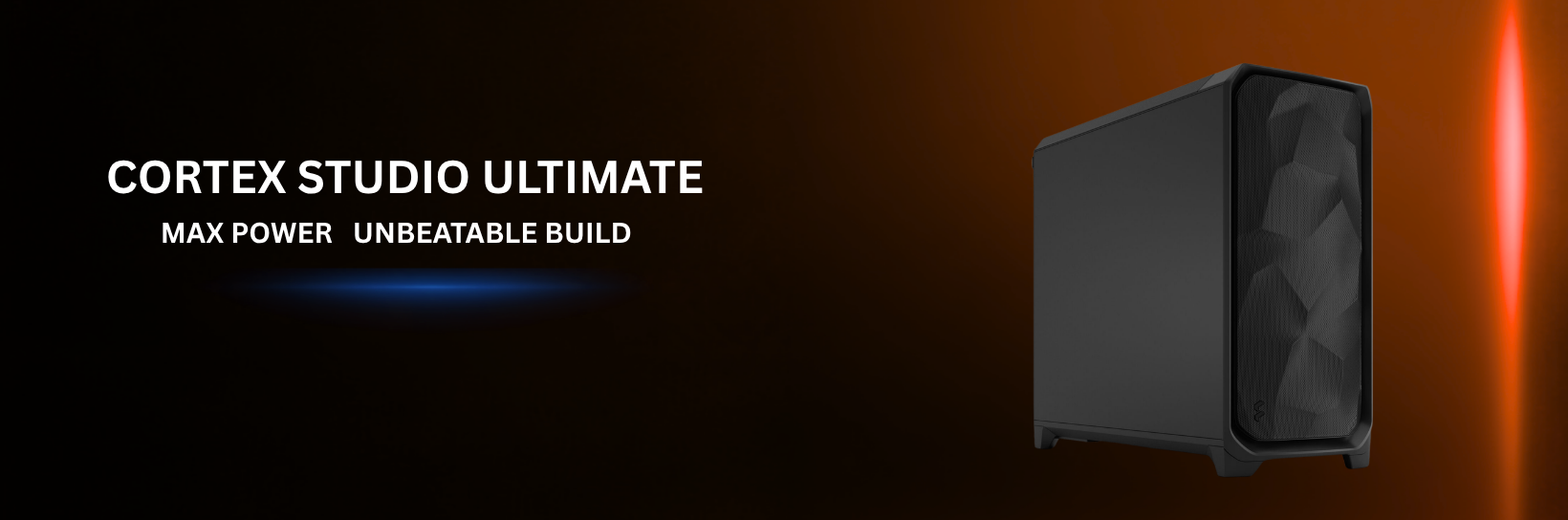
The Cortex Studio Ultimate includes 96GB DDR5 memory for exceptionally demanding projects, large visual effects compositions and professional users who regularly run several creative applications together.
Fast NVMe Storage
Video production involves very large files. Slow storage can delay project loading, media imports, preview generation and cache operations. NVMe solid-state storage provides much faster access than a traditional mechanical hard drive.
Professional editors can also benefit from separating the operating system, project media and software cache across different drives. Several Cortex Studio models include dual-drive storage or provide expansion options for an additional NVMe scratch disk.
Reliable and Quiet Cooling
Editing and rendering can keep a processor and graphics card under load for long periods. Good cooling protects sustained performance and helps avoid thermal throttling. It also matters in studios where excessive fan noise can interrupt voice-over recording, audio work or client sessions.
Cortex Studio workstations use premium low-noise air or liquid cooling selected according to the performance level of each configuration.
Cortex Studio Video Editing PCs Comparison
| Model | Processor | Graphics | Memory | Storage | Recommended Use | Listed Price* |
|---|
| Cortex Studio | Intel Core Ultra 7 265K | RTX 5060 Ti 16GB | 32GB DDR5 | 2TB NVMe SSD | Daily 4K editing, YouTube and wedding videos | £2,349.99 |
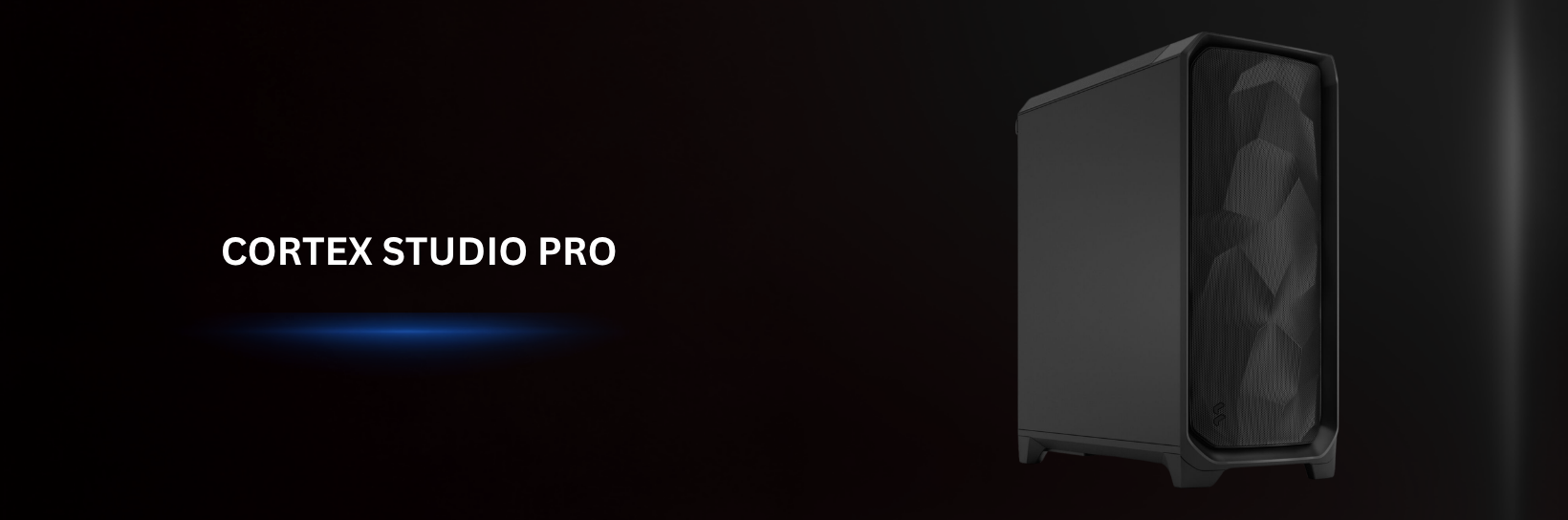
| Cortex Studio Pro | Intel Core Ultra 7 265K | RTX 5070 Ti 16GB | 48GB DDR5 | 2TB NVMe SSD | Professional 4K production and complex timelines | £2,949.99 |
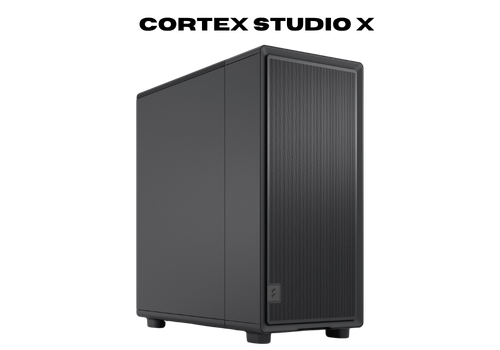
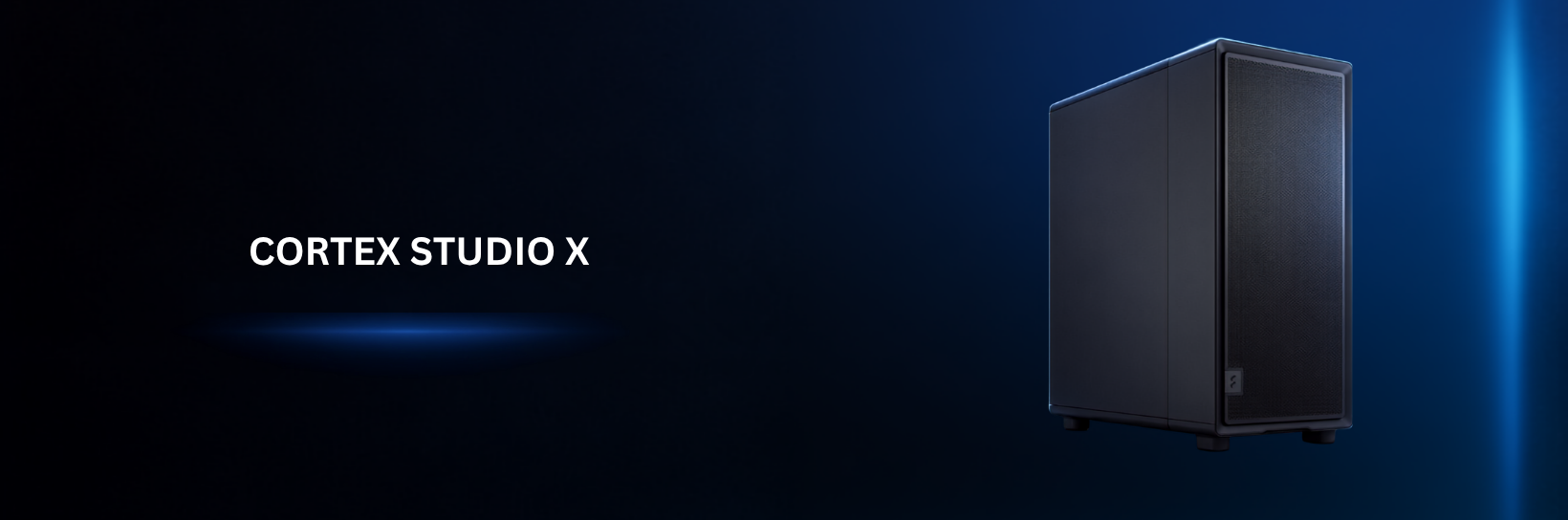
| Cortex Studio X | AMD Ryzen 7 9700X | RTX 5060 Ti | 32GB DDR5 | 2TB SSD and 4TB HDD | 4K editing with additional media storage | £2,999.99 |
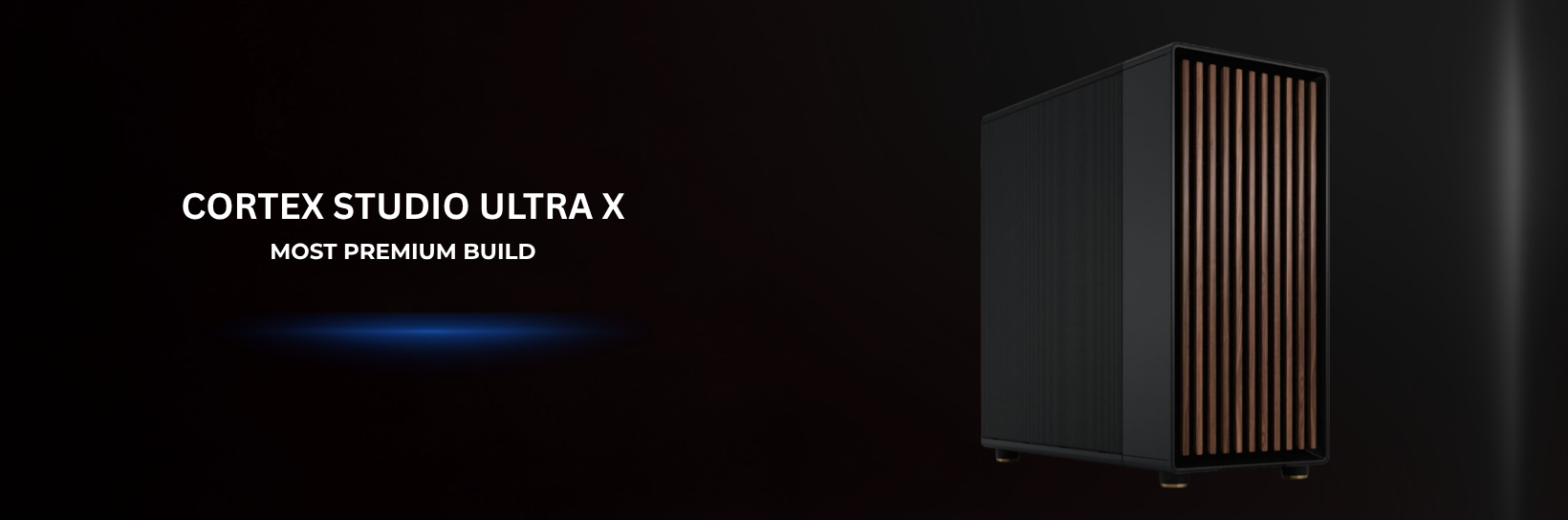
| Cortex Studio Ultra X | AMD Ryzen 9 9950X | RTX 5080 16GB | 64GB DDR5 | 4TB NVMe SSD | 8K editing, RAW footage, rendering and VFX | £4,149.99 |
| Cortex Studio Ultra | Intel Core Ultra 9 285K | RTX 5080 16GB | 64GB DDR5 | 4TB NVMe SSD | 8K production, grading and motion design | £4,329.99 |
| Cortex Studio Ultimate | Intel Core Ultra 9 285K | RTX 5090 32GB | 96GB DDR5 | 6TB NVMe SSD | Extreme studio, VFX and multi-application workloads | £7,799.99 |
Cortex Studio: A Strong Starting Point for Professional 4K Editing
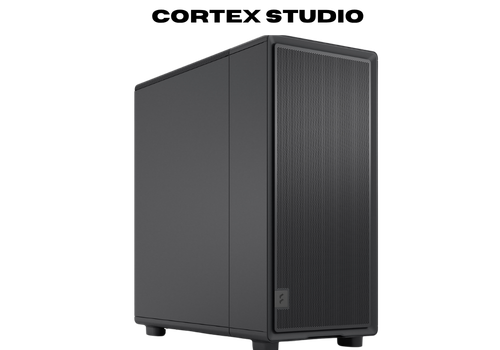
the standard Cortex Studio provides a balanced entry into professional content creation. It combines an Intel Core Ultra 7 265K processor with an NVIDIA GeForce RTX 5060 Ti 16GB graphics card, 32GB DDR5 memory and a 2TB NVMe SSD.
This specification is well suited to everyday 4K editing, social-media production, YouTube videos, wedding films, interviews and commercial content. The 32GB memory capacity provides enough room for mainstream editing and multitasking, while the 16GB graphics card offers useful GPU headroom for accelerated effects and colour work.
The 2TB NVMe SSD provides fast space for Windows, applications and active projects. Additional storage can be configured for editors with larger media libraries or those who want a separate scratch disk.
The Cortex Studio is the most suitable option for creators who want a serious editing workstation without immediately moving into the higher price levels of the range.
Cortex Studio Pro: The Best Balanced Choice for Professional Editors
The Cortex Studio Pro is the strongest all-round option for many professional editors. It retains the Intel Core Ultra 7 265K processor but upgrades the graphics card to an NVIDIA RTX 5070 Ti 16GB and increases the system memory to 48GB DDR5.
That combination provides additional headroom for effects-heavy 4K timelines, higher-resolution footage, multicamera projects, colour correction and applications such as Adobe After Effects. The RTX 5070 Ti is also better positioned for GPU-accelerated creative work than the RTX 5060 Ti used in the standard Cortex Studio.
Its 48GB of DDR5 6000MHz memory sits between the common 32GB and 64GB configurations. This makes it a practical option for users who need more creative headroom but do not yet require a full 64GB workstation.
The detailed specification includes a Crucial P310 2TB NVMe SSD, a be quiet! Dark Rock Pro 5 cooler, Corsair RM850e power supply and Gigabyte Z890 AORUS ELITE Wi-Fi 7 motherboard. These components support stability, airflow, connectivity and future expansion.
For freelance professionals, production studios and experienced creators, the Cortex Studio Pro offers the best balance between price, graphics performance, memory and professional build quality.
Cortex Studio X: An AMD Editing PC with Expanded Storage
The Cortex Studio X provides an AMD-powered alternative for creators who want strong performance and more built-in media storage. Its product page lists an AMD Ryzen 7 9700X processor, NVIDIA GeForce RTX 5060 Ti graphics, 32GB DDR5 memory, a 2TB SSD and an additional 4TB hard drive.
The combined storage arrangement is useful for editors who want fast solid-state storage for Windows, applications and active projects alongside a larger drive for completed footage, source files or archives.
This workstation is suitable for 4K editing, photography, social content, wedding videography and general creative production. The AMD Ryzen 7 processor provides strong modern performance, while the RTX GPU supports accelerated creative tools.
The Studio X should be considered by buyers who value greater total storage capacity and prefer an AMD platform. However, its product information must be corrected across the website before the blog is published because the category page currently displays a different processor, memory capacity and graphics card.
Cortex Studio Ultra X: AMD Ryzen 9 Power for Intensive Production
The Cortex Studio Ultra X is designed for creators whose projects have moved beyond ordinary 4K editing. It uses the 16-core, 32-thread AMD Ryzen 9 9950X processor alongside an NVIDIA GeForce RTX 5080 16GB graphics card, 64GB DDR5 memory and 4TB of NVMe storage.
This configuration provides substantial multi-core power for long exports, rendering, encoding and applications that can take advantage of many processor threads. The 64GB memory capacity provides valuable headroom for large After Effects projects, RAW footage, high-resolution timelines and demanding multitasking.
Its storage system combines a Samsung 9100 Pro 2TB PCIe 5.0 NVMe SSD with a second 2TB NVMe drive. This gives editors the option to separate the operating system and applications from project media, cache files or active production assets.
An Arctic Freezer III 360mm liquid cooler, Corsair RM1000x power supply and Gigabyte X870 AORUS ELITE Wi-Fi 7 motherboard support sustained performance and expansion.
The Ultra X is particularly suitable for editors, animators and visual-effects professionals who prefer an AMD processor and require greater multi-core performance, memory and fast project storage.
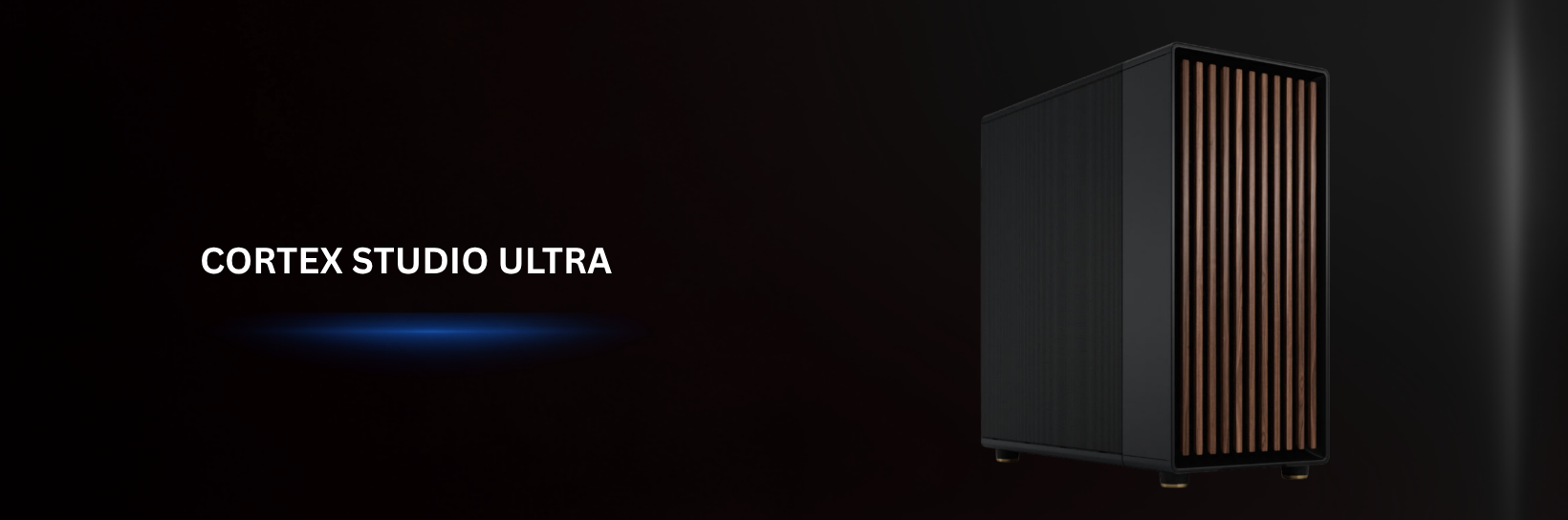
Cortex Studio Ultra: Premium Intel Performance for 8K Editing
The Cortex Studio Ultra is positioned as a high-end Intel workstation for demanding creative professionals. Its detailed description identifies an Intel Core Ultra 9 285K processor, NVIDIA GeForce RTX 5080 16GB graphics card, 64GB DDR5 6000MHz memory and a 4TB NVMe storage configuration.
The combination of a 24-core Intel processor and RTX 5080 graphics makes it suitable for high-resolution editing, professional colour grading, detailed motion graphics and GPU-accelerated effects. Its 64GB memory capacity supports large projects and simultaneous use of several creative applications.
The Cortex Studio Ultra is a strong choice for production professionals working with 8K footage, Blackmagic RAW, RED media, multi-layer compositions and complex DaVinci Resolve grades. It offers considerably more processing and graphics headroom than the standard and Pro models.
Before promoting this workstation, House of Computers should replace the incorrect i7-14700K reference in the short specification area with the correct processor.
Cortex Studio Ultimate: Maximum Power for the Heaviest Workloads
Which Cortex Studio PC Should You Choose?
Best for YouTube and Social-Media Content
The standard Cortex Studio is the most sensible starting point for YouTube videos, interviews, podcasts, short-form content and regular 4K editing. Its 32GB memory, RTX 5060 Ti 16GB graphics and 2TB NVMe storage provide a balanced professional configuration.
Best for Wedding and Event Videography
Wedding videographers frequently manage multicamera footage, long timelines and strict delivery schedules. The Cortex Studio Pro offers additional GPU performance and 48GB memory, making it the more comfortable option for demanding weekly workloads.
The Cortex Studio X may also appeal to event videographers because its 2TB SSD and 4TB hard drive provide additional space for large collections of footage.
Best for Freelance Professional Editors
For most professional freelancers, the Cortex Studio Pro represents the best overall value. It delivers more graphics and memory headroom than the standard model without the substantial price increase of the RTX 5080 workstations.
Best for DaVinci Resolve and Colour Grading
DaVinci Resolve can place significant demands on graphics performance and graphics memory. The Cortex Studio Ultra and Ultra X both include an RTX 5080 16GB, 64GB DDR5 memory and 4TB NVMe storage, making them better suited to detailed colour work and high-resolution projects.
Best for After Effects and Motion Graphics
Motion graphics, large compositions and high-resolution previews benefit from strong processors and generous memory capacity. The 64GB Cortex Studio Ultra models provide a strong platform, while the 96GB Ultimate is better suited to especially large compositions and advanced professional work.
Best for 8K RAW Footage
The Cortex Studio Ultra X, Cortex Studio Ultra and Cortex Studio Ultimate are the most appropriate choices for 8K and RAW production. Their higher-end processors, RTX 5080 or RTX 5090 graphics and greater memory capacity provide more headroom for intensive footage and effects.
Best for Maximum Performance
The Cortex Studio Ultimate is the no-compromise choice. Its RTX 5090 32GB, 96GB memory and 6TB NVMe storage are designed for the largest and most demanding professional workloads in the range.
Optimised for Professional Creative Software
Cortex Studio workstations are designed for the applications commonly used throughout professional content-production workflows. These include:
- Adobe Premiere Pro
- DaVinci Resolve
- Adobe After Effects
- Adobe Media Encoder
- Adobe Photoshop
- Adobe Lightroom Classic
- Adobe Audition
- Blackmagic RAW workflows
- RED R3D workflows
- Frame.io
The correct workstation still depends on the resolution, codec, effects, software version and project complexity. Editors working primarily with ordinary 4K footage may not require the same system as a colourist processing 8K RAW media or a VFX professional creating complex compositions.
Built for Reliability, Not Only Benchmark Scores
A workstation used professionally must remain dependable during long editing sessions and exports. A system that performs well for a short benchmark but becomes unstable during sustained production can cost more in lost time than the original hardware saving.
House of Computers states that every Cortex Studio workstation is assembled by UK technicians and tested with extended CPU and GPU workloads before dispatch. The systems are also built with organised cable management and cooling selected according to the configuration.
This process is important because airflow, power delivery, component installation and thermal performance all affect long-term stability. Professional assembly also reduces the risk of receiving a system with poorly fitted components, loose connections or inadequate cooling.
The workstations are configured with NVIDIA Studio Drivers and Windows setup for creative use. Buyers can also request changes to memory, storage, graphics and cooling before the computer is built.
Quiet Performance for Editing Studios
Excessive computer noise can become distracting during long editing sessions and particularly problematic when recording voice-overs or working with audio. Cortex Studio systems use premium low-noise cooling and airflow-focused cases intended to control temperatures without unnecessary fan noise.
Higher-performance models use large liquid-cooling systems to manage the heat produced by powerful processors. Lower and mid-range models use premium air cooling selected for reliable and quiet operation.
Actual noise levels will depend on the final configuration, room temperature, workload and fan settings. However, selecting cooling around sustained creative work is more appropriate than treating cooling as a cosmetic addition.
UK Assembly, Support and Warranty Coverage
Every Cortex Studio workstation is assembled and tested in the UK. Customers can receive free UK delivery or collect an eligible order from the House of Computers store at 48 Tottenham Court Road in Central London after receiving collection confirmation.
The standard warranty includes:
- One year of Collect and Return service
- One year of parts coverage
- Three years of labour support
Buyers also have access to UK-based sales and technical assistance. This provides an important advantage for professionals who rely on their workstation for paid work and need support from technicians familiar with the system.
A Workstation That Can Grow with Your Work
Creative requirements change over time. A content creator may begin with compressed 4K footage and later move into RAW video, multicamera projects or motion graphics. Storage needs can also grow rapidly as camera quality and project length increase.
Cortex Studio workstations can be customised before purchase with different memory, storage, graphics and cooling options. Expansion-ready cases and motherboards also make future upgrades more practical.
Editors should consider both their current workload and what they expect to produce over the next several years. Spending slightly more on memory, storage or graphics headroom may be worthwhile when the computer is an essential business tool.
What is the best PC for video editing in the UK?
The best PC depends on the footage, software and project complexity. The Cortex Studio is suitable for mainstream 4K editing, while the Studio Pro provides more headroom for professional production. The Ultra, Ultra X and Ultimate are better suited to 8K, RAW, colour grading and heavy visual-effects work.
Lenovo ThinkPad Leading the Business World
The Lenovo ThinkPad has become the gold standard for business laptops. Known for its legendary durability, comfort, and enterprise-level security, the Lenovo ThinkPad is trusted worldwide. Professionals in London seeking the best Lenovo laptops consistently choose the Lenovo ThinkPad because of its balance of speed, portability, and design. Many industries, including finance, law, and technology, rely on the Lenovo ThinkPad as their primary Windows laptop.
One standout in the Lenovo ThinkPad Series is the Lenovo ThinkPad X1 Carbon, which is considered one of the best laptops for executives. The Lenovo ThinkPad is also widely available through Lenovo reseller laptops, ensuring customers receive authentic devices. Those considering a Lenovo work laptop or a Lenovo professional laptop find the Lenovo ThinkPad unmatched. It is not just a Lenovo laptop; it is often regarded as the best Lenovo laptop of its generation.
Is 32GB RAM enough for 4K video editing?
A well-balanced 32GB system can be suitable for mainstream 4K projects. More demanding multicamera footage, large After Effects compositions and heavy multitasking may benefit from 48GB or 64GB.
Do I need 64GB RAM for video editing?
Not every editor needs 64GB. It becomes more useful for high-resolution RAW footage, large compositions, intensive colour grading, several creative applications and complex professional projects.
Which Cortex Studio PC is best for Premiere Pro?
The standard Cortex Studio is suitable for general 4K Premiere Pro editing. The Cortex Studio Pro is the stronger all-round professional choice because it adds an RTX 5070 Ti and 48GB memory. Ultra models provide more headroom for high-resolution and effects-heavy projects.
Which PC is best for DaVinci Resolve?
The Cortex Studio Ultra and Ultra X are strong choices for demanding Resolve workflows because both include RTX 5080 graphics, 64GB memory and 4TB storage. The Ultimate provides the highest level of GPU performance and graphics memory.
Can Cortex Studio workstations edit 8K video?
The Ultra, Ultra X and Ultimate models are designed for high-resolution and 8K workflows. Actual playback and export performance will depend on the camera codec, effects, timeline complexity, software version and selected playback settings.
Can I customise a Cortex Studio workstation?
Yes. Memory, storage, graphics and cooling can be adjusted according to the workflow and available budget before the workstation is built.
Are Cortex Studio PCs tested before delivery?
House of Computers states that each system undergoes extended full-load CPU and GPU testing followed by final quality checks before dispatch.
What warranty is included?
The standard coverage includes one year of Collect and Return service, one year of parts coverage and three years of labour support.


