





Cortex Precision Workstations
CAD, BIM & CAE Workstation PCs for AEC Professionals — Engineered & Built in the UK
From a single-seat AutoCAD drafting station to a Threadripper simulation rig with NVIDIA RTX PRO graphics, every Cortex Precision is sized around the software you actually run. Revit, AutoCAD, Civil 3D, SolidWorks, Inventor, Archicad, Tekla, Ansys and more: each build is configured for how these applications use CPU clocks, cores, VRAM and memory, then hand-built, stress tested and supported here in the UK.

Workstations Optimised for Your Workflow
A selection of Cortex Precision workstations optimised for specific engineering and design tasks. Browse the range below.

CAD & BIM PCs
Workstations for authoring and documenting in Revit, AutoCAD, Archicad and Vectorworks.
View CAD & BIM Range →
Structural & Civil PCs
Builds for Tekla, Revit Structure, Civil 3D corridors and OpenRoads infrastructure models.
View Structural & Civil Range →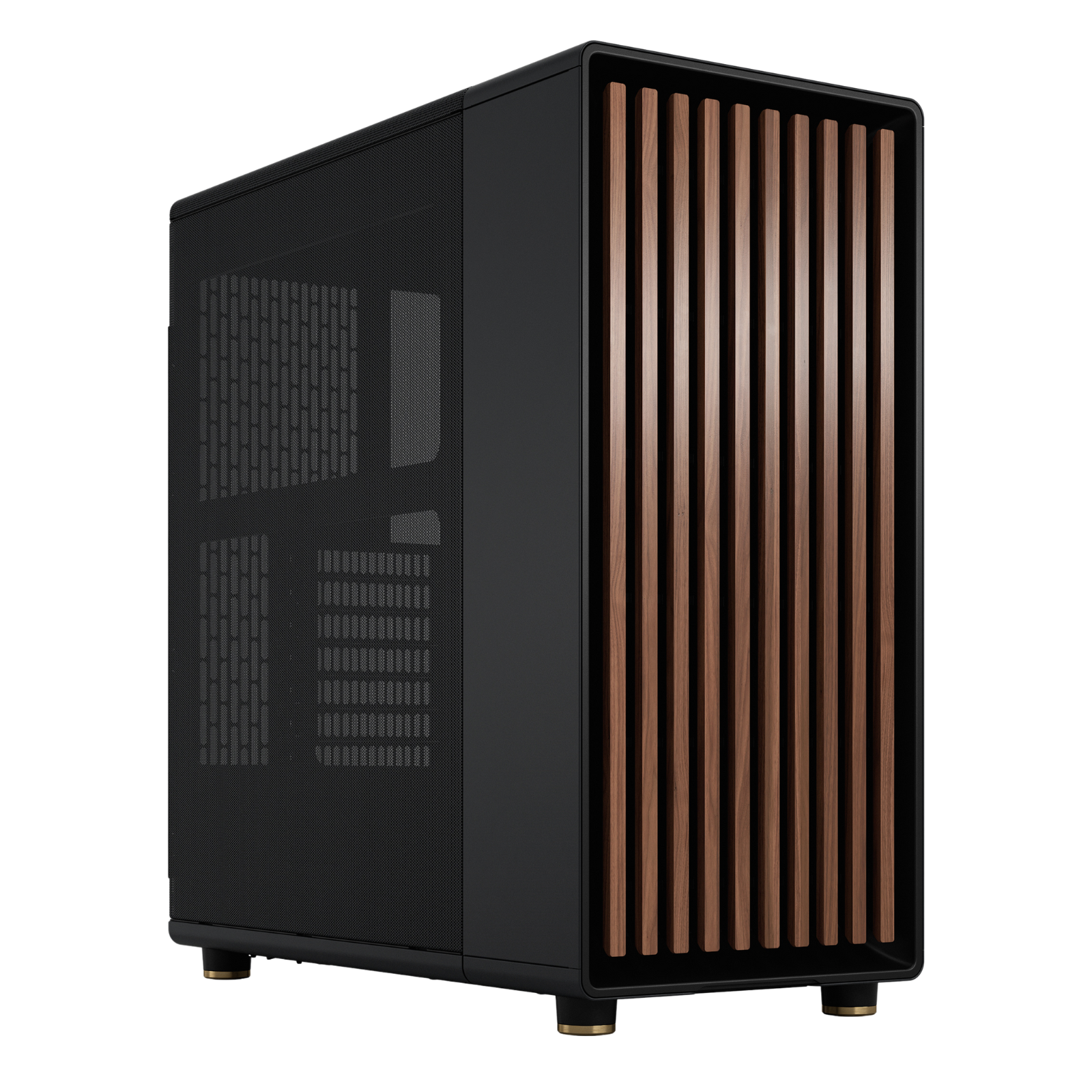
Product Design PCs
Certified-driver builds for SolidWorks, Inventor, CATIA, Siemens NX and Creo assemblies.
View Product Design Range →
Simulation & CAE PCs
High core-count workstations with ECC memory for Ansys, Abaqus, COMSOL and OpenFOAM.
View Simulation Range →
Visualisation PCs
Ray-traced headroom for Enscape, Twinmotion, Lumion, D5 and VR design review.
View Visualisation Range →
Point Cloud & Scan PCs
Memory and storage sized for ReCap registration, scan-to-BIM and reality capture datasets.
View Point Cloud Range →Your Configuration, Not a Shelf Model
Nothing here is pre-boxed. Every Cortex Precision is assembled and stress tested to your specification once you order, and typically leaves our workshop within 2–3 working days. Working to a project start date? Tell us and we’ll plan the build around it.
Browse All BuildsNot Sure Which Build You Need?
Tell a UK technician what you model, coordinate or solve in and we’ll size the platform, graphics and memory around it, then adjust any component before we build.
Call 0207 096 5008Configured for the Tools of Your Trade
Cortex Precision workstations are specified around the real behaviour of professional AEC, BIM, CAD and CAE software, not generic benchmarks. Tell us what you run and at what project scale, and we’ll match the platform, graphics and memory to it.
AEC & BIM
High boost clocks for authoring, big memory for federated models, GPU headroom for real-time design review.
- Autodesk Revit
- AutoCAD & AutoCAD LT
- Civil 3D
- Navisworks
- Archicad
- Tekla Structures
- Vectorworks
- Bentley MicroStation
- OpenRoads
- SketchUp
- BIM 360 / ACC
- Solibri
CAD & Product Design
Fast single-core performance for feature trees and rebuilds, with certified-driver options for parametric heavyweights.
- SolidWorks
- Autodesk Inventor
- Fusion
- CATIA
- Siemens NX
- Solid Edge
- PTC Creo
- Rhino 8
- Grasshopper
- Alias
- Mastercam
- KeyShot
CAE & Simulation
Core counts, memory bandwidth and ECC stability for meshing and solving, plus RTX PRO GPUs for accelerated solvers.
- Ansys Mechanical
- Ansys Fluent
- Abaqus
- COMSOL
- Altair HyperWorks
- SolidWorks Simulation
- Autodesk CFD
- MATLAB & Simulink
- OpenFOAM
- LS-DYNA
- Moldflow
- Robot Structural
Visualisation & Real-Time
Ray-traced VRAM headroom for client-ready imagery, walkthroughs and VR design review straight from your BIM model.
- Enscape
- Lumion
- Twinmotion
- D5 Render
- V-Ray
- Corona
- Unreal Engine
- 3ds Max
- Blender
- Chaos Vantage
- Arnold
- VR Design Review
Specified Around How Your Software Actually Works
Most “CAD PCs” are gaming builds with a new label. Cortex Precision workstations are configured around the documented behaviour of professional applications. Here’s the thinking behind every spec sheet.
Clock Speed First for CAD & BIM
Revit, AutoCAD, SolidWorks modelling and Inventor feature rebuilds run mostly on one or two cores. That’s why our CAD & BIM builds lead with high-boost Intel Core Ultra processors, the single biggest factor in how responsive your model feels day to day.
Core Count for Meshing & Solving
FEA and CFD scale across every core you can feed them. Our CAE and simulation builds move to Ryzen and Threadripper platforms, so Ansys, Abaqus and OpenFOAM jobs that once ran overnight can finish inside a working afternoon.
VRAM for Real-Time & Point Clouds
Enscape, Twinmotion, Lumion and point cloud overlays are limited by graphics memory long before raw GPU speed. Configurations span GeForce RTX cards through to NVIDIA RTX PRO Blackwell graphics, enough for full-site datasets to stay resident on the GPU.
ISV-Ready Drivers & Stability
Crashes cost billable hours. CAD and BIM builds ship with NVIDIA Studio Drivers; simulation builds use RTX PRO enterprise drivers certified with Autodesk, Dassault Systèmes, Siemens, Ansys and Bentley applications, installed, updated and validated before dispatch.
Memory Sized to Model Scale
A federated Revit model, a Civil 3D corridor with surfaces, or a CFD mesh can each swallow RAM in the tens of gigabytes. Builds scale from standard DDR5 through to ECC Registered memory on Threadripper, with error correction for week-long solver runs.
NVMe Throughput for Big Datasets
Opening a large central model, streaming a scan-to-BIM point cloud or scratch-writing solver files punishes slow storage. Every Precision runs Gen4/Gen5 NVMe as primary storage, with dual-drive and mirrored RAID options to protect live project data.
Match Your Software to the Right Build
A quick sizing guide based on how UK practices and engineering teams actually work. Unsure where your projects land? Call 0207 096 5008 and describe a typical model, we’ll recommend a spec in minutes.
| Your Workflow | Typical Project Scale | Start Here | Why It Fits |
|---|---|---|---|
| 2D drafting & single-discipline 3D AutoCAD, Revit LT, SketchUp, Vectorworks |
Residential and small commercial projects | CAD & BIM PCs | High boost clocks keep largely single-threaded authoring snappy at typical model sizes. |
| BIM authoring + live visualisation Revit + Enscape, Archicad + Twinmotion, Civil 3D |
Commercial projects, corridors, multi-storey models | CAD & BIM PCs | Memory headroom lets your authoring tool and a real-time renderer share the machine comfortably. |
| Coordination & heavy assemblies Navisworks, Tekla, Inventor, Solibri |
Federated multi-discipline models, large assemblies | Structural & Civil PCs | Keeps clash detection, model aggregation and big rebuilds moving without stalls. |
| Scan-to-BIM & reality capture ReCap, Cyclone, Faro Scene, registration |
Full-site scans and large registered datasets | Point Cloud & Scan PCs | Memory and NVMe capacity sized so scan data stays workable instead of paging to disk. |
| Client-facing visualisation Lumion, D5, Twinmotion, VR walkthroughs |
Masterplans and marketing-grade output | Visualisation PCs | Ray-traced graphics headroom for interactive review and 4K animation output. |
| Certified parametric CAD SolidWorks, CATIA, Siemens NX, Creo |
Production product design needing certified drivers | Product Design PCs | NVIDIA RTX PRO Blackwell graphics bring ISV-certified drivers and RealView support. |
| Simulation & solving Ansys, Abaqus, COMSOL, OpenFOAM, LS-DYNA |
FEA and CFD studies, large meshes, long runs | Simulation & CAE PCs | Threadripper cores with ECC Registered memory: solver throughput plus error-corrected stability. |
One Range, Every AEC & Engineering Role
Whether you’re a sole practitioner or specifying for a multi-disciplinary practice, there’s a Cortex Precision configured for the way your team works.
Architects & Architectural Technologists
Fluid Revit and Archicad authoring, instant Enscape design review and crisp 4K multi-monitor drafting, from concept massing to construction documentation without waiting on regenerations.
Structural Engineers
Tekla and Revit Structure models alongside Robot or Ansys analysis on one machine, with the memory headroom to keep the analytical and physical models open together.
MEP & Building Services Engineers
Heavily populated services models are brutal on hardware. Our BIM and coordination builds keep fabrication-level Revit MEP responsive and Navisworks clash sets turning around fast.
Civil & Infrastructure Engineers
Civil 3D corridors, OpenRoads models and drone survey surfaces demand CPU clocks and RAM in equal measure, and are specified accordingly across the range.
Product Designers & Mechanical Engineers
SolidWorks, Inventor, NX and Creo on certified RTX PRO graphics: smooth rotation of large assemblies, RealView shading and dependable feature-tree rebuilds.
Simulation & CAE Engineers
Threadripper core counts, ECC memory and RTX PRO GPU acceleration turn overnight FEA and CFD queues into same-day iterations, without renting cluster time.
Yes, a Cortex Precision Can Handle That
- ✓Open a large federated Revit model while Enscape renders live on a second display
- ✓Rotate a multi-thousand-part SolidWorks assembly with RealView on certified drivers
- ✓Register and navigate laser scan datasets for scan-to-BIM workflows
- ✓Run Navisworks clash detection across a full multi-discipline federated model
- ✓Mesh and solve CFD studies in the background while you keep modelling in the foreground
- ✓Rebuild Civil 3D corridors with live surfaces and pipe networks without stalling
- ✓Export 4K Lumion and Twinmotion walkthroughs for client presentations
- ✓Drive triple 4K displays plus VR design review from a single workstation
From Order to Desk: How Every Precision Is Built
A workstation earns its name in the workshop, not the spec sheet. Every Cortex Precision follows the same five-stage build and validation process before it’s allowed to leave.
Specification Review
A technician sanity-checks your configuration against your named software and project scale, and flags anything we’d change, before a single part is picked.
Hand Assembly
Built by one technician start to finish with clean airflow cabling, anti-vibration mounting and tuned fan curves for quiet office and studio environments.
Stress & Memory Testing
Extended CPU, GPU and full-capacity memory testing under sustained load: thermals, clocks and stability logged before the machine goes any further.
Software & Driver Setup
Windows 11 Pro fully updated with the correct Studio or RTX PRO enterprise driver stack for your applications installed, validated and power-tuned for workstation use.
QC & Insured Dispatch
Final inspection and checklist sign-off, then protective foam-in-place packaging and fully insured courier delivery to your door.
What’s in the Box
Hand-built, stress tested and ready to work the moment it’s plugged in.
Your exact configuration with stress-test sign-off from the technician who built it.
Fully updated UK-English install with your driver stack configured and validated.
Everything needed for first boot, including Wi-Fi 7 antennas where fitted.
Manuals and accessories for every fitted part, boxed and included.
Warranty details and direct UK support contacts: a real person, not a queue.
Popular Professional Upgrades
Every Cortex Precision is built to order, so any component can be changed before assembly. These are the upgrades UK practices and engineering teams ask for most.
ECC Registered Memory
Error-correcting DDR5 RDIMM on Threadripper platforms, essential insurance for multi-day solver runs and mission-critical analysis.
RTX PRO Graphics Upgrades
Move any build onto NVIDIA RTX PRO Blackwell graphics for ISV-certified drivers, larger frame buffers and GPU ECC memory.
Mirrored NVMe RAID
RAID 1 mirrored project drives so a failed SSD never costs you a live deadline, popular with practices without central servers.
10GbE Networking
Ten-gigabit Ethernet for fast access to office NAS storage, Revit central models and shared point cloud libraries.
High-Capacity Project Storage
Additional NVMe and enterprise HDD storage for scan archives, simulation results and drawing issue history.
Windows 11 Pro for Workstations
ReFS file system, persistent memory support and SMB Direct, recommended on builds with high core counts.
WARRANTY
Covered for the Life of the Project, and the Next One
Every Cortex Precision workstation ships with a 3-year warranty as standard, backed by UK-based technicians who understand what a missed drawing issue deadline costs.
From Our Workshop to Your Practice
Insured UK Delivery
Foam-in-place protective packaging and fully insured courier delivery, with collection from our Central London store also available. Working to a project start date? Tell us and we’ll plan the build around it.
Talk to a Workstation Specialist
Speak to people who know what a slow Revit sync feels like. Free pre-sales spec advice on 0207 096 5008: describe your software and project scale and we’ll size the build.
Long-Term UK Aftercare
Upgrades, driver guidance when a new software release lands, and honest advice years after purchase, because your workstation should outlast several project cycles.
Why UK Professionals Choose Cortex Precision
Purpose-built for AEC, BIM, CAD and CAE work, not adapted from a gaming range. Here’s what that means in practice.
Specified by Workload, Not Hype
Every configuration starts from how your named software uses clocks, cores, VRAM and memory, and we’ll tell you when the cheaper option is genuinely the right call.
Professional-Grade Options
NVIDIA RTX PRO Blackwell graphics, ECC Registered memory, mirrored RAID and 10GbE: workstation-class options most PC builders simply don’t offer.
Built & Tested in the UK
Hand-assembled by one technician, stress tested under sustained load, and signed off with a build report, then supported by the same team for years.
Quiet Enough for the Studio
Tuned fan curves, quality coolers and sound-conscious cases keep even high-core-count builds civilised in an open-plan office or home studio.
Frequently Asked Questions
Which Cortex Precision workstation do I need for Revit?
Revit modelling is largely single-threaded, so high CPU boost clocks matter more than core count. Typical residential and small commercial models are comfortable on our standard CAD and BIM configurations; running Enscape or Twinmotion live alongside Revit wants more memory and graphics; and large federated models, Navisworks clash detection and point cloud work step up again. Call 0207 096 5008 and we’ll size a build to your project scale.
Do I need an NVIDIA RTX PRO graphics card, or is GeForce enough for CAD?
For AutoCAD, Revit, SketchUp, Inventor and most visualisation tools, a GeForce RTX card running NVIDIA Studio Drivers is fast, stable and excellent value, which is why our CAD and BIM builds use them. NVIDIA RTX PRO Blackwell cards add ISV-certified enterprise drivers, larger frame buffers and ECC memory on the GPU, worth it for SolidWorks (which favours certified drivers for RealView), CATIA, Siemens NX and GPU-accelerated CAE solvers.
How much RAM do I need for BIM, point clouds and simulation?
As a rule of thumb: single-discipline CAD and small BIM models are comfortable on a standard configuration; federated Revit models, Civil 3D corridors and Enscape running alongside your authoring tool want noticeably more; point cloud registration and large Navisworks aggregations more again. CAE meshing and solving scales almost linearly with memory, which is why our Threadripper builds support ECC Registered DDR5. Every configuration can be adjusted at the point of order, call us and we’ll size it to your models.
Are Cortex Precision workstations certified for my software?
Our simulation and certified-CAD builds use NVIDIA RTX PRO Blackwell graphics with ISV-certified drivers tested by vendors including Autodesk, Dassault Systèmes, Siemens, Ansys and Bentley. Every workstation ships with the correct driver stack for your named applications preinstalled and validated, and we configure Windows power and GPU settings for workstation workloads before dispatch.
How long does a Cortex Precision take to build?
Every Cortex Precision is built to order rather than picked off a shelf, and typically leaves our workshop within 2–3 working days once your specification is confirmed. That covers assembly, extended stress testing, driver setup and final QC. If you’re working to a project start date, tell us when you order and we’ll plan the build around it.
What warranty and support do Cortex Precision workstations include?
Every Cortex Precision workstation includes a 3-year warranty as standard: 1 year collect and return, 1 year parts and 3 years labour, backed by UK-based technical support who understand CAD and BIM environments. Extended cover and next-business-day options are available for practices where downtime costs billable hours.
Can I collect instead of having it delivered?
Yes. Workstations can be collected from our Central London store at 48 Tottenham Court Road once your build has passed final QC, or shipped fully insured by courier. Delivery costs depend on your address and the configuration, so we’ll confirm them with you before you order.
Can I customise a Cortex Precision: ECC memory, 10GbE, RAID or extra storage?
Yes, every build is made to order and fully customisable before assembly. Popular options include ECC Registered memory on Threadripper platforms, 10GbE networking for office NAS and Revit Server environments, mirrored NVMe RAID for project data, additional high-capacity SSDs for point cloud libraries, RTX PRO GPU upgrades and Windows 11 Pro for Workstations. Call 0207 096 5008 and we’ll spec it with you line by line.
Not Sure Which Workstation Fits Your Workflow?
Tell us the software you run, your typical model size and your budget. A workstation specialist will recommend the exact Cortex Precision configuration, with honest advice on where spending more won’t help.


