





Choosing a Cortex Workstation: A Clear Buying Guide
Find the right Cortex workstation for content creation, CAD, BIM, 3D design, simulation and demanding professional projects.
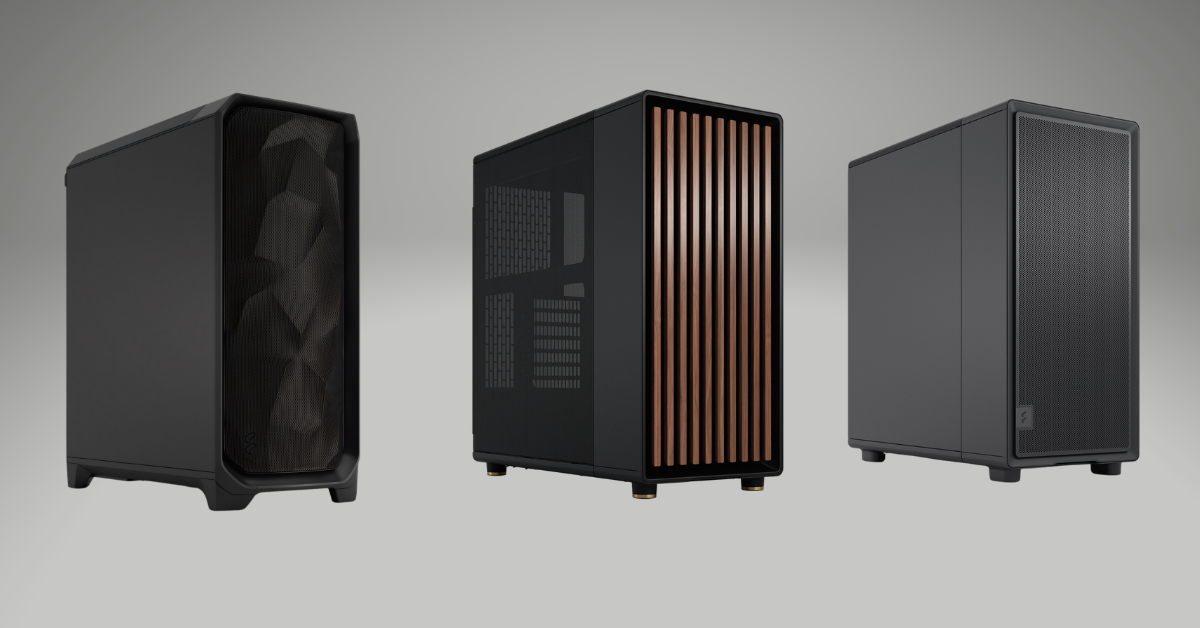
Choosing a workstation starts with the work you need to complete. A video editor, architect and simulation engineer may all need powerful hardware, but they do not use the processor, graphics card and memory in the same way.
The Cortex range is organised around these different workloads. Cortex Creator PCs focus on content creation, streaming, editing and design. Cortex Precision workstations are built for CAD, BIM, engineering, visualisation and simulation. Once you choose the correct family, the remaining decision is how much performance and upgrade headroom your projects require.
This guide explains the differences in simple terms, so you can select a balanced workstation without paying for hardware your software will not use.
Quick Answer
Choose Cortex Creator for video editing, streaming, photography, graphic design, motion graphics and general creative work. Choose Cortex Precision for AutoCAD, Revit, SolidWorks, BIM, engineering analysis and professional simulation. Start with the standard or Pro tier for everyday professional work, move to Ultra for larger projects and choose Ultimate only when your workload regularly needs maximum CPU, GPU, memory or VRAM.
Cortex Creator or Cortex Precision?
The most important decision is not the processor brand or graphics card. It is choosing the workstation family that matches your software.
Cortex Creator
Eight Intel and AMD options · From £2,279.99
Cortex Creator PCs are designed for creators who need smooth timelines, fast exports, reliable streaming and quiet performance during long sessions.
- Video editing and colour work
- Live streaming and recording
- Photography and batch exports
- Graphic design and motion graphics
- 3D creation and AI-assisted tools
Cortex Precision
Eight CAD, BIM and CAE options · From £2,199.99
Cortex Precision workstations are configured for professional design, engineering and simulation software where stability, large models and specialist graphics matter.
- AutoCAD, Revit and Civil 3D
- SolidWorks, Inventor and BIM
- Real-time architectural visualisation
- FEA, CFD and engineering analysis
- RTX PRO and ECC options for specialist work
Choose a Cortex Workstation by Workload
Think about your largest regular project, not the easiest task you complete. The workstation should handle busy days without becoming slow or unstable.
Content Creation
Choose Cortex Creator for Premiere Pro, DaVinci Resolve, After Effects, OBS, Lightroom, Photoshop and similar creative applications.
CAD and BIM
Choose Cortex Precision for responsive design work in AutoCAD, Revit, SolidWorks, Inventor, SketchUp, Rhino and related software.
Simulation and Analysis
Choose a higher Precision X model when projects involve large meshes, solver workloads, CFD, FEA, multiphysics or professional RTX PRO graphics.
What Do Standard, Pro, Ultra and Ultimate Mean?
The tier names show how much performance and project headroom a workstation provides. They are a simpler starting point than comparing every component separately.
| Tier | Best For | Typical Project Level | When to Move Up |
|---|---|---|---|
| Standard | Everyday professional work | 4K editing, photography, design, drafting and normal BIM projects | Move up when timelines, models or multitasking regularly use most of the system |
| Pro | Busy professionals and small studios | Heavier editing, streaming, larger BIM files and real-time visualisation | Move up when exports, effects, rendering or memory use affect deadlines |
| Ultra | Advanced production work | 8K, RAW, motion graphics, large assemblies, complex visualisation and analysis | Move up when projects require more VRAM, memory or sustained multi-core performance |
| Ultimate | Maximum-performance teams | Large studio pipelines, extreme simulations, heavy AI, enterprise visualisation and 8K finishing | Choose only when top-level performance saves meaningful production time |
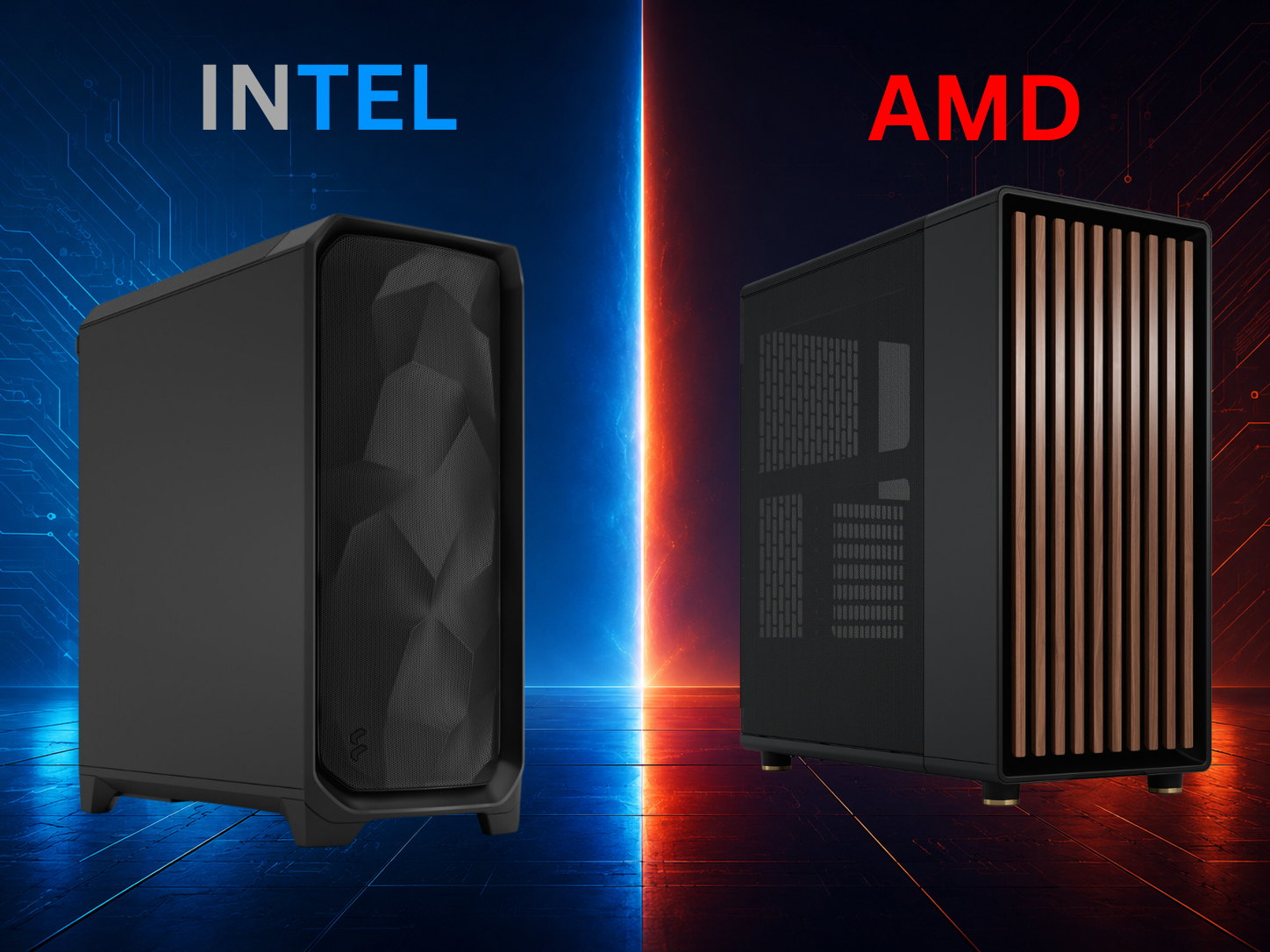
Should You Choose Intel or AMD?
Both platforms can deliver excellent professional performance. The correct choice depends on how your main applications use processor speed, core count and specialist features.
- Intel Core Ultra: a strong choice for responsive creative work, heavy multitasking, media processing and high-clock CAD or BIM tasks.
- AMD Ryzen: offers strong single-core and multi-core performance with efficient options across creative and technical workloads.
- AMD Threadripper: is aimed at demanding simulation and solver workloads that can use many CPU cores and large memory capacities.
- Choose software first: check your main applications, plugins and recommended hardware before selecting a platform.
Which Workstation Components Matter Most?
A workstation performs well when its processor, graphics, memory, storage, cooling and power delivery suit the same workload.
Processor
High clock speed improves many design and editing tasks. More cores help with rendering, encoding, simulation and several applications running together.
Graphics
The GPU accelerates effects, visualisation, rendering, AI tools and large viewports. VRAM becomes important with high-resolution media and complex scenes.
Memory
32GB suits many professional tasks. Choose 64GB or more for large projects, heavy multitasking, After Effects, BIM coordination and simulation.
Storage
A fast NVMe SSD keeps the operating system and applications responsive. Larger workflows benefit from separate drives for projects, cache and archives.
Cooling
Professional workloads can keep the CPU and GPU busy for hours. Effective low-noise cooling helps maintain speed and keeps the workspace comfortable.
Upgrade Headroom
Extra memory slots, drive space, a suitable power supply and a modern platform make future upgrades easier and protect the investment.
GeForce RTX or NVIDIA RTX PRO?
Both graphics families can deliver high performance, but they are designed for different priorities.
| Graphics Type | Main Strength | Best Match | Choose It When |
|---|---|---|---|
| GeForce RTX | Excellent GPU performance and strong creator acceleration | Video editing, streaming, 3D creation, visualisation and general GPU rendering | Your applications benefit from CUDA, ray tracing, encoding and high performance per pound |
| NVIDIA RTX PRO | Professional drivers, larger VRAM options and workstation-focused reliability | Certified CAD, CAE, large engineering models, specialist visualisation and enterprise workflows | Your software, organisation or project requires professional graphics features or certified drivers |
Suggested Cortex Specifications by Workload
These are sensible starting points. Large datasets, specialist plugins and unusually complex projects may require a higher specification.
| Workload | Recommended Range | Memory Target | Graphics and Storage |
|---|---|---|---|
| Photography, design and everyday 4K editing | Cortex Creator or Creator X | 32GB RAM | Modern RTX graphics with 16GB VRAM and 2TB NVMe |
| Streaming, multicamera editing and motion work | Cortex Creator Pro or Pro X | 32GB–48GB RAM | Higher-tier RTX graphics and at least 2TB fast storage |
| Daily CAD, Revit and normal BIM projects | Cortex Precision | 32GB RAM | RTX Studio-class graphics and 2TB NVMe |
| Large BIM, real-time visualisation and 3D production | Creator Ultra or Precision Pro/Ultra | 64GB RAM | RTX 5080-class or suitable RTX PRO graphics; 4TB storage |
| 8K, RAW, heavy colour work and advanced AI tools | Creator Ultimate or Ultimate X | 96GB RAM | RTX 5090-class graphics with 32GB VRAM and 6TB storage |
| CAE, CFD, FEA and large simulation workloads | Precision X Series | 64GB–256GB; ECC where required | RTX PRO graphics, high-core CPU and 4TB–8TB storage |
Six Checks for Choosing the Right Cortex Workstation
A few clear questions can prevent both overspending and buying a system that becomes limiting too quickly.
List Your Main Software
Base the workstation on the applications you use most often and their official recommendations.
Define the Largest Regular Project
Choose for your demanding weekly work rather than an occasional extreme task or your easiest project.
Check Memory Use
Choose enough RAM for the project, background applications and future software updates.
Plan the Storage Layout
Include space for applications, active projects, cache files, backups and long-term archives.
Decide Whether RTX PRO Is Required
Do not pay for professional graphics unless the drivers, VRAM or certification improve your actual workflow.
Leave Upgrade Headroom
A balanced system with room for more memory and storage can remain useful for longer.
What Every Cortex Buyer Should Expect
Cortex workstations are designed as complete professional systems rather than a collection of high-end components.
Systems are professionally assembled, stress tested and quality checked before dispatch.
Cooling is selected for sustained professional loads, stable performance and low operating noise.
The current Cortex ranges include a three-year standard warranty for added business confidence.
Choose a Cortex Workstation Built Around Your Work
Compare the Creator and Precision ranges, then speak with the House of Computers team if your software, project size or upgrade needs require a tailored specification.
Frequently Asked Questions
Which Cortex workstation range should I choose?
Choose Cortex Creator for editing, streaming, photography, design and creative production. Choose Cortex Precision for CAD, BIM, engineering, simulation and professional technical visualisation.
Which Cortex performance tier is best for most professionals?
The standard or Pro tier suits many everyday professional workloads. Ultra is better for larger projects and heavier production, while Ultimate is intended for workloads that regularly use top-level CPU, GPU, memory or VRAM.
Should I choose an Intel or AMD Cortex workstation?
Both are strong options. Intel Core Ultra is well suited to responsive creative, media and high-clock design work. AMD Ryzen offers strong all-round performance, while Threadripper is designed for highly parallel simulation and solver workloads.
Do I need NVIDIA RTX PRO graphics?
Choose RTX PRO when your application, company standard or project requires professional drivers, certified workflows, larger VRAM or specialist workstation features. GeForce RTX is often the better-value choice for content creation and general GPU acceleration.
Is 32GB RAM enough for a workstation?
32GB is a sensible starting point for many creative, CAD and BIM tasks. Choose 64GB or more for large models, heavy multitasking, motion graphics, simulation, 8K media or several professional applications running together.
How much workstation storage should I choose?
Two terabytes is a practical starting point for many users. Larger creative and technical projects may need 4TB, 6TB or 8TB, often split across separate drives for the operating system, active projects, cache and archive files.
Can a Cortex workstation be customised?
Yes. The Cortex ranges are designed to be configurable, allowing memory, storage, graphics, cooling and other components to be adjusted around the workload and budget.
What warranty is included with a Cortex workstation?
The current Cortex Creator and Cortex Precision ranges advertise a three-year standard warranty. Confirm the exact service, parts and collection terms on the chosen product page before ordering.
Begin with the workload. Cortex Creator is the natural choice for creative production, while Cortex Precision is designed for CAD, BIM, engineering and simulation. Next, select the performance tier that matches your largest regular project rather than buying the highest model automatically.
For many professionals, a balanced standard or Pro system with enough memory and fast NVMe storage will provide the best value. Ultra and Ultimate models make sense when larger datasets, high-resolution media, advanced rendering or simulation turn extra performance into real time savings.
Before ordering, confirm your software requirements and decide whether you need GeForce RTX performance or RTX PRO features. That simple process will lead to a workstation that is faster, quieter and better suited to the way you actually work.


