





Back to School & College 2026: Student Laptops, Keyboards, Backpacks & Accessories
Build a practical study setup for lectures, assignments, research, online classes and everyday campus life with the right laptop and essential accessories.
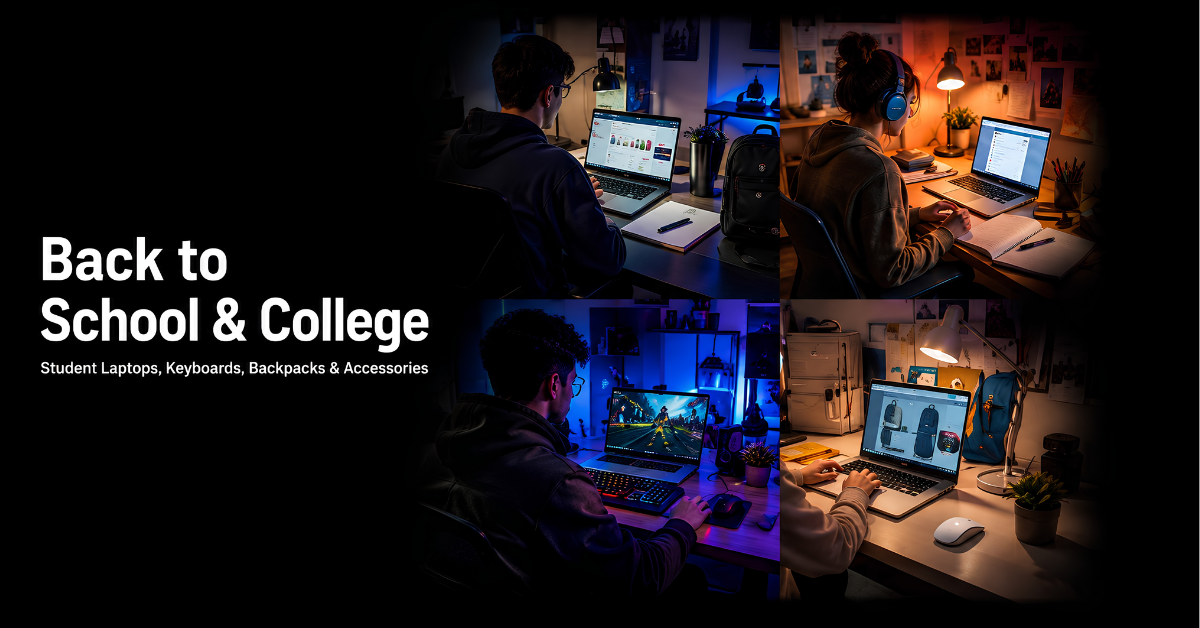
Preparing for a new school, college or university term is easier when your technology is reliable, portable and suited to the way you study. The right student laptop should handle everyday coursework comfortably while remaining practical enough to carry between classes, the library and home.
This guide covers the core items students need for a complete setup: laptops for study and coursework, keyboards for more comfortable typing, protective backpacks and bags, chargers and other useful accessories for a productive academic year.
Quick Answer
For most students, start with a portable laptop that offers enough memory and SSD storage for everyday coursework, then add a comfortable keyboard, a properly sized laptop backpack and the accessories you will use every week.
Why Build a Complete Back-to-School Tech Setup?
A good setup is not only about buying a laptop. Students often work across classrooms, libraries, shared spaces and home desks, so portability, typing comfort, protection and dependable charging all matter.
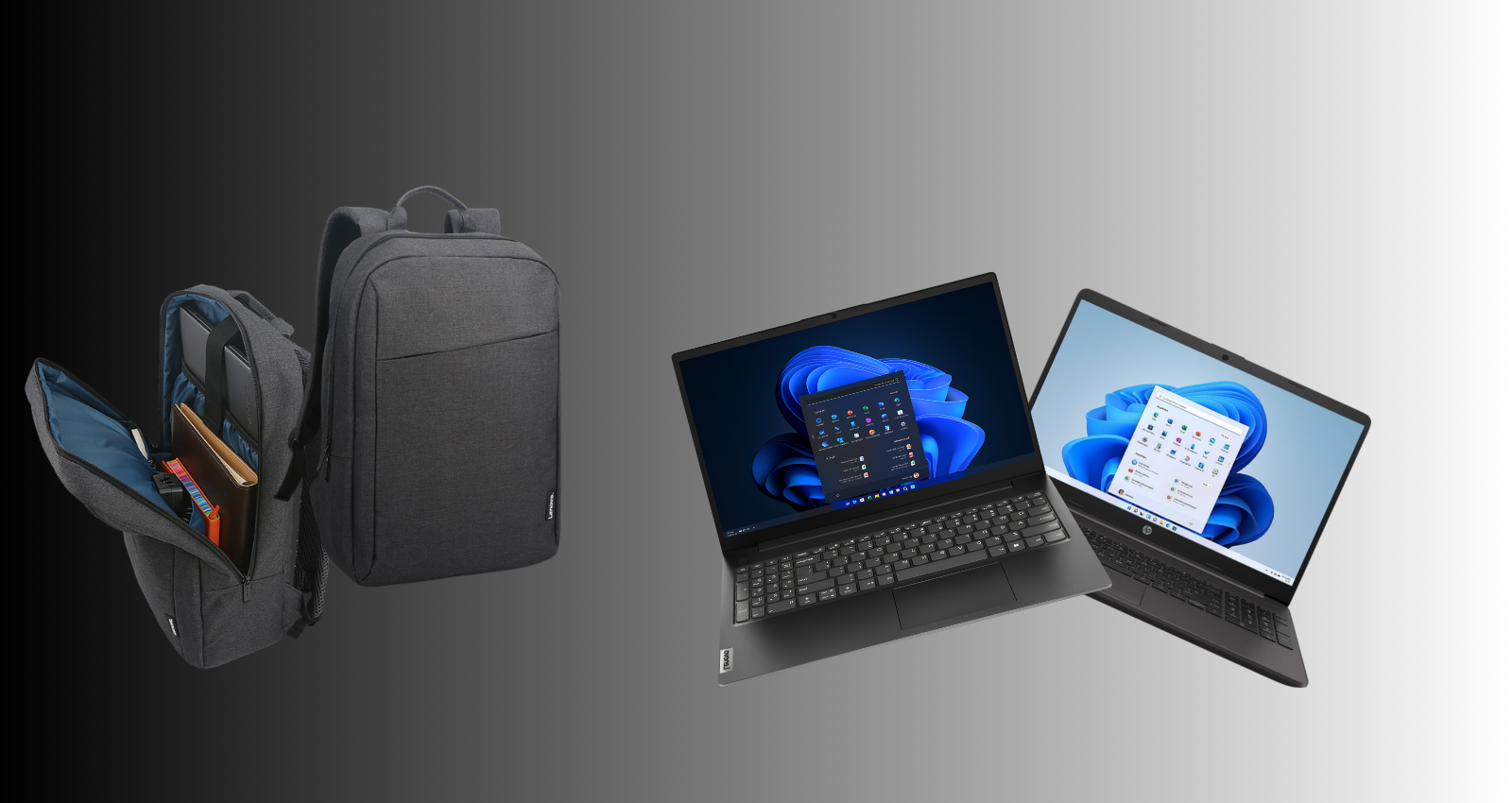
Reliable Everyday Performance
Choose a laptop that can comfortably manage documents, browser tabs, video calls, research and common study applications.
Comfortable Productivity
A full-size or compact external keyboard can make long essays, spreadsheets and project work more comfortable at a desk.
Protection on the Move
A correctly sized backpack or laptop bag helps protect your device while leaving room for chargers, notebooks and daily essentials.
Compare the Main Back-to-School Technology Categories
Use this quick comparison to decide which items should be prioritised for your course and daily routine.
| Category | Best For | Main Benefit | What to Check |
|---|---|---|---|
| Student Laptop | Coursework, research, classes | Your main study device | Processor, RAM, storage, battery, screen size |
| Keyboard | Essays and desk study | More comfortable typing | Wired or wireless, layout, size, compatibility |
| Backpack / Laptop Bag | Daily travel and campus use | Safer transport and organisation | Laptop size, padding, compartments, comfort |
| Chargers & Accessories | Everyday convenience | Keeps the setup flexible | Ports, power requirements, device compatibility |
Shop the Main Student Technology Categories
Use these category links to move directly from the guide to the relevant House of Computers product range.
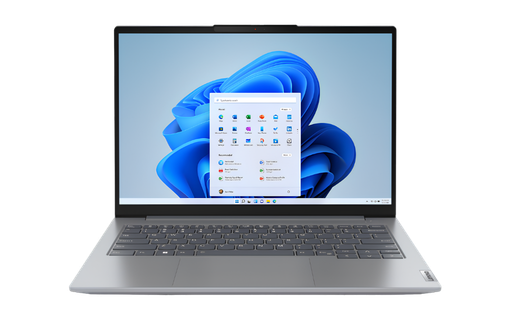
Student Laptops
Portable laptops for school, college and university coursework, research, online learning and everyday productivity.
Shop Student Laptops →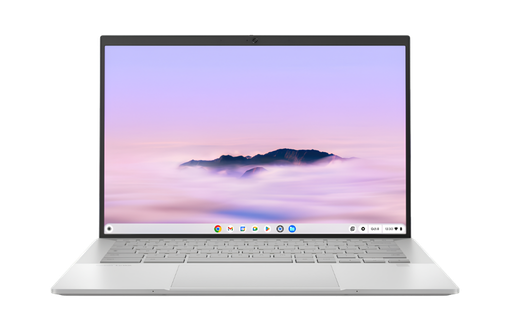
Chromebooks
A practical option for web-based study, online classes, Google Workspace and lightweight everyday academic tasks.
Shop Chromebooks →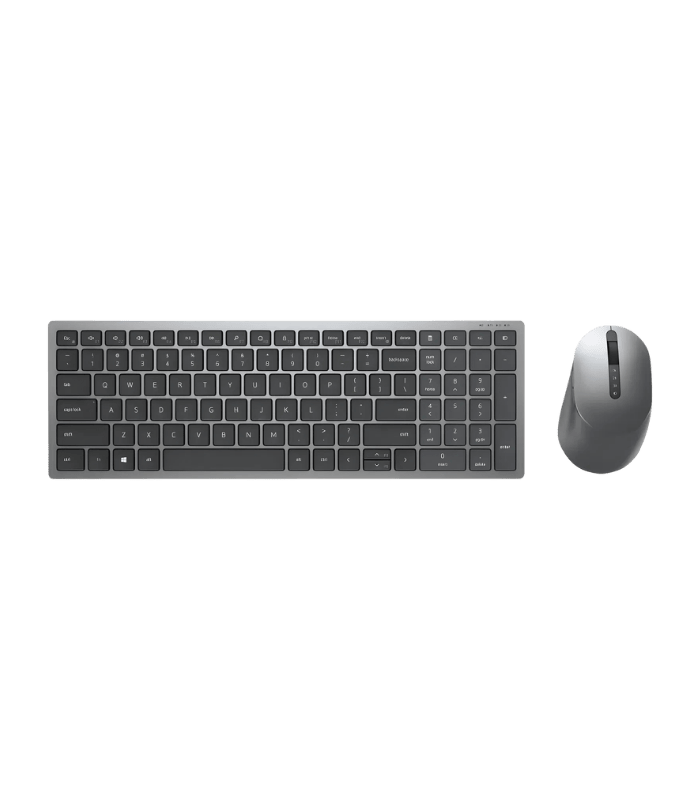
Keyboards
Wired and wireless keyboards for comfortable typing, home study desks, assignments and longer writing sessions.
Shop Keyboards →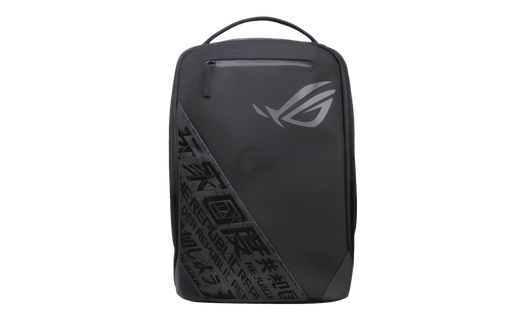
Laptop Backpacks & Bags
Protective laptop bags and backpacks for carrying your device, charger, notebooks and daily essentials.
Shop Laptop Bags →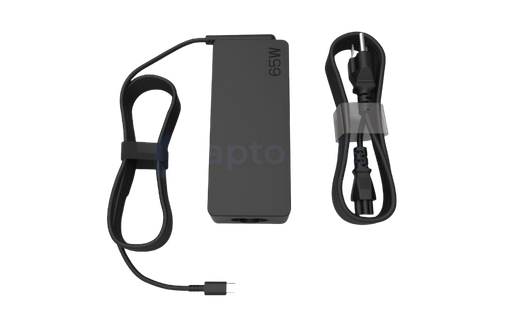
Laptop Chargers
Replacement and additional charging options for students who need dependable power at home or on campus.
Shop Laptop Chargers →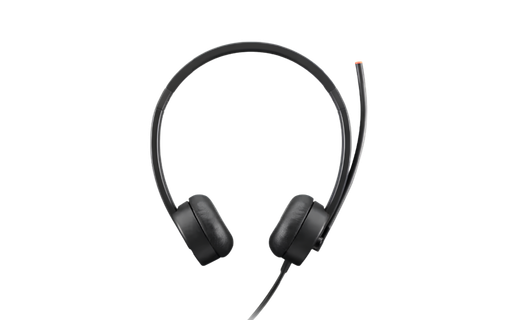
Computer Accessories
Useful extras for study spaces, laptop setups and everyday computing, from input devices to practical peripherals.
Shop Accessories →Choosing a Student Laptop for School, College or University
The best student laptop is the model that fits the course, study habits, software requirements and budget without adding unnecessary weight or cost.
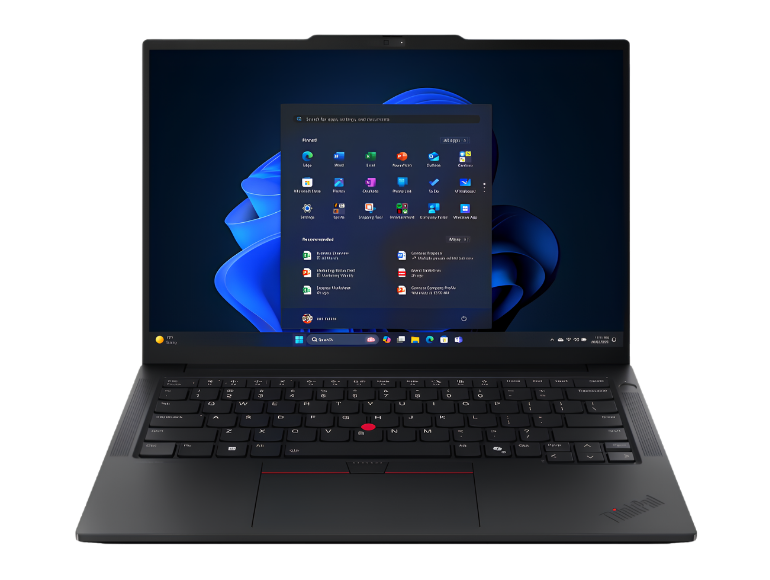
Start With the Work You Actually Need to Do
For documents, presentations, web research and video calls, focus on a balanced specification rather than the highest-end hardware. Students using specialist creative, engineering or development software may need more processing power, memory or graphics performance.
- Check the software required by your course before buying
- Choose enough memory for multitasking
- Use SSD storage for fast startup and file access
- Prioritise battery life and weight if you travel daily
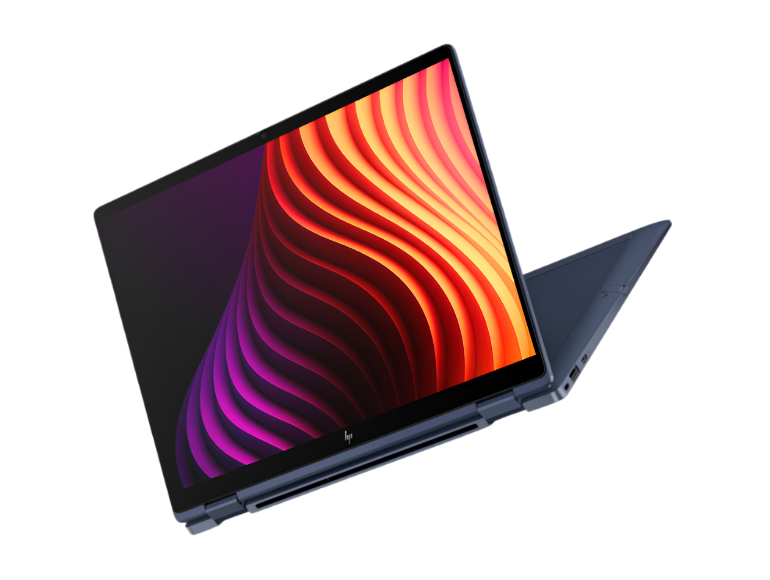
Think About Screen Size and Daily Carry Weight
A 14-inch laptop is often easier to carry between classes, while a 15.6-inch or 16-inch model can provide more workspace for spreadsheets, creative projects and multitasking. The right choice depends on how often the laptop leaves your desk.
- 14-inch: easier for commuting and campus use
- 15.6-inch / 16-inch: more room for split-screen work
- Check the laptop dimensions against your bag sleeve
- Balance display size with portability
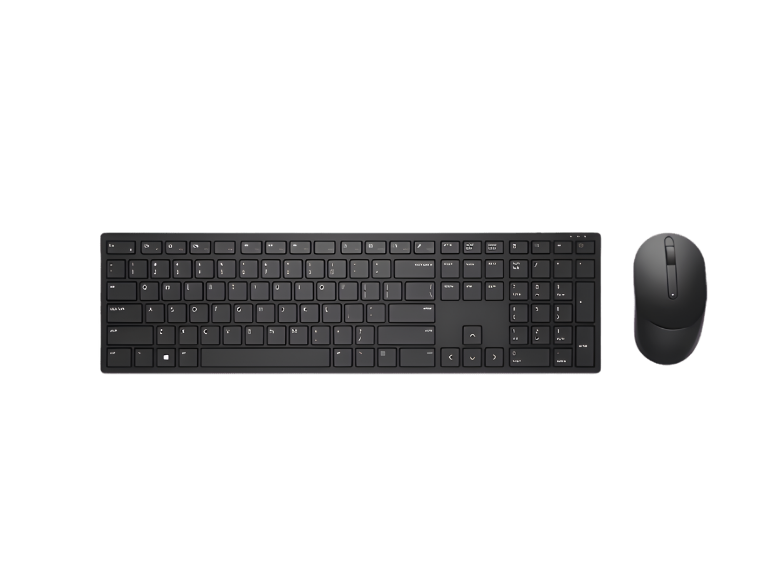
Student Keyboards for Essays, Notes and Home Study
An external keyboard can make a laptop setup more comfortable when you are working for several hours at a desk. Full-size models provide a familiar layout, while compact keyboards save desk space and are easier to move.
- Wired keyboards are simple and dependable
- Wireless keyboards reduce cable clutter
- Check UK layout and device compatibility
- Consider keyboard-and-mouse combos for a complete desk setup
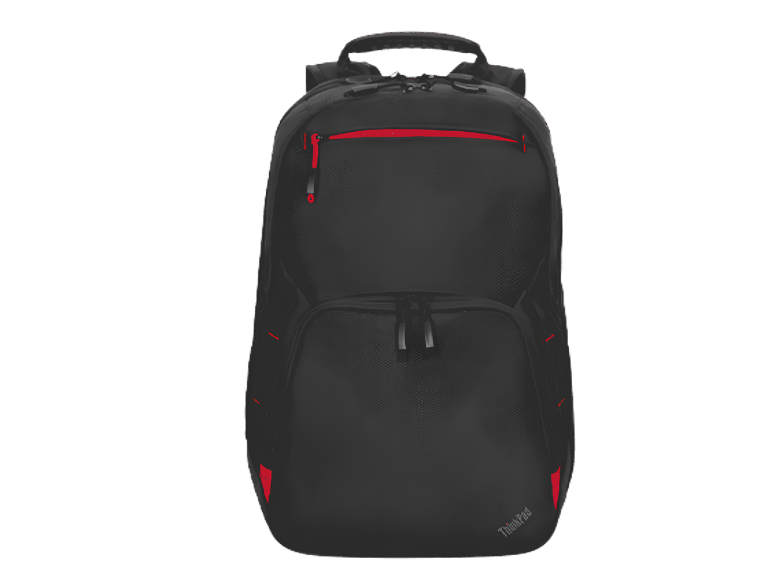
Choose a Backpack or Laptop Bag That Fits Properly
A good student backpack should provide a padded compartment that matches the size of your laptop, plus enough room for a charger, notebooks and other daily essentials. Comfort also matters when the bag is carried for long periods.
- Match the sleeve size to your laptop dimensions
- Look for protective padding around the device compartment
- Use separate pockets to organise chargers and small accessories
- Choose comfortable straps for regular commuting
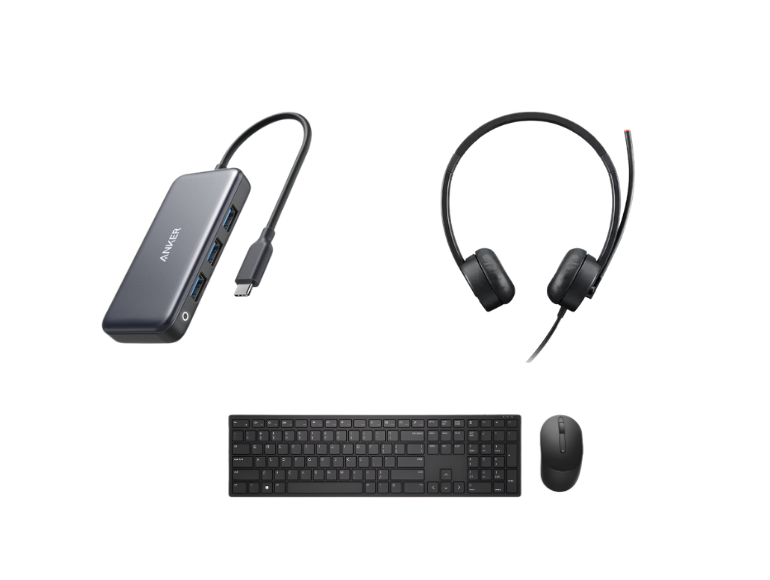
Useful Student Accessories for Everyday Study
Small accessories can make a laptop easier to use across different study spaces. The most useful items depend on your routine, but common choices include a mouse, spare charger, headphones, USB accessories and a protective carrying solution.
- Mouse for more precise navigation at a desk
- Extra charger for home, library or campus use
- Headphones or headset for online classes and shared spaces
- USB hubs or adapters when your laptop has limited ports
How to Choose Your Back-to-School Student Setup
Use these four checks before ordering your laptop and accessories.
Check Your Course Requirements
Confirm whether your school, college or university recommends specific software, operating systems or hardware.
Set a Realistic Budget
Prioritise the laptop first, then add the accessories that will genuinely improve daily study and travel.
Match Accessories to the Laptop
Check bag size, charger requirements, USB ports and wireless compatibility before buying additional items.
Plan for Everyday Use
Think about commuting, desk space, battery needs and how often the setup will move between home and campus.
Build Your Back-to-School & College Setup
Explore student laptops, keyboards, laptop bags and accessories for study, campus life and everyday productivity.
Student Laptop & Accessories FAQs
What type of laptop is best for a student?
The best student laptop depends on the course and software. For general study, prioritise reliable everyday performance, enough RAM and SSD storage, a comfortable screen and practical battery life. Specialist courses may require more powerful hardware.
Is 16GB RAM a good choice for students?
16GB RAM is a practical target for students who multitask with many browser tabs, office applications, video calls and coursework. Simpler workloads may be comfortable with less, while demanding creative or technical software can benefit from more.
Should I buy a 14-inch or 16-inch student laptop?
A 14-inch model is usually easier to carry, while a 16-inch screen provides more working space. Choose based on how often you travel and whether portability or screen space matters more.
What size backpack should I buy for my laptop?
Choose a backpack with a padded laptop compartment designed for your laptop’s screen size and physical dimensions. A bag that is too large may allow the device to move around, while one that is too small can put pressure on the laptop.
Is a wireless keyboard useful for students?
Yes, especially for a home study desk where reduced cable clutter is useful. Wired keyboards remain a simple choice when you want a direct connection without batteries or pairing.
Which accessories are most useful for college or university?
Common useful accessories include a protective laptop bag, mouse, external keyboard, spare charger, headset or headphones, and the correct USB hub or adapter for your laptop.
Final Verdict
A successful back-to-school or college setup should be practical, comfortable and easy to carry. Start with the student laptop that best fits your course and budget, then choose a keyboard, backpack, charger and accessories that support the way you actually study. Matching the products to your daily routine will usually give you better long-term value than simply choosing the highest specification.


