





Best Mini PCs UK 2026: Compact Desktop Computers for Work, Study and Home Office
A clear UK guide to choosing a small form factor PC for clean desks, business spaces, students, creative work and everyday productivity.
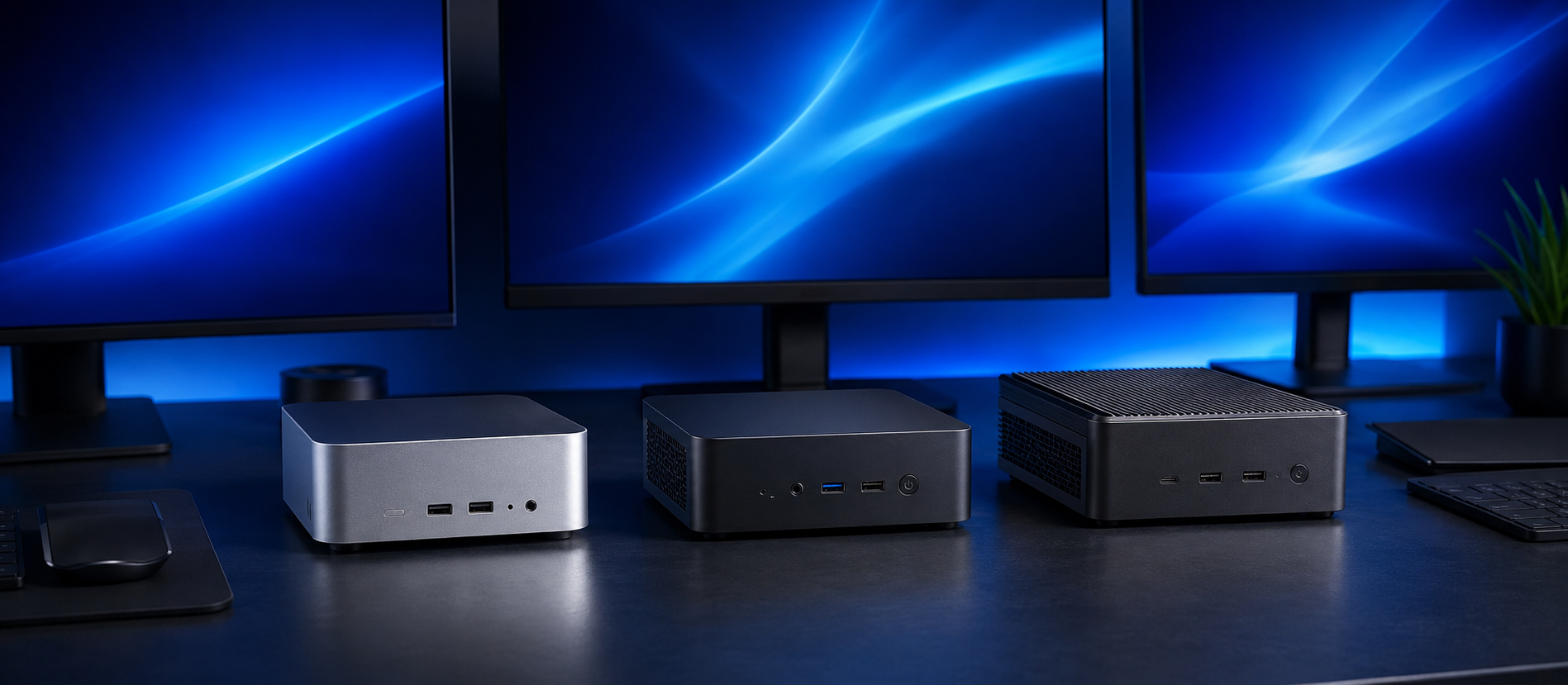
Mini PCs have become one of the most practical computer choices for UK buyers who want a clean desk, a quiet setup and reliable desktop performance without the size of a traditional tower. They are not only for basic browsing anymore. A well-chosen compact desktop can handle office work, school and university tasks, reception counters, media use, business systems, music production, light creative work and even specialist workstation-style jobs.
The main reason to consider a mini PC is simple: it gives you a proper desktop experience in a much smaller footprint. You can pair it with the monitor, keyboard, mouse, speakers and webcam you prefer, then keep the actual computer neatly on the desk, under the monitor, behind a display or beside a workspace where a full tower would feel too bulky.
This guide explains how to choose the best mini PC in the UK for 2026, including what specifications matter, when to choose a mini PC over a laptop, when a full desktop still makes more sense, and how House of Computers buyers can match compact systems to home office, business, study and creative workloads.
Quick Answer
For most UK buyers, the best mini PC in 2026 should have a modern Intel Core or AMD Ryzen processor, at least 16GB RAM, fast SSD storage, Wi-Fi, enough USB ports and Windows 11. For business, creative or workstation-style use, 32GB RAM, 1TB or 2TB storage and Windows 11 Pro are much better long-term choices. Choose a mini PC when you want a clean, space-saving desktop setup. Choose a laptop when you need built-in mobility. Choose a full tower when maximum graphics power and future upgrades are the priority.
What Is a Mini PC?
A mini PC is a compact desktop computer designed to deliver the core benefits of a desktop system while using far less space than a traditional tower.
Small Footprint
Mini PCs are built for desks, shelves, counters and tight workspaces. They are useful in bedrooms, student rooms, small offices, reception desks and home working setups.
Desktop Comfort
Unlike a laptop, a mini PC lets you choose a larger monitor, full-size keyboard, comfortable mouse and proper desk layout while keeping the computer itself compact.
Practical Power
Modern mini PCs can be configured for everyday office work, business admin, media, education, light content creation, music production and some compact workstation tasks.
Mini PC vs Laptop vs Full Desktop
The best choice depends on how and where the computer will be used. A mini PC is strongest when you want a tidy desktop setup but do not need to carry the computer around every day.
| Computer Type | Best For | Strengths | Watch Before Buying |
|---|---|---|---|
| Mini PC | Home office, business desks, students, counters, compact workstations | Small size, tidy setup, monitor flexibility, desktop comfort, often quieter than large gaming towers | Usually less upgrade room than a full desktop and not portable like a laptop |
| Laptop | Travel, lectures, commuting, meetings and flexible working | Screen, battery, keyboard and computer are built into one device | Smaller screens, harder repairs and less desk comfort for long working days |
| Full Desktop Tower | High-end gaming, heavy rendering, upgrades and maximum cooling | Best performance ceiling, more component space and stronger graphics options | Larger size, more cables and less suitable for small rooms or clean office desks |
| All-in-One PC | Simple reception desks, family rooms and tidy front-office spaces | Screen and computer in one unit with fewer visible cables | Less flexible than a mini PC because the display and computer are tied together |
Which Mini PC Should You Buy?
The right mini PC is not only about size. It should match the user’s workload, monitor setup and the amount of memory and storage needed for the next few years.
Home Office Mini PC
Best for email, Microsoft Office, browser tabs, Zoom or Teams calls, online banking, admin and day-to-day work.
- Intel Core i5 or Ryzen 5 class processor
- 16GB RAM recommended for smooth multitasking
- 512GB or 1TB SSD storage
- Good Wi-Fi and multiple USB ports
Business Mini PC
Best for offices, reception desks, retail counters, admin teams, accounts departments and secure Windows business environments.
- Windows 11 Pro preferred
- 16GB RAM minimum, 32GB for heavy users
- Reliable warranty and business support
- Dual monitor support is useful for productivity
Mini Workstation PC
Best for photo editing, music production, light video work, CAD support, content creation and specialist software where space is limited.
- 32GB RAM is a sensible starting point
- 1TB, 2TB or larger SSD storage
- Dedicated graphics for visual workloads
- Check cooling and port selection carefully
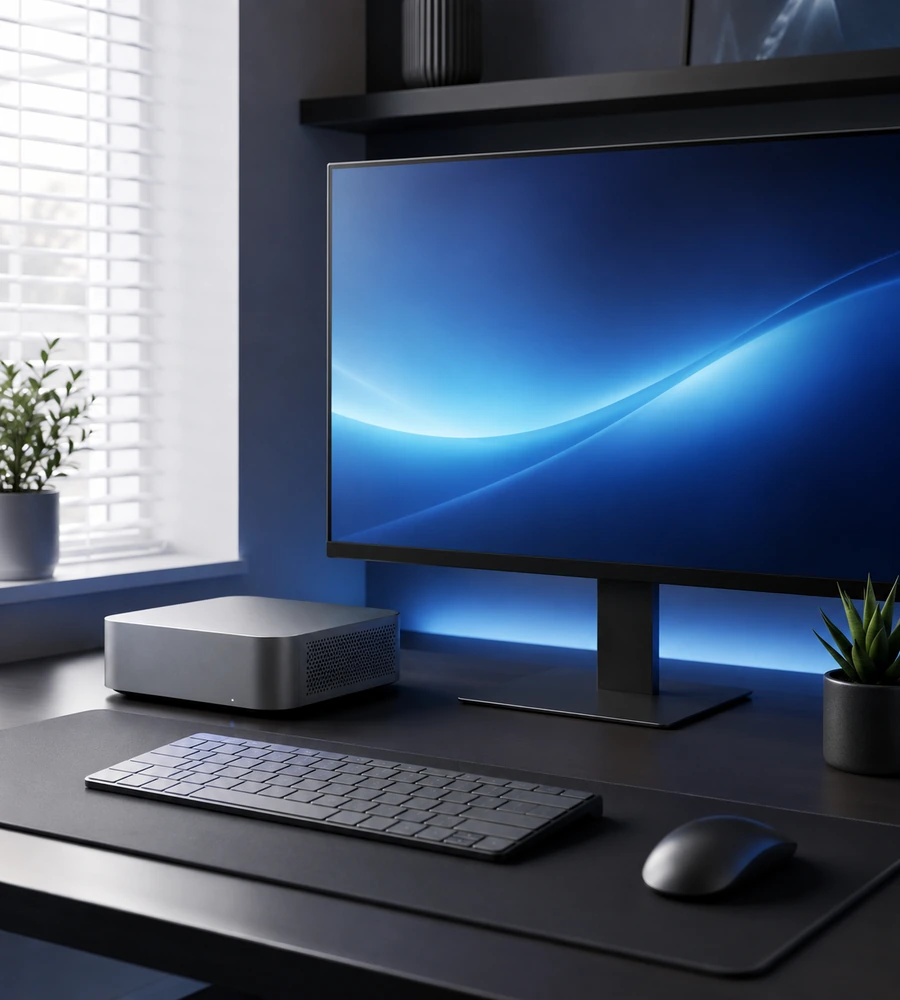
Best Mini PC Choice for Home Office Buyers
For home office buyers, the ideal mini PC should feel fast, quiet and simple. Most people do not need extreme gaming graphics for spreadsheets, browser tabs, cloud apps, email, online meetings and document work. What matters more is enough memory, quick SSD storage, a dependable processor and enough ports for the monitor, webcam, keyboard, mouse and headset.
A mini PC also solves one of the biggest home working problems: desk space. Instead of keeping a bulky tower under a small desk or using a laptop screen all day, you can build a cleaner setup around a proper monitor and full-size peripherals. That makes it easier to work comfortably for longer sessions.
- Choose 16GB RAM for smoother multitasking
- Prefer SSD storage over older hard drives
- Check HDMI or DisplayPort support for your monitor
- Look for Wi-Fi and Bluetooth if cables are limited
- Pair it with a quality monitor for better daily comfort
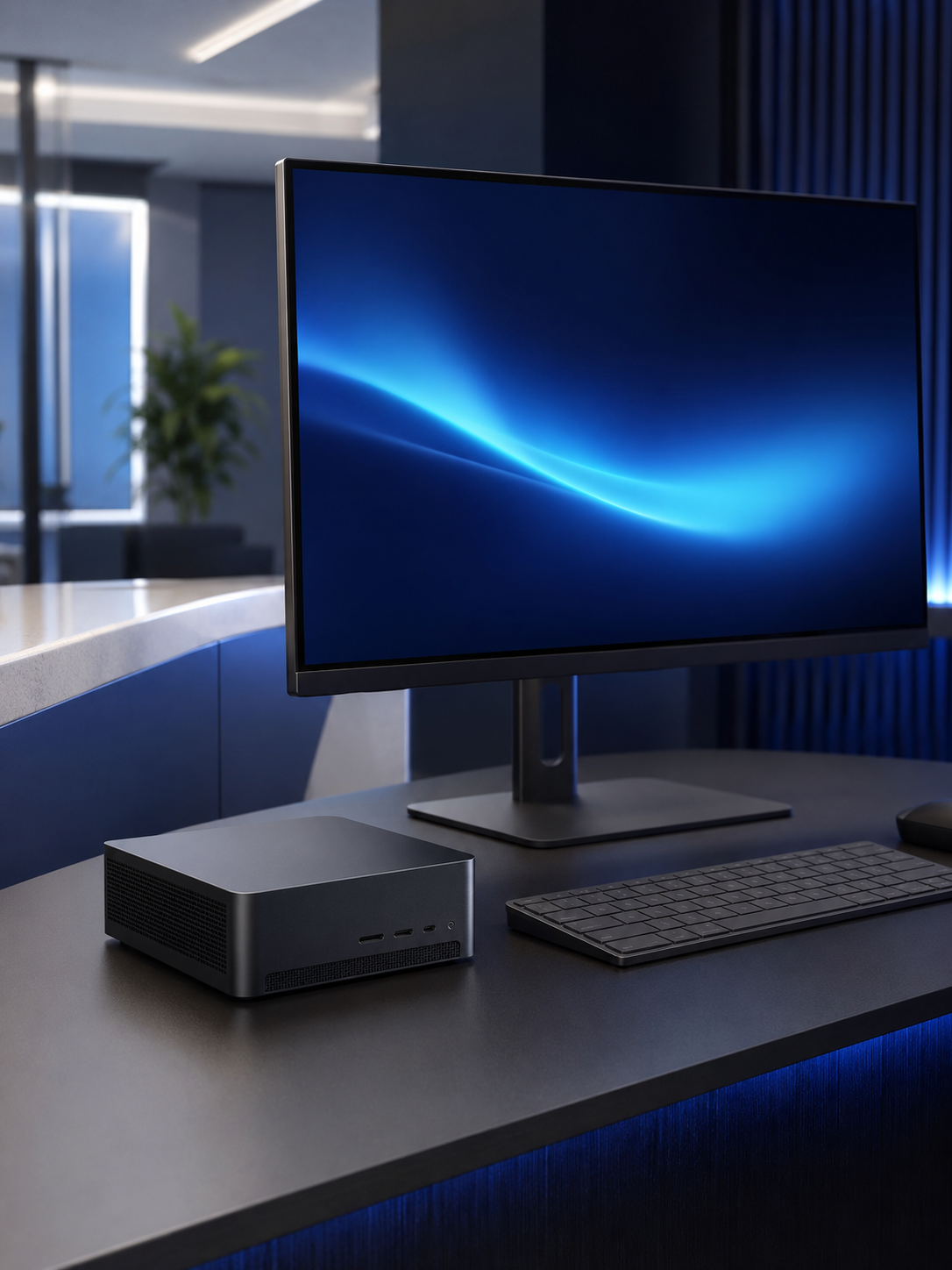
When Should You Choose a More Powerful Mini PC?
A basic mini PC is fine for everyday tasks, but business and creative buyers should think more carefully. Accounts teams, designers, music producers, photographers, content creators and workstation users often need more RAM, larger SSD storage, better cooling and stronger processor performance than a simple budget compact PC can offer.
House of Computers’ compact PC category includes mini and small form factor systems aimed at performance in a minimal footprint, including workstation-style options for photography and music production. That makes the category useful for buyers who want a small desktop without moving all the way down to entry-level office hardware.
- Choose 32GB RAM for creative or heavy business workloads
- Pick 1TB or 2TB SSD storage if project files are large
- Consider dedicated graphics for photo, video or 3D work
- Windows 11 Pro is useful for many business environments
- Check warranty, support and upgrade options before buying
Browse Mini Gaming PCs and Small Form Factor PCs at House of Computers
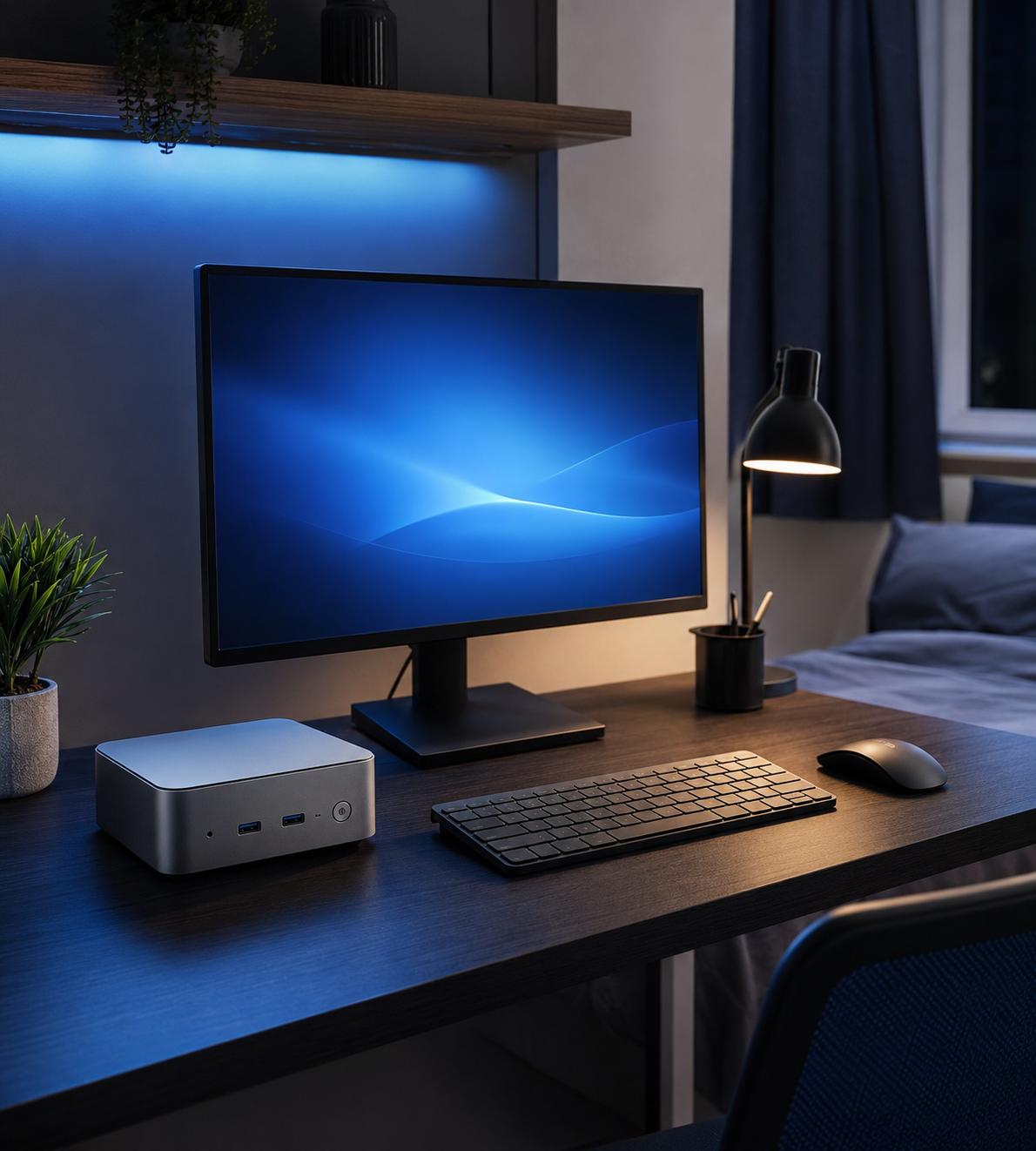
Are Mini PCs Good for Students?
A mini PC can be a strong choice for students who mainly work from one desk. It gives them a larger monitor than most laptops, a comfortable keyboard, proper mouse control and the ability to keep a study space neat. For university rooms, shared flats and bedrooms, that smaller footprint can be a real advantage.
The main question is mobility. If the student needs to take the computer to lectures every day, a laptop still makes more sense. If most work happens at a desk, a mini PC can offer a better long-session experience for writing essays, research, online classes, finance work, coding practice and general study.
- Good for students who mostly study at one desk
- Better monitor comfort than many budget laptops
- Useful for coding, research, essays and online classes
- Not ideal if the computer must travel to lectures daily
- Budget for a monitor, keyboard and mouse if not included
Match the Mini PC to the Workspace
A compact desktop should be chosen by environment as much as by specification. A reception counter, a student desk and a creative workstation do not need the same system.
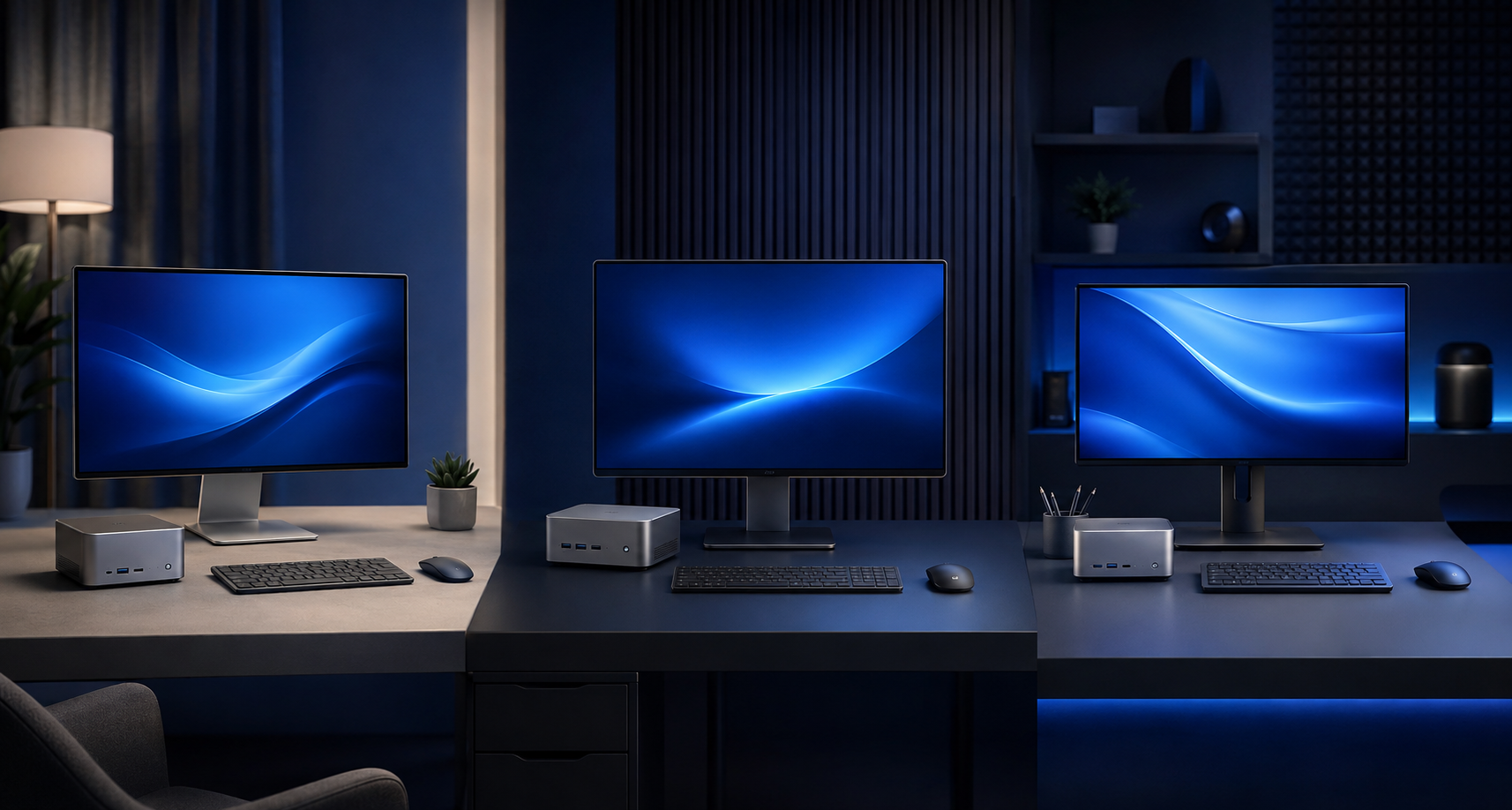
Home Office Desk
Best for email, browser work, Microsoft Office, video calls and general admin in a tidy working space.
Business Counter
Best for reception, retail, stock systems, booking systems and front-desk use where space and reliability matter.
Creative Setup
Best for photo work, music production, content creation and compact workstation tasks with stronger RAM and storage.
Mini PC Buying Checklist for UK Buyers
Common Mini PC Buying Mistakes
Mini PCs are excellent when chosen properly, but the wrong model can feel limiting if the buyer only looks at size and forgets the real workload.
Buying Too Little RAM
A compact PC with weak memory can slow down quickly once you open browser tabs, Teams, Office apps and background tools together. For 2026, 16GB should be treated as the comfortable minimum for most serious buyers.
Forgetting the Extras
A mini PC usually needs a monitor, keyboard, mouse, webcam and speakers or headset. The full setup may still be good value, but those accessories should be included in the budget before comparing it with a laptop.
Ignoring Cooling and Ports
Smaller computers have less room for cooling and expansion. Check the number of display outputs, USB ports, Ethernet, Wi-Fi, power supply and airflow before choosing a compact machine for heavy or all-day use.
Recommended Mini PC Specs for 2026
| Use Case | Processor | RAM and Storage | Best Match |
|---|---|---|---|
| Basic Home Use | Modern Intel Core i3/i5 or Ryzen 3/5 | 16GB RAM, 512GB SSD | Everyday Value |
| Home Office | Intel Core i5 or Ryzen 5 | 16GB RAM, 1TB SSD | Balanced Choice |
| Business Use | Intel Core i5/i7 or Ryzen 5/7 | 16GB to 32GB RAM, 1TB SSD | Windows 11 Pro |
| Creative Work | Intel Core i7/i9 or Ryzen 7/9 | 32GB RAM, 1TB to 2TB SSD | Creator Ready |
| Compact Workstation | High-performance Intel or AMD CPU | 32GB RAM or higher, 2TB+ SSD | Specialist Use |
Why Buy a Mini PC from House of Computers?
A mini PC is easier to choose when the product category is organised by real workloads, not only by price.
HOC lists Mini / Small Form Factor PCs inside its desktop PC range, making it easier to compare compact systems with business and workstation needs in mind.
Buyers can compare processor, memory, storage, graphics, operating system and warranty options before choosing the right mini PC for their desk.
HOC serves UK customers with online ordering, product information and a Central London store presence for buyers who want practical support before purchasing.
Ready to Choose a Compact Desktop?
Browse House of Computers mini and small form factor PCs to compare compact systems for home office, business, students, music production, photography and clean desk setups.
Browse Mini PCs at House of ComputersMini PC FAQs
Are mini PCs worth buying in the UK in 2026?
Yes, mini PCs are worth buying if you want a compact, tidy desktop computer for home office, business, study or specialist desk-based work. They make less sense if you need to carry your computer around every day.
Is a mini PC better than a laptop?
A mini PC is better for a fixed desk setup with a larger monitor, proper keyboard and mouse. A laptop is better if you need built-in screen, battery and travel flexibility.
How much RAM should a mini PC have?
For 2026, 16GB RAM is a sensible minimum for most buyers. Choose 32GB RAM for business multitasking, creative work, music production, large files or heavier software.
Can a mini PC run dual monitors?
Many mini PCs can run two monitors, but you should check the exact HDMI, DisplayPort or USB-C display outputs before buying. This is especially important for office and trading desk style setups.
Can mini PCs be used for gaming?
Some mini PCs can handle gaming, especially compact systems with dedicated graphics. For high-end 1440p or 4K gaming, a full gaming desktop is still usually the stronger choice.
Are mini PCs good for business?
Yes, mini PCs can be excellent for business desks, receptions, retail counters, admin systems and office workstations. Business buyers should look for Windows 11 Pro, enough RAM, strong warranty and suitable ports.
Do mini PCs overheat?
A good mini PC should not overheat in normal use, but small cases do have less cooling space than full towers. Heavy creative work, gaming or rendering needs a model designed with proper airflow and cooling.
What is the best mini PC for students?
The best student mini PC should have a modern processor, 16GB RAM, SSD storage and enough ports for a monitor, keyboard and mouse. It is best for students who mainly work from one desk rather than moving between lectures all day.
Mini PCs are a strong choice for UK buyers who want a clean, professional and space-saving computer setup. They work especially well for home office desks, small business environments, students, reception counters and compact creative setups where a laptop feels limiting but a full tower feels too large.
For most buyers, the safest specification is a modern processor, 16GB RAM or more, fast SSD storage, the right display outputs and Windows 11. For business and creative users, 32GB RAM, Windows 11 Pro and larger SSD storage are worth considering. The best buying decision is not the smallest PC or the cheapest PC. It is the mini PC that gives the right balance of desk space, comfort, performance and long-term reliability.


