





Best Gaming PC for 1080p, 1440p and 4K in the UK
Match your gaming PC to the resolution and refresh rate you actually use, with practical recommendations for competitive 1080p, balanced 1440p and premium 4K gaming.
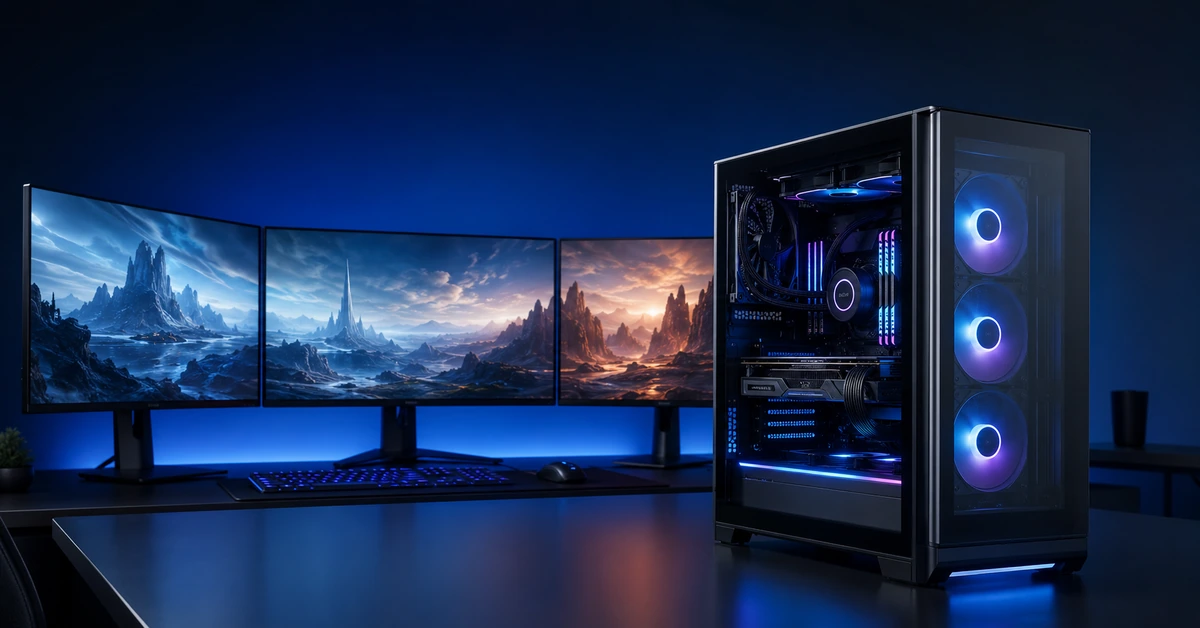
The best gaming PC is not automatically the machine with the most expensive graphics card. It is the system that produces the visual quality and frame rate you want at your monitor’s native resolution, without wasting money on performance you cannot see. A fast 1080p esports setup, for example, has different priorities from a 4K machine built for cinematic single-player games.
Resolution determines how many pixels the graphics card must render. A 1440p display contains roughly 78 per cent more pixels than 1080p, whilst 4K asks the GPU to process four times the number of pixels found in Full HD. That is why a PC that feels extremely quick at 1080p may need reduced settings, upscaling or a stronger graphics card when connected to a 4K monitor.
This guide explains what UK buyers should expect at each resolution, which components deserve the budget and which current House of Computers configurations make sensible examples. The aim is not to promise one universal frame rate: performance changes with the game, graphics preset, ray tracing, driver version and use of technologies such as DLSS.
Quick Answer
Choose an RTX 5060-class PC for strong 1080p gaming, an RTX 5070-class build for the best 1440p balance, and an RTX 5080-class system when premium 4K quality is the priority. Pair each graphics card with a capable processor, at least 16GB of memory and a 1TB SSD; move to 32GB RAM and 2TB storage for higher-end gaming, streaming and a large modern library.
Which Gaming Resolution Should You Choose?
Start with the monitor you own or intend to buy. Resolution, refresh rate and game type together determine where your money creates the most noticeable improvement.
1080p: Speed and Value
Full HD remains an excellent choice for competitive games, smaller monitors and sensible budgets. It is easier to run at high refresh rates and leaves more budget for a strong processor, quality display or peripherals.
1440p: The Sweet Spot
Quad HD produces a visibly sharper picture than 1080p without the full GPU cost of 4K. For many UK PC gamers, a 27-inch 1440p monitor at 144Hz to 180Hz is the most convincing all-round combination.
4K: Maximum Detail
Ultra HD suits large screens, premium visual settings and cinematic games. It demands a powerful GPU, sensible use of upscaling and a larger overall budget, particularly when ray tracing is enabled.
1080p vs 1440p vs 4K Gaming PC Specifications
These are balanced 2026 targets for a new prebuilt gaming PC, not strict minimums. Individual games and graphics settings can change the required performance considerably.
| Feature | 1080p Gaming | 1440p Gaming | 4K Gaming |
|---|---|---|---|
| Best For | Esports, high refresh rates and strong value | Sharp visuals with smooth all-round performance | Maximum detail and premium large-screen play |
| GPU Target | GeForce RTX 5060 8GB or equivalent | GeForce RTX 5070 12GB or equivalent | GeForce RTX 5080 16GB-class performance |
| Processor Target | Modern six-core Ryzen 5 or Core 5/i5 | Fast Ryzen 7 or Core Ultra 7-class processor | High-end eight-core gaming processor |
| Memory | 16GB minimum; 32GB preferred for new builds | 32GB DDR5 recommended | 32GB DDR5 minimum for a balanced premium build |
| Storage | 1TB NVMe SSD | 1TB minimum; 2TB preferred | 2TB NVMe SSD recommended |
| Monitor Pairing | 24–25-inch, 144Hz to 240Hz+ | 27-inch, 144Hz to 180Hz+ | 27–32-inch, 120Hz to 165Hz |
| Ray Tracing Approach | Selective settings with DLSS where useful | Balanced ray tracing and upscaling | DLSS commonly required for the heaviest settings |
| Best Buying Reason | Best Value | Best Balance | Premium Detail |
Which Resolution Fits Your Games and Budget?
1080p
Best for esports players, first gaming PCs and buyers who prefer higher frame rates to maximum image detail.
- Excellent for 144Hz and faster displays
- Lower graphics-card cost
- Stronger value at 24 to 25 inches
- CPU performance matters at very high frame rates
1440p
Best for players who want greater clarity, strong AAA performance and a fast 27-inch gaming monitor.
- Sharper than 1080p without full 4K demand
- Excellent match for RTX 5070-class graphics
- Suitable for competitive and story-driven games
- 32GB RAM and 2TB storage form a strong balance
4K
Best for large displays, high visual settings and buyers who prioritise image quality over value.
- Four times the pixel count of 1080p
- Benefits from 16GB-class GPU memory
- DLSS can be essential in demanding games
- Requires a larger system and monitor budget
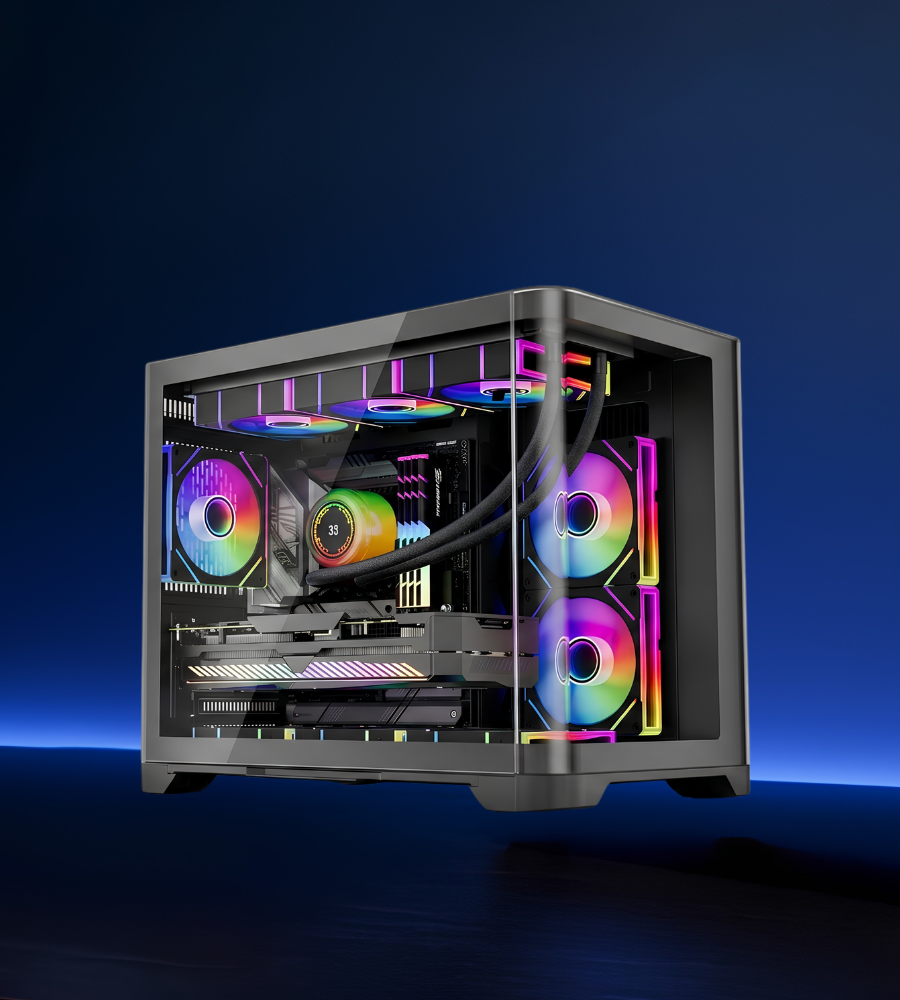
Sword V2 with GeForce RTX 5060
The House of Computers Sword V2 was listed at £1,149.98 including VAT when checked on 27 July 2026. Its combination of an AMD Ryzen 5 5600X processor and GeForce RTX 5060 8GB makes it a sensible starting point for high-quality 1080p gaming, including fast competitive titles and modern single-player games.
The 16GB DDR4 memory is sufficient for mainstream gaming, whilst the 1TB SSD offers useful space for Windows and an initial games library. Buyers who stream, run many background applications or intend to keep the PC for several years should consider upgrading to 32GB. The RTX 5060 also supports modern ray-tracing and DLSS features, although sensible settings remain important in the most demanding releases.
- AMD Ryzen 5 5600X six-core processor
- NVIDIA GeForce RTX 5060 8GB graphics
- 16GB DDR4 memory with a 32GB upgrade worth considering
- 1TB NVMe SSD storage
- Windows 11 Pro
- Strong match for 1080p high-refresh gaming
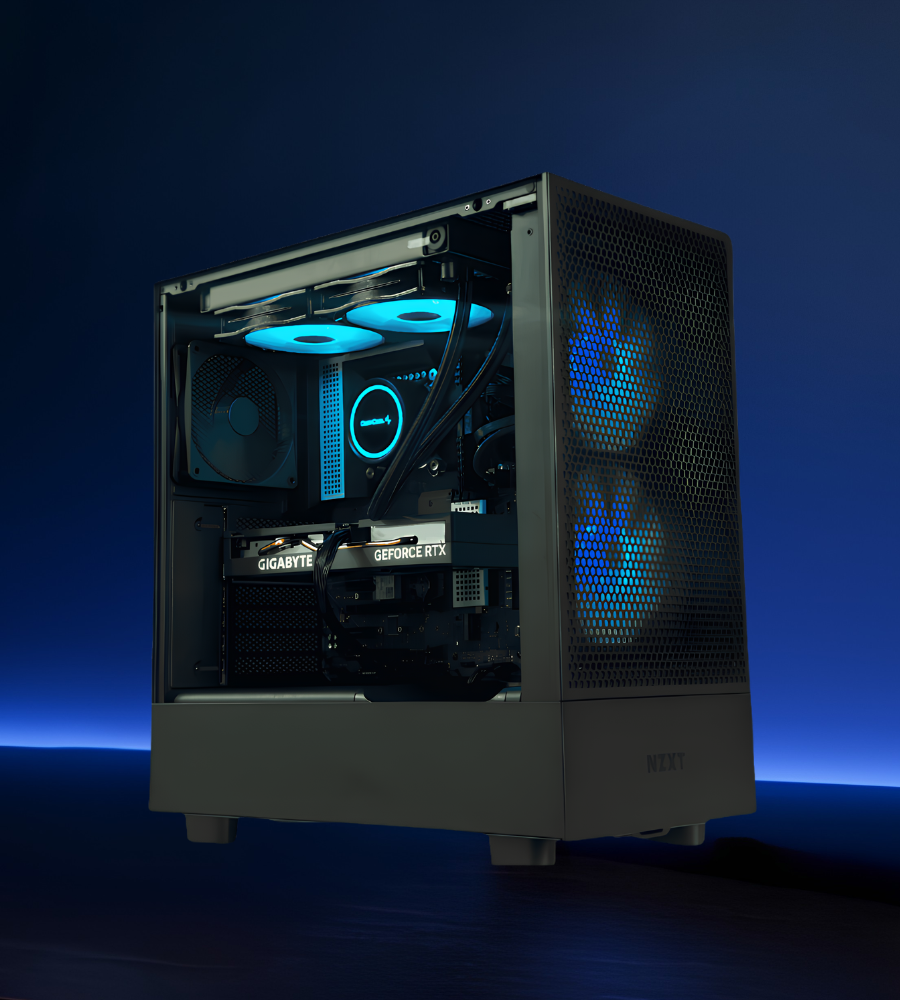
BattleBox Pro V2 with GeForce RTX 5070
The BattleBox Pro V2 configuration was listed at £1,899.99 including VAT when checked. It combines an AMD Ryzen 7 9700X, GeForce RTX 5070 12GB graphics, 32GB DDR5 memory and a 2TB SSD. That is a well-balanced specification for a fast 1440p monitor, modern AAA games, competitive play and occasional streaming.
Compared with a basic 1080p build, the extra graphics power and 12GB of video memory provide more headroom for higher texture quality, demanding effects and the larger 1440p pixel count. The eight-core processor helps maintain smooth frame delivery and handles background workloads more comfortably, whilst the 2TB drive avoids an immediate storage upgrade.
- AMD Ryzen 7 9700X eight-core processor
- NVIDIA GeForce RTX 5070 12GB graphics
- 32GB DDR5 memory
- 2TB M.2 SSD storage
- Windows 11 Pro
- Excellent match for 1440p at high refresh rates
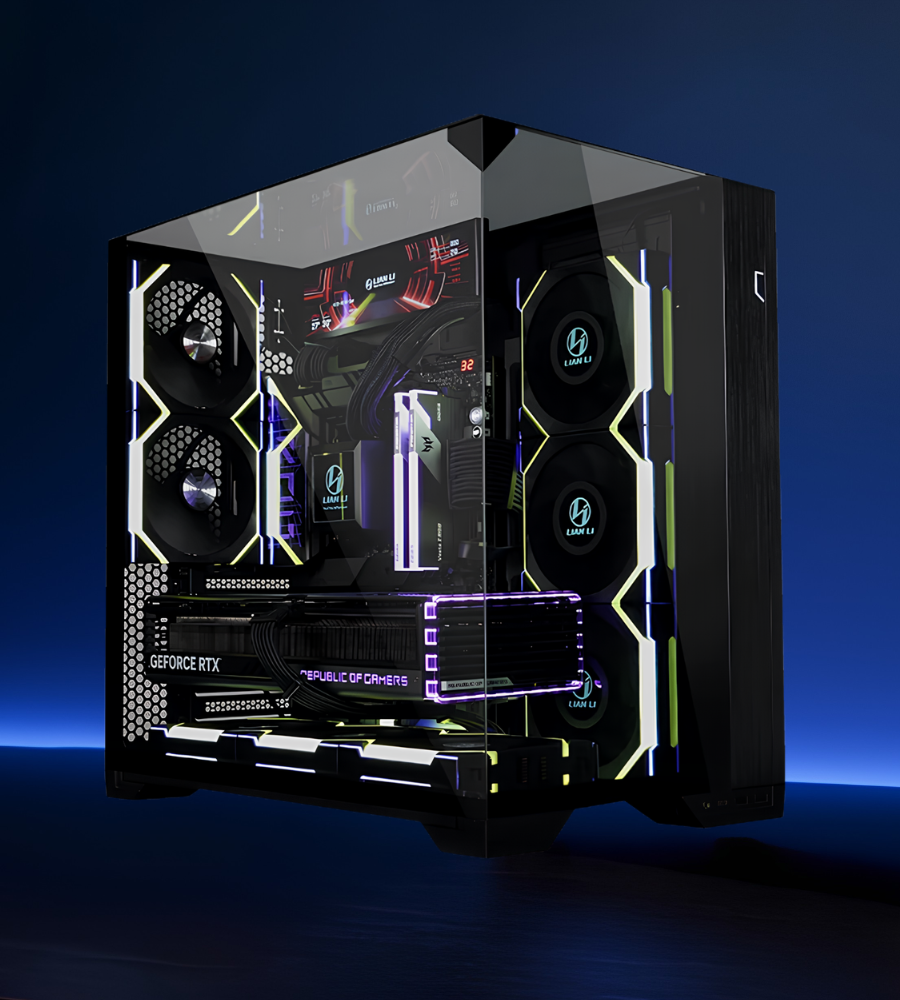
BattleBox Pro Extreme with GeForce RTX 5080
The BattleBox Pro Extreme was listed at £2,999.99 including VAT when checked. Its GeForce RTX 5080 16GB graphics card is paired with an AMD Ryzen 7 9850X3D processor, 32GB DDR5 memory and 2TB NVMe storage. This is the class of system to consider when 4K image quality, demanding ray-traced games and a premium high-refresh display are central to the purchase.
Even powerful hardware does not make every game identical. Native 4K at maximum settings can be exceptionally demanding, particularly with heavy ray tracing. DLSS quality modes and frame generation can therefore form a sensible part of the setup rather than a sign that the PC is underpowered. Buyers should also budget for a 4K monitor capable of showing the performance this system can produce.
- AMD Ryzen 7 9850X3D gaming processor
- NVIDIA GeForce RTX 5080 16GB graphics
- 32GB DDR5 memory
- 2TB NVMe SSD storage
- Windows 11 Pro
- Designed for premium 4K and high-end 1440p gaming
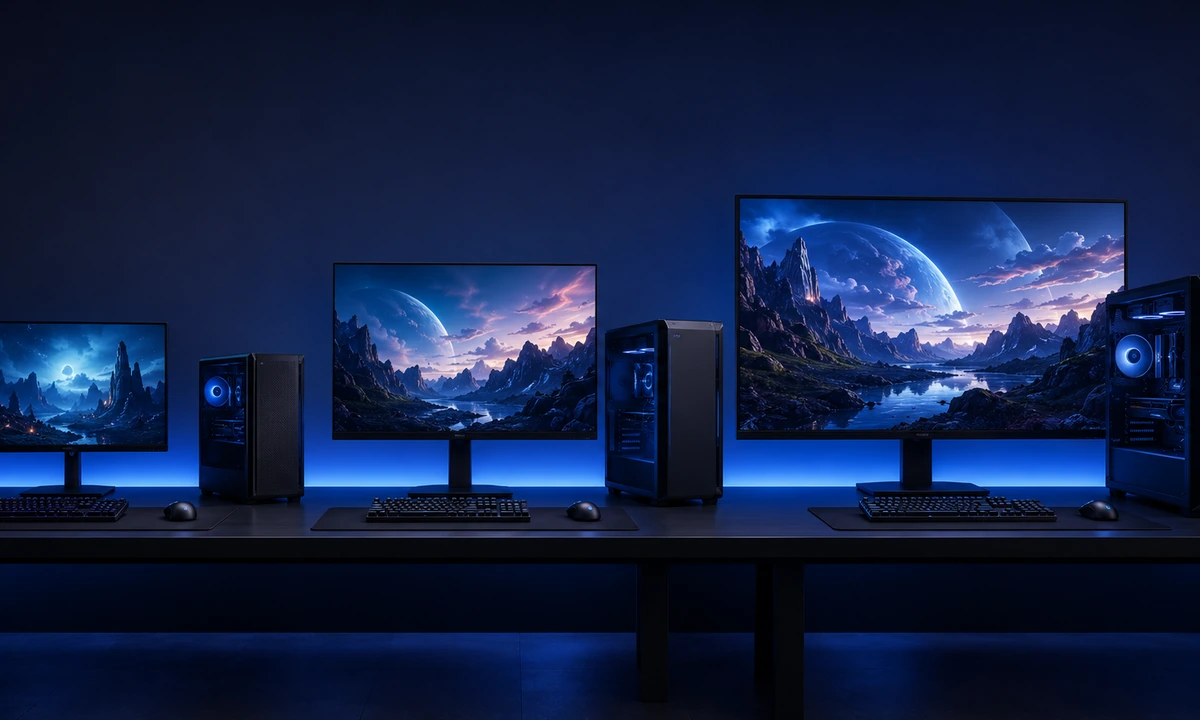
Match Your Gaming PC to the Monitor
A monitor can either reveal the value of a powerful PC or hide it. Check resolution, refresh rate, adaptive-sync support and screen size before deciding how much to spend on the tower.
1080p Competitive Setup
A 24-inch or 25-inch 1080p monitor at 144Hz, 180Hz or 240Hz suits competitive shooters and esports. Here, a fast processor and consistent frame times can matter as much as pushing every visual setting to its maximum.
1440p All-Round Setup
A 27-inch 1440p display around 144Hz to 180Hz delivers crisp detail and fluid motion without excessive scaling. It is an excellent partner for an RTX 5070-class PC and suits both competitive and story-driven gaming.
4K Premium Setup
A 27-inch to 32-inch 4K monitor at 120Hz or above suits high-end hardware. OLED and mini-LED models can improve contrast and HDR, but panel quality should be judged separately from resolution alone.
Choose the PC for How You Actually Play
Recommended Gaming PC Components by Resolution
The complete system matters. A suitable power supply, airflow, storage capacity and upgrade path are just as important as the headline CPU and GPU names.
| Component | 1080p Target | 1440p Target | 4K Target |
|---|---|---|---|
| Graphics Card | RTX 5060 8GB-class | RTX 5070 12GB-class | RTX 5080 16GB-class |
| Processor | Ryzen 5/Core 5 or better | Ryzen 7/Core Ultra 7 or better | High-end Ryzen 7 X3D or equivalent |
| System Memory | 16GB minimum; 32GB ideal | 32GB DDR5 | 32GB DDR5 or more for heavy creation |
| Primary Storage | 1TB NVMe SSD | 2TB NVMe SSD preferred | 2TB NVMe SSD minimum for a premium build |
| Power Supply | Quality 550W to 650W unit, build-dependent | Quality 750W-class unit, build-dependent | Quality 850W-class unit, build-dependent |
| Cooling | Good tower cooler and clear case airflow | Strong air cooling or suitable liquid cooling | Premium CPU cooling and high-airflow chassis |
| Upgrade Priority | 32GB RAM or a second SSD | More storage before a faster CPU | Monitor quality and long-term storage |
DLSS, Frame Generation and Ray Tracing
NVIDIA’s current RTX 50 Series supports modern AI-assisted rendering features. These tools can improve performance, but they should be used intelligently rather than treated as a replacement for balanced hardware.
DLSS Upscaling
DLSS renders internally at a lower resolution and reconstructs the image for the target display. Quality mode can be particularly useful at 1440p and 4K.
- Can lift performance in demanding games
- Quality depends on the mode and implementation
- More valuable at higher output resolutions
Use Frame Generation Sensibly
Frame generation can make compatible games look smoother, but it works best when the PC already produces a healthy base frame rate and input latency is under control.
- Useful for visual-heavy single-player games
- Not a substitute for strong native responsiveness
- Competitive players may favour lower latency
Ray Tracing Costs Performance
Ray tracing can improve lighting, reflections and shadows, but the performance cost varies widely. Adjust individual effects instead of automatically selecting the maximum.
- Selective settings often give better value
- 4K usually benefits most from upscaling
- Visual quality should justify the frame-rate cost
Six Checks That Prevent an Expensive Gaming PC Mistake
Why Buy a Gaming PC from House of Computers?
House of Computers offers gaming desktops across entry-level, white gaming, BattleBox, liquid-cooled and flagship configurations, giving UK buyers room to match the system to their games, display and budget.
Complete systems are assembled, configured and tested so buyers do not need to source and troubleshoot every component separately.
Compare RTX 5060, RTX 5070 and RTX 5080-class builds across practical 1080p, 1440p and 4K performance levels.
Order online for UK delivery or check available collection and support options from the Central London store.
Choose a Gaming PC Built for Your Resolution
Compare gaming desktops for competitive 1080p, balanced 1440p and premium 4K play, then confirm the complete specification, current price and availability before ordering.
Browse All Gaming PCsFrequently Asked Questions
What is the best gaming PC for 1080p in the UK?
A balanced RTX 5060-class gaming PC with a modern six-core processor, 16GB to 32GB RAM and a 1TB SSD is a strong 2026 target. The Sword V2 featured in this guide is a practical House of Computers example for high-quality 1080p gaming.
Is 1440p better than 1080p for PC gaming?
1440p looks noticeably sharper, especially at 27 inches, whilst still allowing high refresh rates with a suitable GPU. 1080p remains better value for competitive gaming and very high frame-rate targets.
Is an RTX 5070 enough for 1440p gaming?
Yes, an RTX 5070 12GB-class PC is a strong match for modern 1440p gaming. Exact results depend on the title and settings, but it offers a useful balance of image quality, refresh rate and price for a new 2026 system.
What graphics card should I choose for 4K gaming?
An RTX 5080 16GB-class GPU is a sensible premium target for 4K gaming. The heaviest ray-traced titles can still benefit from DLSS and carefully selected settings, even on powerful hardware.
Do I need 32GB RAM for gaming in 2026?
16GB remains workable for many games, but 32GB is the better target for a new mid-range or high-end PC. It gives more room for modern games, launchers, browsers, voice chat, streaming and background applications.
Is 1TB storage enough for a gaming PC?
1TB is a sensible starting point, but large modern games can fill it quickly. A 2TB SSD is more comfortable for a 1440p or 4K system and reduces the need for an immediate storage upgrade.
Should I buy a 1080p, 1440p or 4K monitor?
Choose 1080p for competitive value, 1440p for the best balance of sharpness and speed, or 4K for maximum detail with premium hardware. Refresh rate and panel quality are just as important as resolution.
Is a prebuilt gaming PC worth buying in the UK?
A good prebuilt PC can be worth buying when the component list, power supply, cooling, warranty and total price are clear. It saves assembly time and provides one support route for the complete system.
For 1080p gaming, the Sword V2 provides the most accessible recommendation in this guide. Its Ryzen 5 processor, RTX 5060 8GB, 16GB memory and 1TB SSD form a sensible Full HD platform, although 32GB RAM is the first upgrade we would consider for heavier multitasking and longer-term use.
For most enthusiasts, the BattleBox Pro V2 is the strongest all-round choice. The Ryzen 7 9700X, RTX 5070 12GB, 32GB DDR5 and 2TB storage are well matched to a fast 1440p display without pushing the total system cost into premium 4K territory.
Choose the BattleBox Pro Extreme when 4K is a genuine priority and the budget also covers a suitable monitor. Its RTX 5080 16GB and high-end Ryzen 7 X3D processor provide the strongest graphics platform here, but intelligent settings and upscaling still matter in the most demanding ray-traced games.


