





Best Student Laptops UK 2026: Top Picks Under £500, £700 and £1,000
Compare practical university laptops by budget and course, with recommendations for everyday study, business, engineering, design, computer science, gaming and frequent travel.
A good student laptop is not simply the fastest machine you can afford. The best choice is the one that runs your course software comfortably, lasts through lectures, fits in your bag and leaves enough money for the rest of university life. An English or history student may be satisfied with a dependable everyday notebook, while architecture, engineering and media students can quickly reach the limits of entry-level hardware.
For most students in 2026, 16GB of memory and a 512GB SSD form the sensible target. This combination gives Windows, Microsoft 365, research tabs, video calls and common study applications enough room to work smoothly. More demanding courses should prioritise a stronger processor, dedicated graphics or 32GB RAM before paying extra for premium styling.
This guide combines three useful budget bands with course-specific advice and current examples from the House of Computers laptop range. It is designed to help UK students buy the performance they genuinely need rather than overspending on specifications they may never use.
Quick Answer
Choose an under-£500 laptop for essays, research, presentations and normal university work. Move towards £700 when you want the strongest balance of performance, portability and long-term value. Spend around £1,000 when engineering, architecture, creative applications or gaming makes dedicated graphics, a touchscreen or a higher specification genuinely useful.
How Much Should a Student Laptop Cost in 2026?
The correct budget depends on the workload. Each level below represents a meaningful change in capability rather than a cosmetic upgrade.
Under £500: Everyday Study
Best for essays, web research, online lectures, presentations, email and normal university administration. Look for 16GB RAM and 512GB storage when possible.
Under £700: Best Balance
A strong range for business, accounting, computer science and students who want better portability, stronger processors and convincing long-term performance.
Under £1,000: Specialist Power
The right starting point for entry-level CAD, 3D study, GPU-accelerated creative applications, touchscreen flexibility and gaming after lectures.
Student Laptop Budgets at a Glance
This table shows what students should realistically expect from each budget and where extra spending creates the greatest practical benefit.
| Feature | Under £500 | Under £700 | Under £1,000 |
|---|---|---|---|
| Ideal Use | Essays, research and normal university work | Heavier multitasking, coding and business work | CAD, creative work, 3D and gaming |
| Processor Target | Modern Core i5, Ryzen 5 or better | Stronger Core i5/Ryzen 5 or Ryzen 7 | H-series processor or Core Ultra 7/Ryzen 7 |
| Memory | 16GB recommended | 16GB recommended | 16GB minimum; 32GB for demanding work |
| Storage | 512GB SSD target | 512GB SSD | 512GB minimum; 1TB preferred |
| Graphics | Integrated graphics | Stronger integrated graphics | Dedicated RTX or premium integrated graphics |
| Portability | Often 1.7kg–2kg | Good 14-inch options around 1.4kg | Varies: slim 2-in-1 or heavier gaming design |
| Best Course Match | Humanities, education and general study | Business, accounting and computer science | Engineering, architecture, design and gaming |
| Best Reason to Buy | Best Value | Best Balance | Specialist Power |
Which Student Laptop Budget Fits Your Priorities?
Under £500
Best for students whose degree mainly involves written work, research, presentations and online learning.
- Aim for 16GB RAM where possible
- Choose a 512GB SSD for practical storage
- Integrated graphics are usually sufficient
- Avoid very weak entry-level processors
Under £700
Best for students who want a more portable laptop with stronger multitasking and programming performance.
- Strong fit for business and accounting
- Good level for most programming courses
- Better 14-inch travel options
- More convincing long-term performance
Under £1,000
Best when course software or gaming can use dedicated graphics, a touchscreen or a higher specification.
- Entry point for useful dedicated graphics
- Better for CAD and accelerated creative work
- Gaming and university in one machine
- Premium touchscreen and 1TB options
Best Student Laptop Under £500
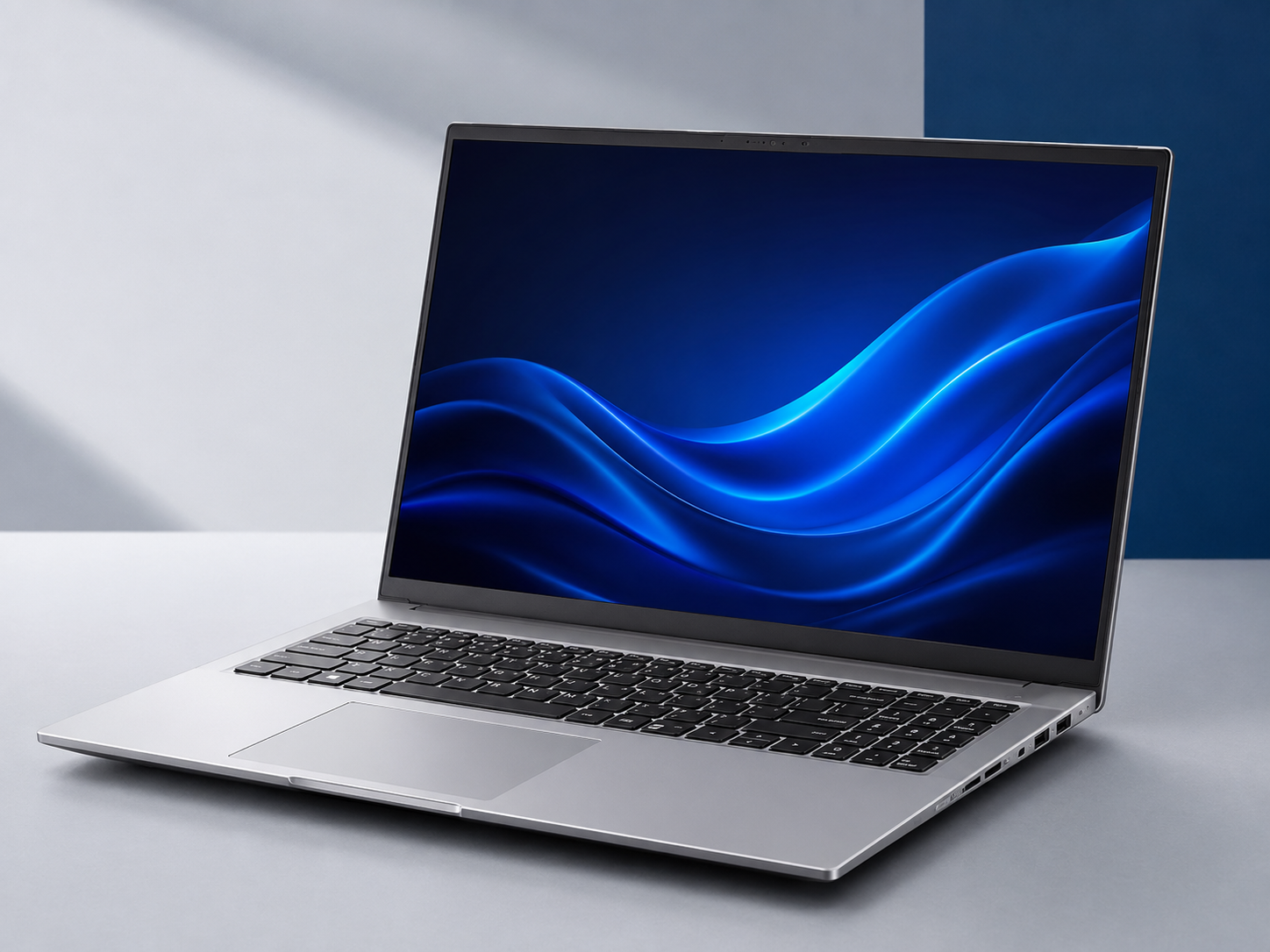
The ASUS Vivobook 16 with AMD Ryzen AI 5, 16GB DDR5 memory and a 512GB SSD was listed at £496.79 when checked on 24 July 2026. This is a particularly useful student configuration because it already reaches the memory and storage levels we normally recommend for smooth multitasking.
Its 16-inch WUXGA display uses a productive 16:10 aspect ratio, giving students more vertical space for documents, spreadsheets, coding windows and split-screen research. Integrated Radeon graphics are appropriate for everyday study and lighter creative work, although students doing complex rendering or 3D modelling should choose a dedicated GPU.
- AMD Ryzen AI 5 processor
- 16GB DDR5 memory and 512GB SSD
- 16-inch WUXGA 16:10 display
- Suitable for general university and business work
- Large workspace for spreadsheets and research
- Windows 11 Home
Best Student Laptops Under £700
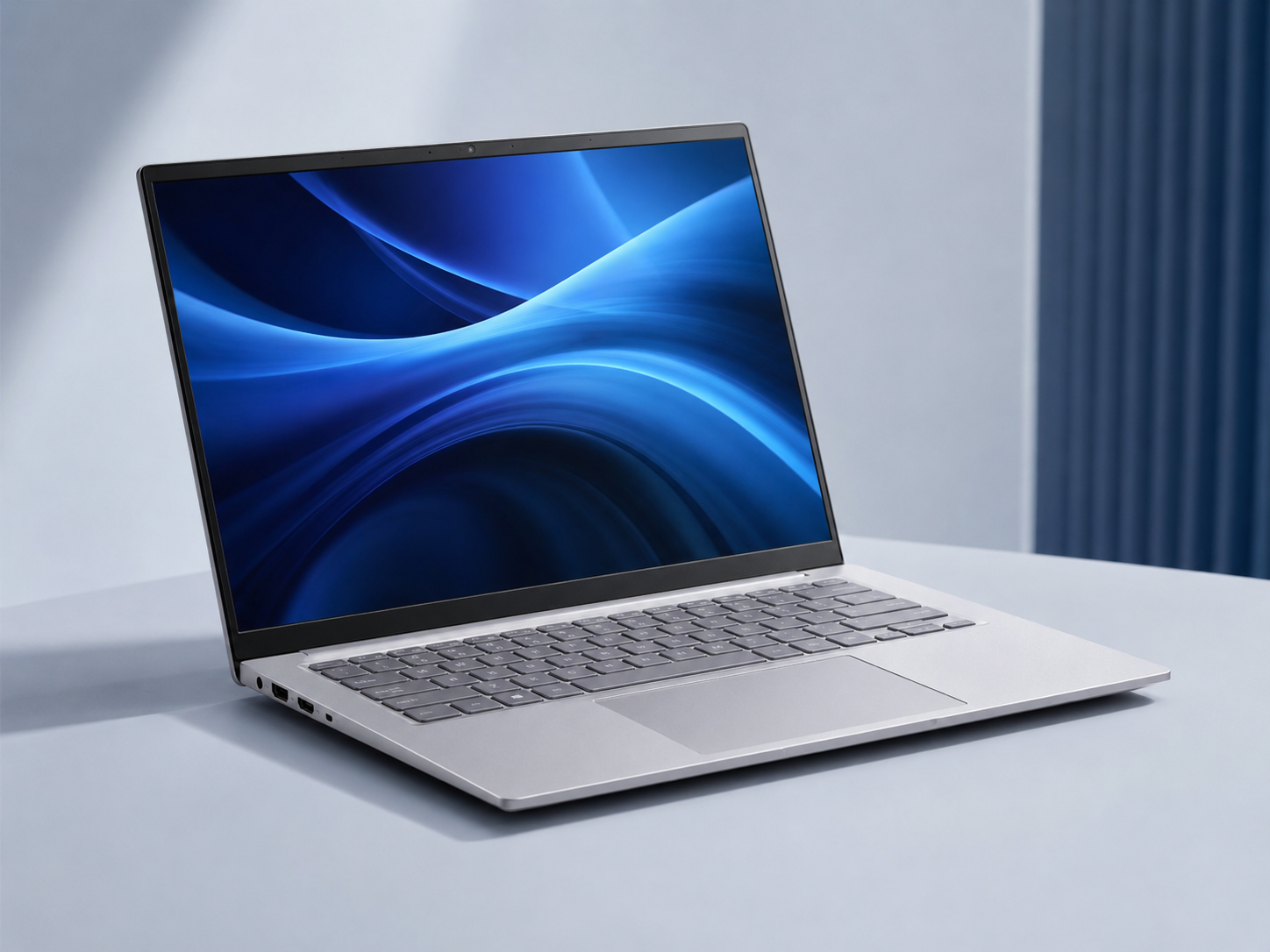
The ASUS Vivobook S14 with a Ryzen 7 processor, 16GB RAM and 512GB SSD was listed at £645.59 when checked. At approximately 1.4kg, it is easier to carry between lectures than a large-screen notebook while retaining enough performance for heavy browser multitasking, spreadsheets, programming, research and lighter creative workloads.
Students who prefer a traditional business configuration can consider the Lenovo V14 Gen 4, listed at £631.19 with an Intel Core i5-13420H, 16GB RAM, 512GB SSD and Windows 11 Pro. The ASUS is the more attractive mobility choice, while the Lenovo offers a familiar professional Windows environment.
- 14-inch WUXGA display and 1.4kg starting weight
- Ryzen 7 performance with 16GB RAM
- Strong choice for business and computer science
- 512GB SSD for study files and applications
- Useful balance of portability and performance
- Lenovo V14 available as a Windows 11 Pro alternative
Best Student Laptops Under £1,000
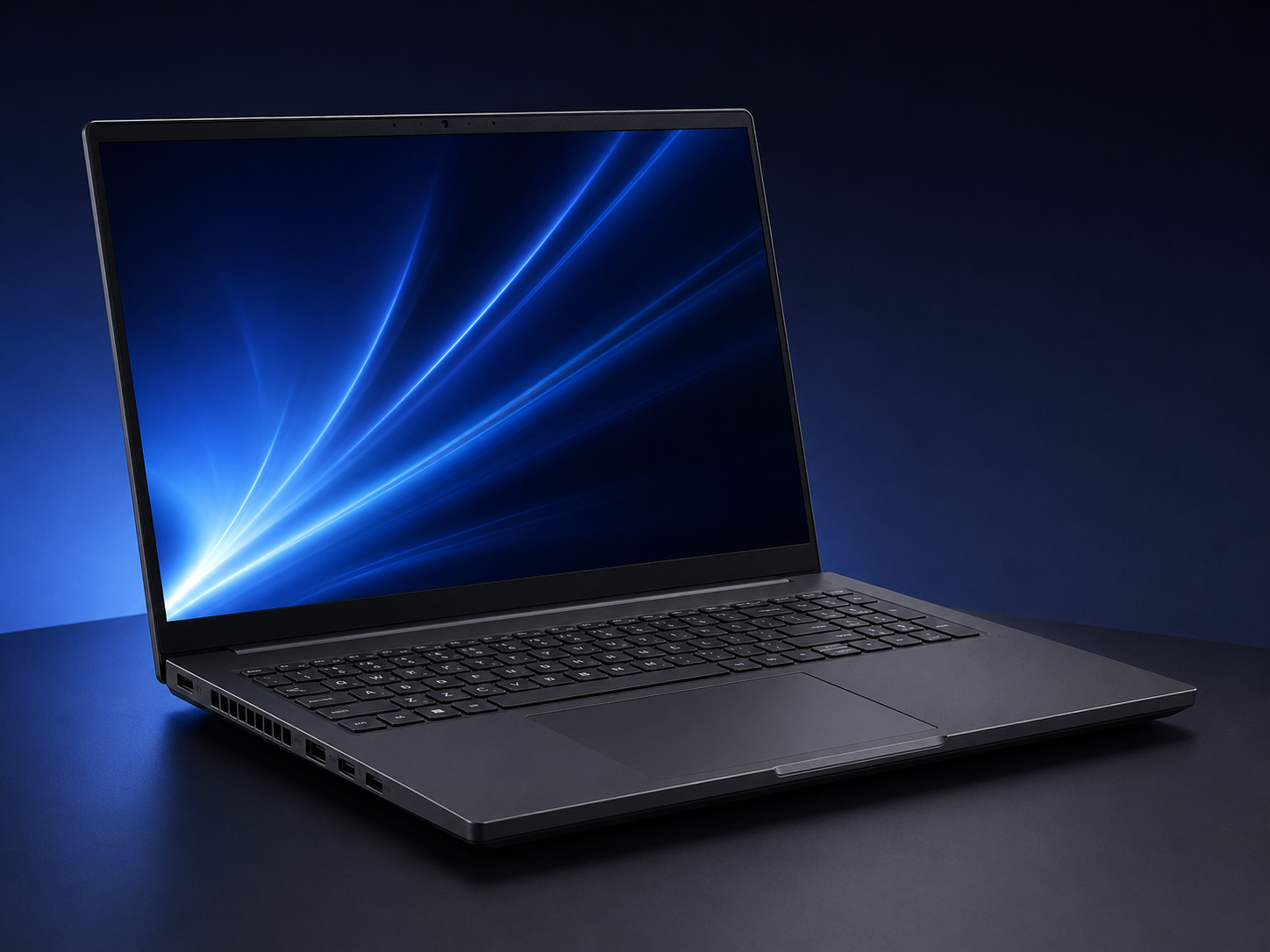
The ASUS V16 with an Intel Core 5 processor, 16GB RAM, 512GB SSD and NVIDIA GeForce RTX 5050 graphics was listed at £873.59 when checked. Dedicated graphics make it a much more appropriate starting point for 3D coursework, GPU-accelerated creative software and gaming than a normal integrated-graphics laptop.
Students who value touchscreen flexibility over dedicated graphics can consider the ASUS Vivobook 14 Flip. It was listed at £992.39 with a Core Ultra 7 processor, 16GB RAM, a 1TB SSD, Intel Arc graphics and a 360-degree touchscreen. It suits handwritten notes, presentations and lighter creative work, but the ASUS V16 remains the stronger choice for 3D and gaming.
- NVIDIA GeForce RTX 5050 dedicated graphics
- 16GB DDR5 RAM and 512GB SSD
- 16-inch WUXGA display
- Useful starting point for engineering and architecture
- Suitable for university work and gaming
- Vivobook 14 Flip available as a touchscreen alternative
View the ASUS V16 RTX 5050 →
View the ASUS Vivobook 14 Flip →
Best Student Laptop Recommendations by University Course
Course type matters more than a fashionable logo or a single headline specification. Start with the software that must run, then decide how much portability, battery life and screen space the weekly routine requires.

General University Work
Humanities, social sciences, education and many healthcare courses mainly need research, essays, presentations and video meetings. Target a Core i5 or Ryzen 5, 16GB RAM and a 512GB SSD. The ASUS Vivobook 16 is the best match here.
Business and Accounting
Large spreadsheets, presentations and browser-based platforms benefit from 16GB memory. A numeric keypad can help with data entry. Choose the Vivobook 16 for screen space or Lenovo V14 for a compact Windows Pro setup.
Engineering and Architecture
CAD, simulation and BIM can require dedicated graphics. The ASUS V16 RTX 5050 is a useful starting point, but large projects may need 32GB RAM, more storage or a certified mobile workstation.
Design, Coding, Gaming and Travel Recommendations
Student Laptop Requirements by Course
Use these specifications as a practical starting point rather than a replacement for the university’s official software guidance. Requirements can vary between modules.
| Course or Use | Processor and Memory | Graphics and Storage | Sensible Budget |
|---|---|---|---|
| General University Work | Core i5/Ryzen 5 or better, 16GB RAM | Integrated graphics, 512GB SSD | Under £500 |
| Business and Accounting | Core i5/Ryzen 5 or better, 16GB RAM | Integrated graphics, 512GB SSD | £500–£700 |
| Engineering and Architecture | H-series Core 5/i5 or Ryzen 5+, 16GB–32GB RAM | Dedicated RTX preferred, 512GB–1TB SSD | £850–£1,000+ |
| Graphic Design | Core Ultra 7/Ryzen 7, 16GB RAM minimum | Strong integrated or dedicated graphics, 1TB preferred | £700–£1,000+ |
| Computer Science | Core i5/Ryzen 5+, 16GB; 32GB for VMs | Integrated unless GPU modules, 512GB–1TB SSD | £600–£900 |
| Gaming and University | H-series Core 5/i5 or Ryzen 5+, 16GB RAM | RTX 5050 or better, 512GB–1TB SSD | £850–£1,000+ |
| Lightweight Travel | Efficient Core/Ryzen processor, 16GB RAM | Integrated graphics, 512GB SSD | £600–£1,000 |
Does a University Student Really Need an AI Laptop?
An NPU can support compatible on-device AI features, background effects and emerging productivity tools, but it should not replace the basics. Sufficient RAM, useful battery life and course-software compatibility remain more important.
Useful Bonus
AI hardware adds value when the laptop already meets every course requirement and the price remains competitive.
- Compatible local AI features
- Efficient background processing
- Potential for longer future relevance
Balanced Choice First
The priority order should be course compatibility, memory, storage, battery life and graphics performance.
- 16GB RAM is the practical target
- 512GB storage suits most students
- Dedicated graphics only where needed
Avoid the Marketing Trap
Do not choose an AI-labelled laptop with less memory, insufficient storage or graphics that cannot run required applications.
- Check software before the badge
- Do not pay for unused features
- Compare the complete specification
Six Checks That Prevent an Expensive Laptop Mistake
Why Shop for a Student Laptop at House of Computers?
House of Computers provides a broad UK laptop range across everyday notebooks, business machines, slim laptops, creator systems, gaming laptops, AI-ready devices and professional mobile workstations.
Compare multiple brands, screen sizes, processors, memory capacities, graphics options and warranty levels.
Move from everyday study laptops to gaming, creator and mobile workstation options when a course needs more power.
Order online for UK delivery or check available collection options from the Central London store.
Find the Right Laptop for Your Course and Budget
Compare student-ready, business, slim, creator, gaming and AI-capable laptops, then confirm the exact specification with the university before ordering.
Browse All LaptopsFrequently Asked Questions
How much should I spend on a university laptop in the UK?
Around £500 can buy a capable everyday study laptop, approximately £700 is the best all-round range for many students, and £850–£1,000 is a sensible starting point when dedicated graphics or specialist features are required.
Is 8GB RAM enough for university in 2026?
8GB can handle essays and lighter browser use, but 16GB is the safer recommendation for multitasking, programming, large spreadsheets and keeping the laptop useful for a full degree.
Do engineering students need dedicated graphics?
It depends on the software and modules. Dedicated graphics are valuable for 3D CAD, rendering, simulation and some accelerated applications. Ask the department for the exact recommended specification before purchasing.
What is the best laptop size for university?
A 14-inch laptop gives the best portability for commuting, while 15.6-inch and 16-inch models provide more space for spreadsheets, design tools and side-by-side documents.
Is a Chromebook suitable for university?
A Chromebook can be a good low-cost choice for web-based study, email and documents, but it may not support specialist Windows or macOS applications required by the course.
Is a gaming laptop good for university work?
Yes, especially for engineering, 3D, creative or computing workloads that benefit from dedicated graphics. The trade-offs are usually greater weight, more fan noise and shorter battery life away from a charger.
Should a computer science student choose 16GB or 32GB RAM?
16GB is a sensible starting point for most programming courses. Choose 32GB if you expect to use several virtual machines, large containers, local databases, data science tools or local AI models.
Do I need an AI laptop for university in 2026?
Not necessarily. AI hardware is useful when the laptop also meets the core requirements, but sufficient memory, good battery life, software compatibility and the right graphics performance should come first.
The ASUS Vivobook 16 is the standout everyday-value choice in this guide because its current under-£500 configuration already includes 16GB RAM and 512GB storage. Students who commute regularly or want a stronger all-rounder should consider the 14-inch ASUS Vivobook S14 or the Windows 11 Pro Lenovo V14 in the under-£700 range.
Engineering, architecture, 3D and gaming users should prioritise graphics performance. The ASUS V16 with RTX 5050 is the clearest under-£1,000 performance option here, while the Vivobook 14 Flip is a more flexible choice for note-taking, presentations and lighter creative work.
Whichever model you choose, confirm the department’s official software requirements first. The best student laptop is the one that supports every required module, remains comfortable to carry and still performs reliably in the final year of the course.


