





Lenovo ThinkPad X1 Laptops: X1 Carbon vs X1 2-in-1
Discover which premium Lenovo ThinkPad X1 laptop is right for business travel, executive work, hybrid productivity, meetings and professional everyday use.
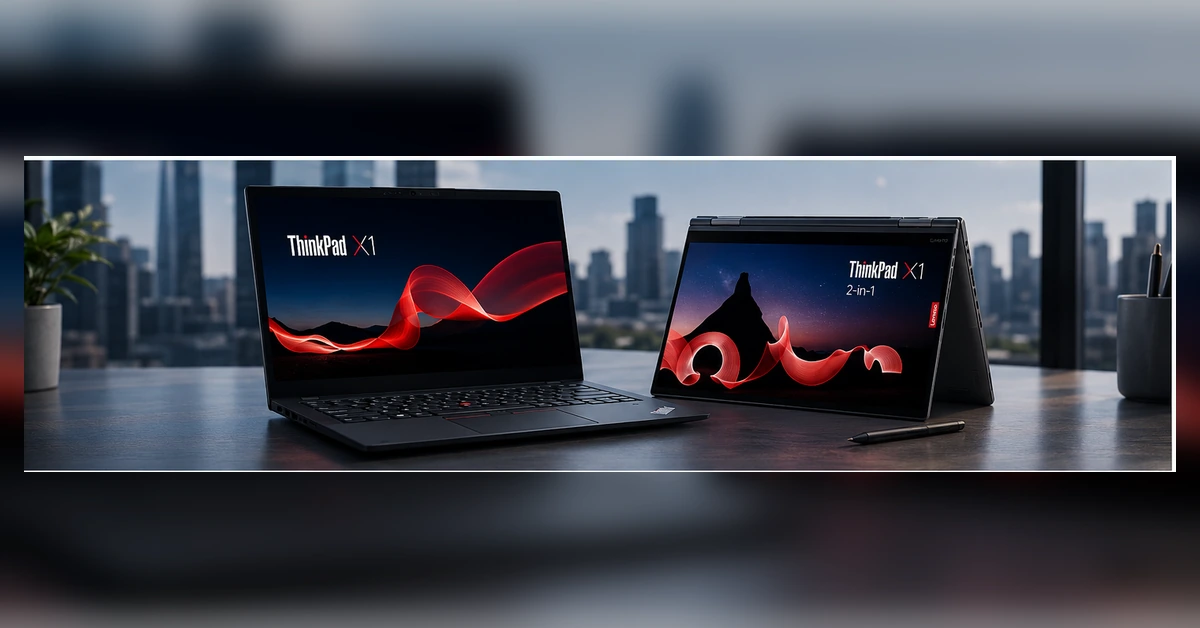
Lenovo ThinkPad X1 laptops are designed for professionals who require premium construction, strong performance and dependable mobility. The range includes the lightweight ThinkPad X1 Carbon and the flexible ThinkPad X1 2-in-1, giving buyers two distinct approaches to premium business computing.
The X1 Carbon is the traditional choice for executives and frequent travellers who prefer a lightweight clamshell laptop. The X1 2-in-1 adds a touchscreen, convertible hinge and tablet-style flexibility for presentations, handwritten notes and collaborative work.
Quick Answer
Choose the ThinkPad X1 Carbon for lightweight executive mobility, traditional laptop productivity and frequent travel. Choose the ThinkPad X1 2-in-1 when touchscreen input, presentation mode, document signing and tablet-style flexibility are important.
Why Choose a Lenovo ThinkPad X1 Laptop?
The ThinkPad X1 range sits at the premium end of Lenovo’s professional laptop family. It is aimed at buyers who want strong productivity, business-focused features and a refined portable design.
Professional Performance
Selected X1 configurations use Intel Core Ultra processors, fast SSD storage and modern integrated graphics for demanding office and business workloads.
Premium Mobility
The compact 14-inch design makes ThinkPad X1 laptops suitable for commuting, business travel, customer visits and hybrid work.
Business Features
Selected models offer Windows 11 Pro, privacy features, fingerprint authentication and professional warranty options.
ThinkPad X1 Carbon vs X1 2-in-1
Both models provide a premium ThinkPad experience, but their designs suit different professional working styles.
| Feature | ThinkPad X1 Carbon | ThinkPad X1 2-in-1 | Best Choice |
|---|---|---|---|
| Design | Traditional premium clamshell laptop | Convertible laptop and tablet design | Depends on your working style |
| Primary Strength | Lightweight mobile productivity | Touchscreen flexibility and presentation modes | Carbon for travel; 2-in-1 for versatility |
| Display | Available with WUXGA, touch and OLED options | Touchscreen as a central feature | 2-in-1 for regular touch input |
| Keyboard Use | Ideal for long traditional typing sessions | Strong keyboard plus convertible flexibility | Carbon for keyboard-first users |
| Presentations | Standard laptop presentation setup | Tent, stand and tablet modes | X1 2-in-1 |
| Frequent Travel | Excellent for executives and mobile professionals | Excellent when touch and tablet use are also needed | X1 Carbon |
| Typical Buyer | Executive, consultant, manager or frequent traveller | Presenter, hybrid worker, trainer or creative professional | Choose according to workflow |
Popular ThinkPad X1 Generations
House of Computers offers multiple X1 generations and configurations. Availability can vary according to processor, memory, storage, display and warranty.
ThinkPad X1 Carbon Gen 12
A premium business laptop for professionals who want modern Intel Core Ultra performance in a portable traditional ThinkPad design.
- 14-inch business display
- Intel Core Ultra configurations
- Windows 11 Pro options
- Suitable for executives and hybrid work
ThinkPad X1 Carbon Gen 13
A newer premium generation with configurations including high-resolution OLED displays, modern Intel processors and larger memory or storage options.
- Selected 2.8K OLED configurations
- 16GB, 32GB and selected higher-memory options
- Fast SSD storage configurations
- Aura Edition options available
ThinkPad X1 2-in-1 Gen 9
A convertible X1 designed for users who need a professional keyboard, touchscreen and flexible viewing modes within one portable device.
- 14-inch touchscreen design
- Laptop, tent and tablet-style modes
- Intel Core Ultra options
- Suitable for presentations and meetings
ThinkPad X1 2-in-1 Gen 10
A newer convertible generation available in practical WUXGA touchscreen and premium OLED touchscreen configurations.
- WUXGA and OLED touchscreen options
- 16GB and 32GB configurations
- 512GB and 1TB SSD options
- Premium business warranty options
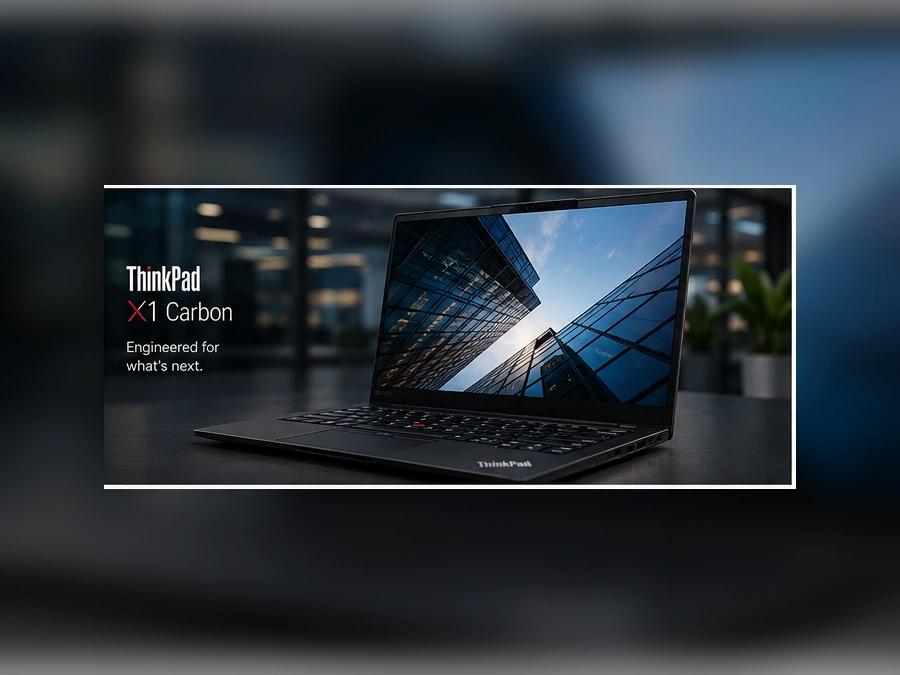
Lenovo ThinkPad X1 Carbon
The ThinkPad X1 Carbon is designed for professionals who want a premium traditional laptop that remains easy to carry between offices, meetings, customer locations and home-working spaces.
Its clamshell design is well suited to long typing sessions, spreadsheets, documents, video meetings and normal corporate productivity.
- Premium lightweight business design
- Excellent for executives and frequent travellers
- Multiple WUXGA, touch and OLED display options
- Professional Windows 11 Pro configurations
- Strong choice for keyboard-focused productivity
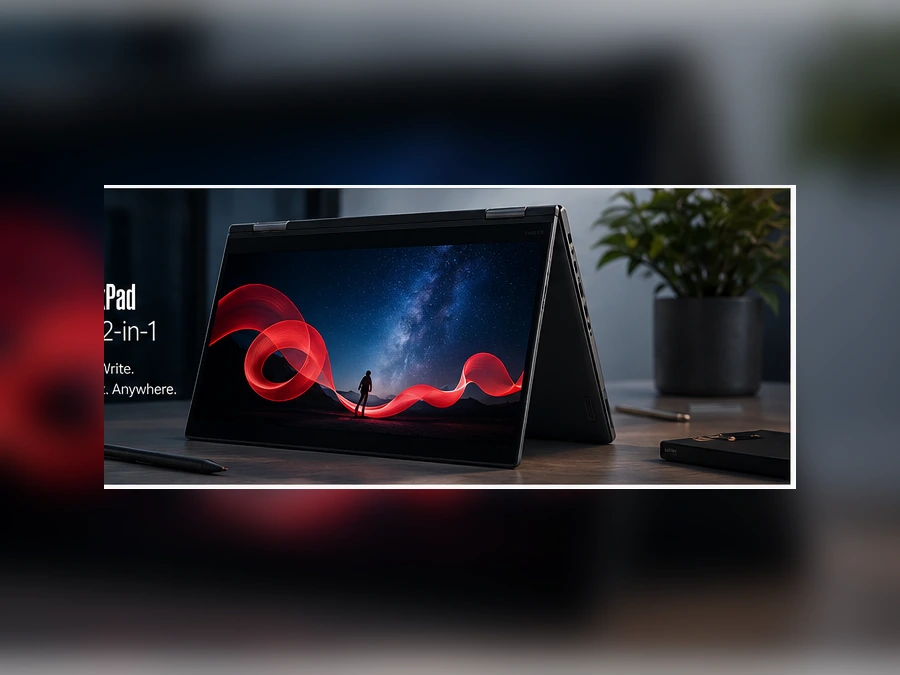
Lenovo ThinkPad X1 2-in-1
The ThinkPad X1 2-in-1 is designed for professionals who need more flexibility than a standard laptop provides. Its convertible hinge allows the device to adapt to different meetings, presentations and working environments.
It is particularly useful for users who regularly annotate documents, give presentations, review visual material or require direct touchscreen interaction.
- Convertible laptop and tablet-style design
- Responsive touchscreen configurations
- Useful for presentations and collaborative work
- Suitable for signing and reviewing documents
- Premium ThinkPad keyboard and business experience
WUXGA vs OLED: Which X1 Display Should You Choose?
The display affects image quality, battery usage, touch support and the overall price of the laptop.
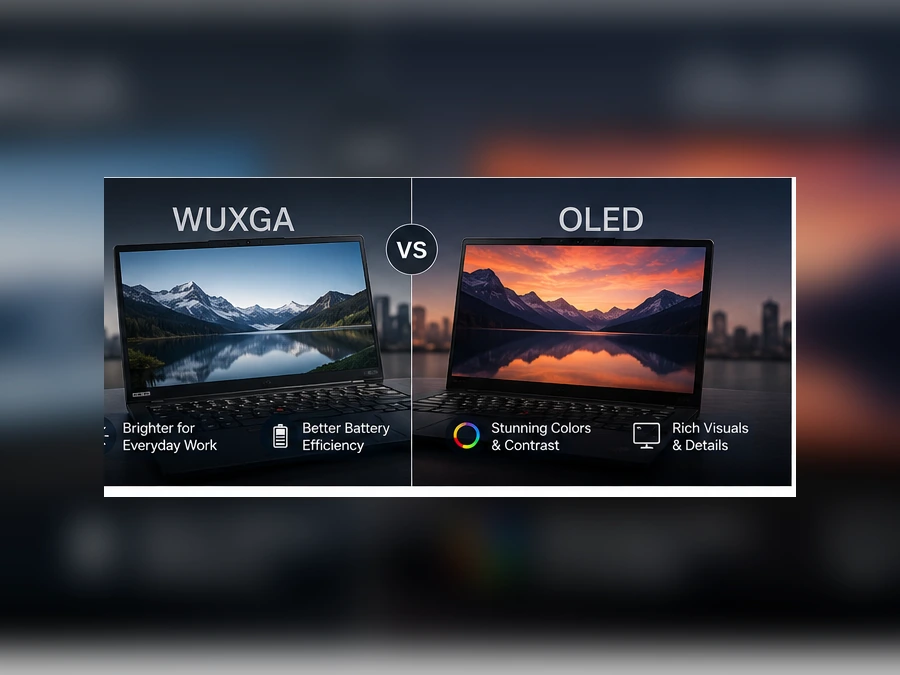
Choose WUXGA If:
You want a practical professional display for documents, spreadsheets, email, web applications and normal business work.
- You prioritise practical everyday productivity
- You want a more affordable configuration
- You frequently work with office applications
- You do not require maximum visual detail
Choose OLED If:
You want stronger contrast, richer colours and a premium visual experience for presentations, creative work and high-quality media.
- You value premium image quality
- You work with visual content
- You want a high-resolution display
- You are comfortable paying for a premium configuration
How Much RAM and Storage Do You Need?
Select the configuration according to your software, multitasking requirements and expected ownership period.
Which ThinkPad X1 Laptop Is Best for You?
| User Type | Recommended X1 | Recommended Configuration | Reason |
|---|---|---|---|
| Executive | X1 Carbon | 16GB or 32GB RAM, 512GB or 1TB SSD | Premium mobility and traditional productivity |
| Frequent Traveller | X1 Carbon | WUXGA display with practical storage | Portable and suitable for travel-focused work |
| Presenter or Trainer | X1 2-in-1 | Touch display, 16GB or 32GB RAM | Convertible presentation and viewing modes |
| Creative Professional | X1 Carbon OLED or X1 2-in-1 OLED | 32GB RAM and 1TB SSD | Premium display and greater multitasking capacity |
| Hybrid Worker | Either model | Choose according to touch requirements | Both support portable business productivity |
| Power User | X1 Carbon higher specification | 32GB or selected higher-memory configuration | More capacity for demanding professional applications |
Why Buy Lenovo ThinkPad X1 from House of Computers?
House of Computers supplies genuine Lenovo business laptops with manufacturer warranty options, expert buying guidance and UK-focused customer support.
Shop genuine Lenovo ThinkPad products through a trusted UK Lenovo technology supplier.
Get help selecting the right processor, memory, storage, display and warranty for your requirements.
Order online for UK delivery or explore available collection options from the Central London store.
Find Your Lenovo ThinkPad X1 Laptop
Compare ThinkPad X1 Carbon and X1 2-in-1 configurations for executive work, business travel, hybrid productivity and professional everyday performance.
Frequently Asked Questions
Is the ThinkPad X1 Carbon suitable for business use?
Yes. The X1 Carbon is designed for premium professional productivity and is particularly suitable for executives, consultants, managers and frequent travellers.
What is the difference between the X1 Carbon and X1 2-in-1?
The X1 Carbon uses a traditional clamshell laptop design. The X1 2-in-1 uses a convertible touchscreen design that can operate in laptop, tent, stand and tablet-style modes.
Is 16GB RAM enough for a ThinkPad X1?
16GB RAM is suitable for many professional users working with office applications, video meetings, web systems and normal multitasking. Heavier workloads may benefit from 32GB.
Should I choose a WUXGA or OLED display?
Choose WUXGA for practical everyday business productivity. Choose OLED when premium contrast, richer colours and high-resolution image quality are important.
Is the X1 2-in-1 useful for presentations?
Yes. Its convertible hinge allows different viewing modes, making it useful for presentations, customer demonstrations, collaborative work and touchscreen interaction.
Do ThinkPad X1 laptops come with Windows 11 Pro?
Many professional ThinkPad X1 configurations available from House of Computers include Windows 11 Pro. Always check the individual product specification before ordering.
What warranty comes with a Lenovo ThinkPad X1?
Warranty coverage varies by product configuration. Check the individual product title and specification for the exact Lenovo warranty or Premium Support period.
The Lenovo ThinkPad X1 Carbon is the stronger choice for executives, consultants and frequent travellers who want premium traditional laptop productivity in a portable design.
The Lenovo ThinkPad X1 2-in-1 is better for professionals who need touchscreen interaction, flexible presentation modes and the ability to switch between laptop and tablet-style use.
Before ordering, compare the processor, RAM, SSD capacity, display, touch support and warranty of the exact configuration.


