





Music Production PCs 2025: Discover the Best PC for Music Production, High Performance Studio Desktops & Custom Setups
Table of Contents
Ultimate Guide to Music Production PCs: Best Prebuilt, Custom & High-Performance Setups
A powerful music production PC is the backbone of every modern studio, whether you’re producing EDM, hip-hop beats, podcasts, orchestral scores, or professional mixes. Today’s producers need a system that handles large sample libraries, real-time plugins, DAWs, virtual instruments, and low-latency live recording without lag. That’s where choosing the best PC for music production becomes crucial — a machine that delivers smooth performance, high processing power, fast RAM speeds, and rock-solid stability throughout long sessions. Whether you prefer a custom music production PC, a prebuilt PC for music production, or a budget-friendly music production desktop, the right build can completely transform your workflow. Many creators now look for specs like Intel i7/i9 or AMD Ryzen processors, 32GB–64GB RAM, 1TB–2TB SSD, liquid cooling, and silent, optimized towers to ensure seamless recording, mixing, and mastering performance.
Why Music Producers Need a Specialized PC Setup
A dedicated audio production PC isn’t just about raw power — it’s about stability, silence, and workflow efficiency. Producers deal with complex sessions, heavy plugins, multilayered synths, and effects chains that demand consistent performance. That’s why many studio owners prefer high-performance desktops designed for creative workloads, offering better thermals and upgrade flexibility compared to laptops. A well-optimized studio desktop PC provides low-latency recording, fast sample loading, and smooth real-time playback even when projects grow to dozens of tracks. The combination of a strong CPU, reliable RAM, and fast SSD storage creates a balanced environment where your DAW can operate without the common stutters, dropouts, or buffer issues seen on regular office PCs. At the same time, not every producer needs a top-tier workstation. Entry-level creators can still achieve professional results with a budget-friendly production desktop that focuses on essential components rather than flashy extras. Even a mid-range system equipped with a solid quad- or hex-core processor, quiet cooling fans, and sufficient storage can handle most modern DAWs efficiently.

Choosing the Right Specs for a Music Production PC
When you’re building or buying a PC specifically for audio work, focusing on the right specifications will make a huge difference in the long run. A strong CPU is the heart of any digital audio workstation PC, with many producers gravitating toward processors like the Ryzen 7, Ryzen 9, or Intel Core i7 because they balance speed and multitasking power. Adequate memory is also crucial — 16GB RAM might be enough for light projects, but 32GB is ideal for larger sessions, and 64GB offers plenty of headroom for orchestral scoring or heavy sound design. Pairing this with a fast NVMe drive ensures smooth project loading and near-instant sample streaming, which is essential for modern libraries and virtual instruments.
Graphics performance is less important for audio tasks, but choosing a reliable card helps with displays, video editing, and other creative applications. Quiet cooling should also be a priority, especially if you record vocals or instruments in the same room. Silent fans, efficient airflow, or even a basic water-cooling system help maintain low noise levels. For producers who prefer a ready-to-use option, many prebuilt studio desktops come optimized for audio work right out of the box. Meanwhile, creators who enjoy customization can build a personalized studio workstation tailored exactly to their workflow, plugins, and long-term upgrade plans.
Optimizing a Music Production PC for Low Latency
Latency is one of the biggest frustrations producers face, and it often comes down to how well your audio workstation PC is configured. Even a powerful system can struggle if your drivers, buffers, and interfaces aren’t aligned properly. That’s why many professionals choose desktops built for low-latency performance, giving them smoother real-time monitoring during vocal recording, MIDI input, and live instrument tracking. A well-tuned studio production desktop reduces clicks, pops, and audio dropouts, allowing your DAW to run cleanly even when multiple tracks and plugins are active. Beyond hardware, optimizing your operating system and using the right audio interface can further improve responsiveness. Setting your PC to prioritize performance, disabling unnecessary background apps, and using ASIO drivers helps keep your workflow stable. Producers who invest in a low-latency recording PC often notice immediate improvements, especially when working with heavy virtual synths, drum samplers, or orchestral libraries. This is why many studios rely on desktops specifically designed for music creation — they’re engineered to deliver consistent, seamless performance session after session.
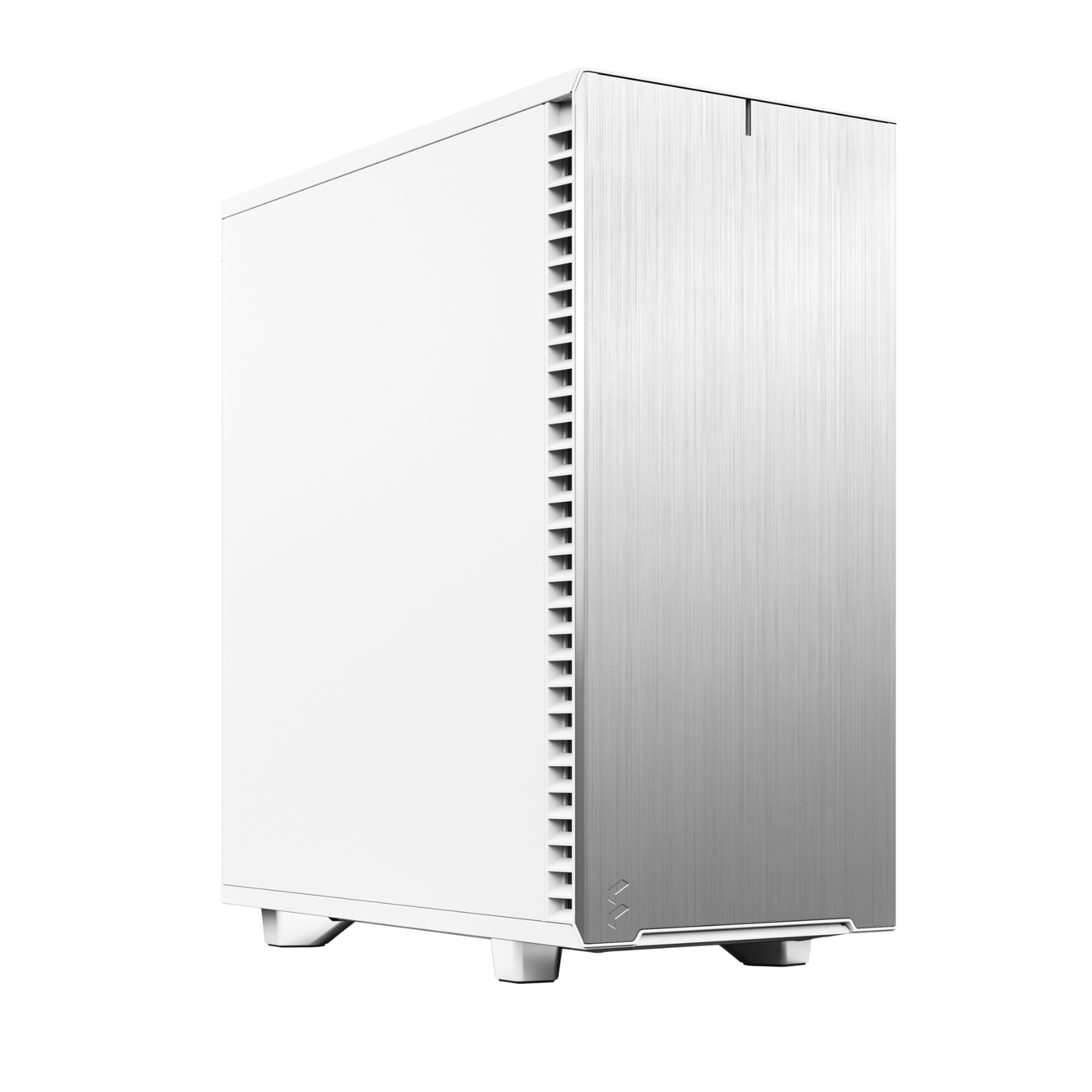
Upgrading Your Current Music Production Desktop
If you already have a desktop but feel it slowing down, upgrading might be a smarter move than replacing the whole system. Increasing RAM is one of the easiest ways to boost performance, especially for DAWs that load large sample banks. Upgrading to a faster SSD can also transform how quickly your projects open and how smoothly your libraries stream. Many creators enhance older setups by switching to a more efficient CPU cooler or adding silent fans to reduce noise during recording. These simple improvements can turn an aging machine into a reliable music creation PC again.
For more demanding projects, upgrading the CPU provides the most noticeable jump in processing power. This is especially helpful when you’re running dozens of plugins or mixing with real-time effects. If you work with video content or visual-heavy applications alongside your DAW, adding a better graphics card may also be worthwhile. An upgraded studio workstation desktop not only extends your system’s life but prepares it for larger, more ambitious projects as your skills grow.
Music Production PCs for Beginners vs. Professionals
Beginners often don’t need extremely high-end hardware. A simple entry-level music PC with a decent quad-core processor, 16GB RAM, and a fast SSD is enough for starting out in FL Studio, Reaper, or Ableton. These systems allow newcomers to experiment with plugins, learn basic mixing, and produce full tracks without constant freezes or slowdowns. An affordable setup gives new producers confidence while keeping costs low before they commit to a more advanced studio.
Professional producers, on the other hand, require a system that never slows down during heavy sessions. A pro-level audio workstation equipped with powerful multi-core CPUs, 32GB–64GB RAM, and multiple high-speed drives ensures smooth performance even with demanding orchestral templates or multitrack arrangements. These systems are designed to stay responsive while handling massive workflows with dozens of virtual instruments and automation layers. Investing in a reliable professional desktop ensures the stability and consistency needed for commercial work, client deadlines, and long production hours.
Silent Music Production PCs for Clean Recording
Silence is golden in a studio environment, especially when recording vocals or acoustic instruments. A silent studio PC built with noise-dampened cases, smooth airflow, and quiet fans helps keep background noise out of your microphone. Even little improvements, like using rubber-mounted drives or low-RPM cooling systems, can create a cleaner recording space. That’s why many creators choose towers designed specifically to minimize sound output — they ensure your performance is captured clearly without mechanical hum in the background.
A quiet build doesn’t have to be expensive. Many noise-optimized production desktops balance performance and acoustics by combining efficient cooling with insulated panels. For producers recording in the same room as their PC, silence becomes just as important as speed. This type of system allows you to track vocals, guitars, or podcast audio without introducing unwanted noise, making it ideal for home studios and small spaces.
Best Operating Systems for Music Production PCs
While Windows remains the most common platform for desktop-based studios, choosing the right version can impact stability and compatibility with your DAW. Many users prefer Windows versions optimized for performance, offering smoother plugin handling and better driver support. A well-configured Windows production PC gives you access to the full ecosystem of VSTs, sample libraries, and audio interfaces, making it a highly flexible option for modern studios.
Some producers also explore Linux-based setups, especially for lightweight recording and mixing environments. Linux can provide excellent stability and extremely low system overhead, though plugin compatibility is more limited. Regardless of the OS you choose, the key is to use one that aligns with your DAW, hardware, and long-term workflow. The best music workstation PC is one that stays stable, responsive, and compatible with your creative tools.
FAQS for Music Production PCs
Yes. Every Music Arc system is fine-tuned to work flawlessly with popular DAWs like FL Studio, Ableton Live, Pro Tools, Cubase, Logic Pro (Hackintosh capable), Studio One, Reaper, Bitwig, and more. We optimize power settings, BIOS configurations, and memory timings for maximum DAW stability.
Absolutely. With high-speed NVMe SSDs and up to 128GB DDR5 RAM, Music Arc systems load large libraries like Kontakt, Omnisphere, Keyscape, Serum, and orchestral instruments quickly and smoothly.
Yes — silence is a priority. We use silent cases, high-quality fans, and noise-dampening components to ensure ultra-quiet operation, perfect for vocal recording or mixing in a studio environment.
Definitely. All systems are built with future-proof components, making it easy to upgrade RAM, SSDs, GPUs, and even the CPU depending on the model.
No. Music production is CPU-heavy, not GPU-heavy. We include efficient GPUs only when needed for multi-monitor setups. CPU performance is the priority.
i5 (Audio Pro): For beginners & intermediate producers
i7 (Audio Core): For advanced producers with heavy projects
i9 (Audio Ultra): For orchestral scoring, huge sessions, film composing, or mastering engineers
Yes. Our systems fully support USB, USB-C, Thunderbolt, and PCIe audio interfaces. They are optimized for low-latency ASIO drivers.
Yes. Music Arc PCs can run DAWs, live plugins, virtual instruments, and streaming applications simultaneously without lag — ideal for live sets or Twitch sessions.
Every Music Arc PC comes with a 3-year warranty along with technical support from House of Computers.
Yes. We can build fully customized systems for home studios, professional recording studios, DJs, film composers, and podcasters. Just tell us your workflow, and we’ll tailor the build exactly to your needs.
Read More
The Ultimate Guide to Gaming PCs in 2025: BattleBox Pro V2, Eclipse Pro V2 & RTX 50 Series Power
Gaming PC Performance Guide: Specs That Actually Matter in 2025
White Gaming PC Excellence: Build the Ultimate Clean and Powerful Setup
Sword V2 – The Ultimate Budget Gaming PC for 2025
Build the Ultimate Custom Gaming PC: Max Performance, Customization & Value
BattleBox Pro V2 with RTX 50 Series GPU – The Ultimate 1440p Gaming and Streaming Powerhouse
Best Gaming PCs in the UK: Your Ultimate Guide to Prebuilt Gaming Desktops
Want The Best In Style & Performance? Invest In A White Gaming PC
Best Custom PC Builds for Call of Duty: Black Ops 6 from House of Computers UK
How To Build and Buy Pre-Built Gaming PCs: Everything You Need to Know
Embracing the Elegance of White Gaming PCs: A New Trend in Gaming Culture in the UK
White Gaming PC: Guide to Building an Ultimate White Gaming Rig


