





RTX 5060 vs RTX 5070 Gaming PC: Which Is Best for UK Gamers in 2026?
Compare gaming resolution, GDDR7 memory, ray tracing, DLSS, power requirements, processor pairings and overall value before choosing your next GeForce RTX gaming PC.
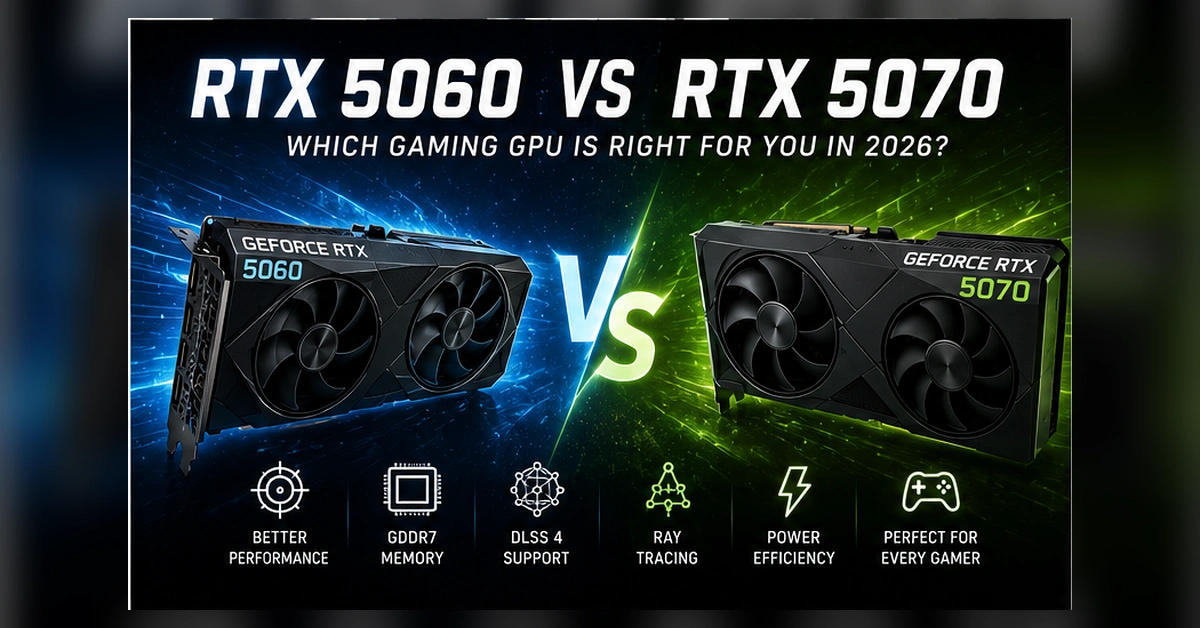
The NVIDIA GeForce RTX 5060 and RTX 5070 are both based on the Blackwell architecture, but they target noticeably different gaming-PC budgets and performance expectations.
The RTX 5060 is designed as the more accessible choice. Its 8GB of GDDR7 memory, lower power requirement and compact graphics-card options make it particularly attractive for responsive 1080p gaming systems and more affordable pre-built computers.
The RTX 5070 moves into a higher performance class with 12GB GDDR7 memory, more CUDA cores, a wider memory interface and considerably greater graphics power. It is more suitable for high-refresh 1440p gaming, demanding ray tracing, content creation and buyers who want additional performance headroom.
This comparison avoids unrealistic promises based on one benchmark. Actual frame rates vary according to the game, processor, graphics settings, cooling, driver version and whether technologies such as DLSS and Multi Frame Generation are enabled.
Quick Answer
Choose the RTX 5060 for an affordable, efficient gaming PC focused primarily on 1080p and selected 1440p gaming. Choose the RTX 5070 for high-refresh 1440p, heavier ray tracing, stronger creator performance, 12GB VRAM and greater long-term flexibility.
How the RTX 5060 and RTX 5070 Differ
Both graphics cards provide modern Blackwell technologies, but the RTX 5070 includes substantially more processing resources, more VRAM and a wider memory interface.
RTX 5060: Value and Efficiency
Best suited to budget-conscious gaming builds, high-refresh esports and mainstream 1080p gaming with lower system power requirements.
RTX 5070: Stronger 1440p Power
Offers more graphics processing capacity, 12GB VRAM and stronger headroom for demanding visual settings, ray tracing and creative workloads.
Shared Blackwell Features
Both support DLSS, Multi Frame Generation, fourth-generation ray-tracing cores, fifth-generation Tensor cores and ninth-generation NVENC.
RTX 5060 vs RTX 5070 Specifications
These are NVIDIA reference specifications. Clock speeds, card dimensions, cooling designs and connector arrangements can vary between ASUS, MSI, Gigabyte and other manufacturers.
| Specification | GeForce RTX 5060 | GeForce RTX 5070 |
|---|---|---|
| Architecture | NVIDIA Blackwell | NVIDIA Blackwell |
| CUDA Cores | 3,840 | 6,144 |
| AI Performance | 614 AI TOPS | 988 AI TOPS |
| Ray-Tracing Performance | 58 RT TFLOPS | 94 RT TFLOPS |
| Boost Clock | 2.50GHz reference specification | 2.51GHz reference specification |
| Memory | 8GB GDDR7 | 12GB GDDR7 |
| Memory Interface | 128-bit | 192-bit |
| Tensor Cores | Fifth generation | Fifth generation |
| Ray-Tracing Cores | Fourth generation | Fourth generation |
| NVIDIA Encoder | One ninth-generation NVENC | One ninth-generation NVENC |
| AV1 Encode and Decode | Supported | Supported |
| PCI Express | PCI Express Gen 5 support | PCI Express Gen 5 support |
| Total Graphics Power | 145W reference specification | 250W reference specification |
| Required System Power | 550W reference recommendation | 650W reference recommendation |
| Primary Gaming Target | 1080p Value | 1440p Performance |
Which GPU Fits Your Gaming Priorities?
GeForce RTX 5060
Best for buyers building a balanced gaming PC without spending heavily on graphics performance they may not use.
- Excellent focus on Full HD gaming
- Lower power and cooling requirements
- Suitable for popular competitive games
- Supports DLSS and Multi Frame Generation
- Good entry point into Blackwell features
- Best paired with a 1080p high-refresh monitor
GeForce RTX 5070
Best for gamers seeking stronger native rendering, heavier ray tracing and more flexibility for future titles and creative applications.
- Strong focus on high-refresh 1440p
- 12GB GDDR7 memory
- More CUDA and ray-tracing resources
- Better suited to demanding AAA games
- Greater creator and streaming headroom
- More appropriate for premium gaming builds
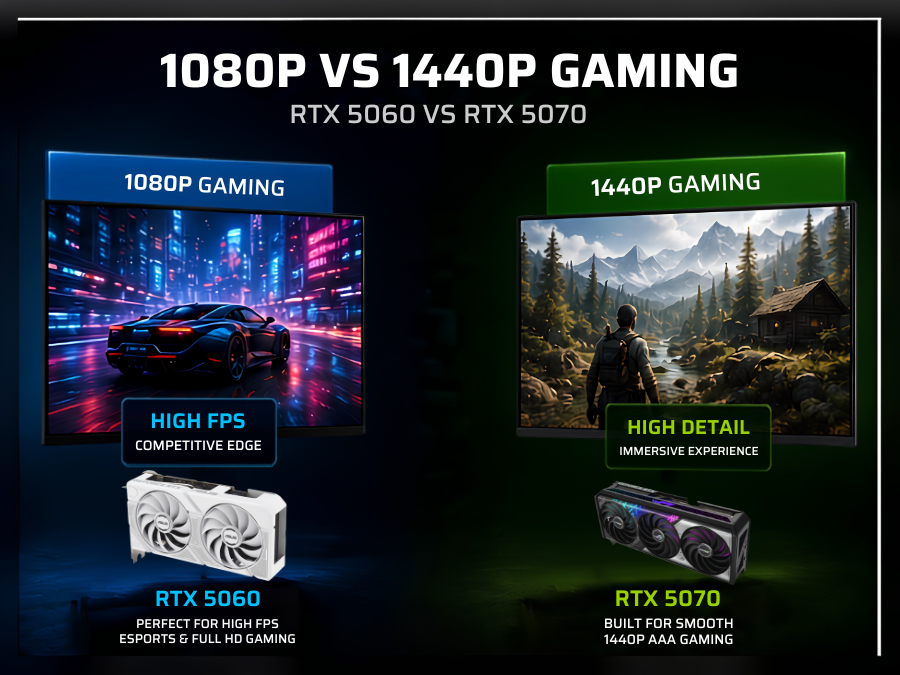
1080p vs 1440p Gaming Performance
The RTX 5060 makes the most sense with a Full HD monitor. At 1080p, it can concentrate its available resources on high frame rates instead of processing the additional pixels required by higher resolutions.
The RTX 5070 is better matched to a 2560 × 1440 display. Its additional cores, wider memory interface and 12GB memory provide more flexibility when higher-resolution textures, ray tracing and premium visual settings are used.
- RTX 5060 is primarily a 1080p-focused choice
- RTX 5070 is better suited to high-refresh 1440p
- Esports performance can also depend heavily on the CPU
- AAA performance varies significantly between games
- DLSS can improve performance at both resolutions
- Monitor refresh rate should influence the final choice
Which Resolution Should You Choose?
These recommendations describe the general position of each GPU rather than promising one exact frame rate in every game.
1080p Gaming
The most natural match for an RTX 5060 gaming PC, particularly for esports, mainstream AAA games and high-refresh monitors.
1440p Gaming
RTX 5060 can play at 1440p with sensible settings and supported upscaling, while RTX 5070 is the more confident long-term choice.
4K Gaming
Neither card should be treated as unlimited native-4K hardware. The RTX 5070 is more capable, particularly with optimised settings and supported DLSS features.
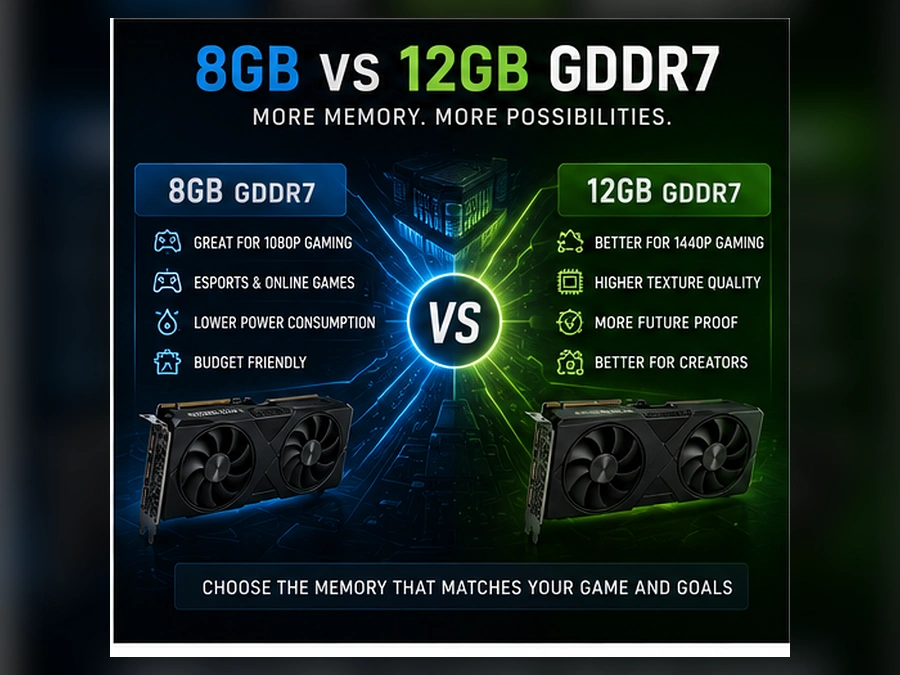
Is 8GB or 12GB VRAM Better?
The RTX 5060 includes 8GB of GDDR7 memory. This can be suitable for 1080p gaming, especially when texture quality and other memory-intensive settings are selected sensibly.
The RTX 5070 provides 12GB of GDDR7 memory. The additional capacity is useful for higher-resolution texture packs, ray-tracing data, 1440p gaming, creative applications and games that allocate more graphics memory.
- 8GB remains practical for many 1080p games
- Some demanding games may require texture adjustments
- 12GB provides more room for 1440p assets
- VRAM usage differs between game engines
- Modded games can use additional graphics memory
- VRAM capacity is not the only measure of GPU speed
DLSS, Multi Frame Generation and Ray Tracing
RTX 5060 and RTX 5070 support the same main Blackwell technology family, but the RTX 5070 has more hardware resources available when demanding effects are enabled.
DLSS Super Resolution
Renders internally at a lower resolution and uses NVIDIA technology to reconstruct a higher-resolution image, helping improve frame rates in supported games.
Multi Frame Generation
Supported games can generate additional frames to improve displayed smoothness. Base rendering performance and latency remain important considerations.
Ray Reconstruction
Uses AI-assisted reconstruction to improve supported ray-traced images and replace selected traditional denoising processes.
Fourth-Gen RT Cores
Both GPUs include fourth-generation ray-tracing cores, but the RTX 5070 provides substantially greater total ray-tracing performance.
Reflex Support
NVIDIA Reflex technology can help reduce system latency in supported competitive titles when configured correctly.
Game Ready Drivers
Both cards receive NVIDIA Game Ready drivers through the NVIDIA App, supporting optimisations and new-game compatibility.
Power Supply, Cooling and Case Airflow
NVIDIA lists 145W total graphics power and a 550W system-power recommendation for its RTX 5060 reference specification. This makes it easier to place in affordable systems with modest cooling requirements.
The RTX 5070 reference specification rises to 250W total graphics power with a 650W system-power recommendation. A quality power supply, appropriate connector arrangement and stronger case airflow are therefore more important.
- Check the exact GPU manufacturer specification
- Use a reputable power supply rather than wattage alone
- Confirm case clearance before purchasing
- Do not tightly bend high-power GPU cables
- Keep front intake and rear exhaust paths unobstructed
- Higher-power processors can increase total PSU demand
How Much Power Does Each GPU Need?
RTX 5060 System
550WNVIDIA’s reference system-power recommendation. The final requirement can change according to the processor, cooling, storage and factory-overclocked card.
- 145W reference total graphics power
- Lower heat output than RTX 5070
- Suitable for compact balanced builds
- Quality 550W–650W PSU often makes sense
RTX 5070 System
650WNVIDIA’s reference system-power recommendation. Premium processors, additional drives and overclocked cards may justify a higher-capacity power supply.
- 250W reference total graphics power
- Requires stronger case airflow
- Connector type can vary by card manufacturer
- Quality 650W–750W PSU may provide useful headroom
Best Processor Pairings for RTX 5060 and RTX 5070
The processor should match the graphics card, resolution and target refresh rate. Competitive 1080p gaming can be more processor-sensitive than graphically demanding 1440p gaming.
Ryzen 5 with RTX 5060
A sensible combination for balanced 1080p systems, mainstream gaming and users who want to direct more of the total budget towards practical essentials.
Core i5 or Core Ultra 5 with RTX 5060
Suitable for esports, gaming, school or university work and normal productivity without creating an unnecessarily expensive build.
Ryzen 7 with RTX 5070
A strong pairing for high-refresh 1440p gaming, streaming and buyers who keep multiple applications open while playing.
Ryzen X3D with RTX 5070
Appropriate for premium gaming builds where very high frame rates, simulation games and strong gaming-focused CPU performance are priorities.
Streaming, Video Editing and Content Creation
Both GPUs include a ninth-generation NVIDIA encoder and support AV1 encoding. This makes either card useful for gameplay capture, live streaming and supported creative applications.
Modern Video Encoding
AV1 support can provide efficient video compression for compatible streaming, recording and editing workflows.
Casual Streaming
RTX 5060 is suitable for gaming, occasional streaming, social-media editing and normal creator workloads within an affordable build.
Heavier Creator Work
More CUDA resources and 12GB VRAM give the RTX 5070 greater flexibility for accelerated effects, 3D applications and demanding editing projects.
Which Graphics Card Should You Buy?
Budget 1080p Gamer
Choose RTX 5060 and invest the remaining budget in a quality processor, 16GB or 32GB RAM, an NVMe SSD and a high-refresh Full HD monitor.
Competitive Esports Player
RTX 5060 can be an excellent option, but make sure the processor is strong enough to support the high frame rates expected from competitive settings.
High-Refresh 1440p Gamer
Choose RTX 5070 for more consistent QHD performance, greater graphics headroom and more flexibility with high-quality textures and ray tracing.
AAA and Ray-Tracing Enthusiast
RTX 5070 is the stronger choice because ray-traced effects and premium graphics settings place greater demands on the GPU.
Streamer or Content Creator
Both cards support modern encoding, but RTX 5070 provides more headroom for gaming and accelerated creative tasks at the same time.
Long-Term Premium Buyer
RTX 5070 provides more VRAM and processing resources. However, the complete PC specification and upgrade quality remain as important as the GPU name.
RTX 5060 vs RTX 5070 Recommendation Table
| Buyer Type | Recommended GPU | Suggested System | Main Reason |
|---|---|---|---|
| Affordable Gaming PC | RTX 5060 | Ryzen 5/Core i5, 16GB RAM, 1TB SSD | Strong value for mainstream 1080p gaming |
| High-Refresh Esports | RTX 5060 or RTX 5070 | Strong modern CPU and high-refresh display | Choice depends on resolution and target frame rate |
| 1440p AAA Gaming | RTX 5070 | Ryzen 7/Core Ultra 7, 32GB RAM, 1TB–2TB SSD | More processing power and 12GB VRAM |
| Ray-Traced Gaming | RTX 5070 | Well-cooled PC with a quality 650W+ PSU | Greater ray-tracing processing capacity |
| Gaming and Streaming | RTX 5070 | Eight-core-class CPU and 32GB RAM | More multitasking and graphics headroom |
| Lower-Power Compact PC | RTX 5060 | Airflow-focused compact chassis | Lower graphics power and easier cooling |
RTX 5060 and RTX 5070 Gaming PCs
A gaming PC should be judged as a complete system. Processor, memory, storage, motherboard, cooling, power supply and case airflow all influence the final experience.
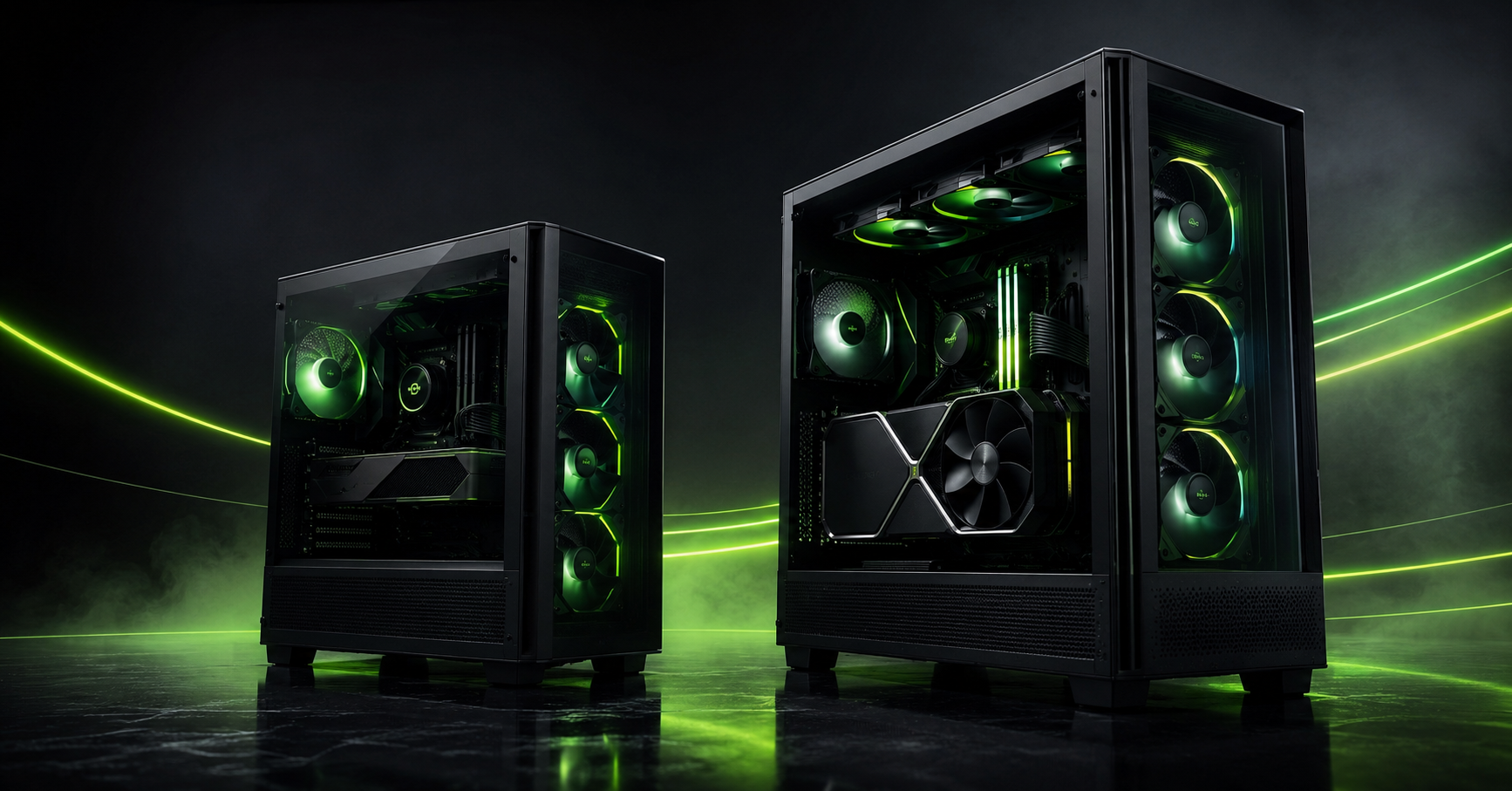
Gaming PC Examples to Compare
These examples illustrate the different system levels available. Specifications, stock, pricing and delivery estimates can change, so check each live product page before ordering.
Sword V2 Gaming Desktop PC
A value-focused RTX 5060 gaming system designed for buyers who want modern graphics features inside a distinctive panoramic gaming case.
- AMD Ryzen 7-5700X processor
- NVIDIA GeForce RTX 5060 8GB
- 16GB system memory
- 1TB SSD storage
- Windows 11 Pro
BattleBox Pro 5
A balanced Blackwell gaming and productivity system combining an RTX 5060 with a modern Intel Core Ultra platform.
- Intel Core Ultra 5 processor
- NVIDIA GeForce RTX 5060 8GB
- DDR5 memory configuration
- 1TB SSD storage
- Windows 11 Pro
BattleBox Pro V2
A higher-performance gaming system designed around Ryzen 7 processing, RTX 5070 graphics and a generous modern memory and storage configuration.
- AMD Ryzen 7-9700X processor
- NVIDIA GeForce RTX 5070 12GB
- 32GB DDR5 RGB memory
- 2TB M.2 SSD storage
- Windows 11 Professional
BattleBox Pro Vengeance
An RTX 5070 desktop aimed at gamers who prioritise stronger graphics performance while retaining a practical overall system configuration.
- AMD Ryzen 5-5600X processor
- RTX 5070 12GB OC graphics
- 32GB DDR4 memory
- 1TB SSD storage
- Windows 11 Pro
Why Buy an RTX Gaming PC from House of Computers?
House of Computers offers RTX gaming desktops across multiple performance levels, including affordable systems, premium BattleBox configurations and high-end gaming PCs.
Compare processor, memory, storage, power supply, cooling and graphics specifications before ordering.
Choose complete gaming desktops assembled for compatibility, airflow and dependable everyday use.
Order online for UK delivery or check available collection options from the Central London store.
Find the Right RTX Gaming PC for Your Setup
Explore RTX 5060 and RTX 5070 gaming desktops built for Full HD esports, high-refresh 1440p, streaming, content creation and next-generation AAA games.
Frequently Asked Questions
Is RTX 5070 better than RTX 5060?
Yes, the RTX 5070 is the more powerful GPU. It includes more CUDA cores, higher AI and ray-tracing performance, 12GB GDDR7 memory and a wider memory interface. The RTX 5060 remains the more affordable and efficient choice.
Is RTX 5060 good for 1080p gaming?
RTX 5060 is primarily suited to 1080p gaming. Actual results depend on the game, processor, graphics settings, drivers and whether supported DLSS features are enabled.
Is RTX 5070 suitable for 1440p gaming?
Yes. High-refresh 1440p is the most natural target for an RTX 5070 gaming system. Demanding ray-traced titles may still benefit from DLSS and carefully selected settings.
Can the RTX 5060 play games at 1440p?
It can run many games at 1440p, but the best settings depend on the title. More demanding games may require reduced texture or ray-tracing settings and supported upscaling technology.
Is 8GB VRAM enough for gaming?
8GB can remain suitable for many 1080p games, but some newer titles, high-resolution textures and ray-traced settings may require careful adjustment. The RTX 5070’s 12GB provides more flexibility.
Is RTX 5070 good for 4K gaming?
RTX 5070 can provide playable 4K experiences in selected games, particularly with optimised settings and supported DLSS features. It should not be considered unlimited native-4K hardware for every demanding title.
What power supply does RTX 5060 need?
NVIDIA lists a 550W required-system-power figure for its reference specification. The correct PSU depends on the processor, exact graphics card, factory overclocking and other components.
What power supply does RTX 5070 need?
NVIDIA lists a 650W required-system-power figure for its RTX 5070 reference specification. Premium processors, overclocked cards and additional hardware can justify greater capacity.
Does RTX 5060 support DLSS and ray tracing?
Yes. RTX 5060 supports DLSS, Multi Frame Generation, ray reconstruction and fourth-generation ray-tracing cores. Feature availability depends on individual games.
Which GPU is better for streaming?
Both provide ninth-generation NVENC and AV1 encoding. RTX 5060 is suitable for casual streaming, while RTX 5070 provides additional gaming and creative-performance headroom.
Should I buy an RTX 5060 or save for RTX 5070?
Buy RTX 5060 when your main target is affordable 1080p gaming. Save for RTX 5070 when you use a 1440p monitor, want stronger ray tracing or expect to run more demanding games and creator application
The RTX 5060 is the better value option for gamers building an efficient 1080p system. It supports the core Blackwell feature set, requires less power and allows more of the overall budget to be spent on a balanced processor, SSD and monitor.
The RTX 5070 is the stronger recommendation for high-refresh 1440p, demanding AAA games, heavier ray tracing and content creation. Its additional processing resources and 12GB GDDR7 memory provide greater flexibility than the RTX 5060.
The final decision should be based on the complete gaming PC, not the GPU name alone. A quality processor, suitable power supply, dependable cooling, enough memory and fast SSD storage are essential to achieving a balanced and reliable system.


